You need to enrich 50,000 records per month through your application. The marketing team wants real-time form enrichment. The sales team wants batch processing for their weekly lists. The data team wants a clean REST API they can integrate into their pipeline without learning a new SDK. You need an enrichment API, not a spreadsheet tool with an API bolted on.
This guide is for developers evaluating enrichment APIs. Not marketers comparing dashboards. We cover response times, data models, authentication patterns, rate limits, error handling, and the actual developer experience of working with these APIs in production.

The Bottom Line
Developer experience varies wildly. Some APIs return clean JSON with consistent schemas. Others return nested objects that change structure based on what data they found.
Match rate matters more than response time. A 50ms API that misses 40% of your records is worse than a 200ms API that matches 85%.
Multi-provider APIs solve the coverage problem. Instead of building your own waterfall across 5 providers, use an API that cascades internally.
Per-result pricing saves money at scale. APIs that charge per request regardless of results waste 30 to 40% of your budget on empty responses.
What to Evaluate in an Enrichment API
1. Data Model and Response Schema
The most important thing for developers isn't match rate or pricing. It's the response schema. A clean, consistent schema means less parsing logic, fewer edge cases, and faster integration.
What to look for:
Consistent field names: Does `job_title` always appear, even when empty? Or does the field disappear from the response?
Typed fields: Are numbers returned as numbers or strings? Are dates ISO-formatted?
Nested vs. flat: Deeply nested objects require more parsing. Flat responses are easier to map to database columns.
Null handling: Does the API return `null` for missing fields or omit them entirely?
2. Authentication and Rate Limits
Factor | Good | Bad |
|---|---|---|
Auth method | API key in header, OAuth for multi-tenant | API key in URL parameters (security risk) |
Rate limits | Clear documentation, per-second and per-day limits | Undocumented limits that trigger 429s without warning |
Rate limit response | Retry-After header, clear error message | Generic 429 with no guidance on when to retry |
Sandbox/test mode | Free test endpoint with sample data | No way to test without burning production credits |
3. Response Time
Under 200ms: Suitable for real-time form enrichment, chatbot enrichment, lead routing
200ms to 1 second: Fine for CRM enrichment on record creation
1 to 5 seconds: Acceptable for background enrichment jobs
5+ seconds: Batch processing only. Not suitable for synchronous workflows.
Important: response time and match rate often trade off. Cached data returns faster but may be stale. Live queries take longer but return fresher results. Understand which your API is doing.
4. Error Handling
How an API behaves when things go wrong matters more than how it behaves when things go right:
Timeout behavior: Does the API return a partial result or fail the entire request?
Upstream failures: If a data provider in the waterfall is down, does the API skip it gracefully or return an error?
Credit deduction on failure: Are you charged for requests that fail due to API issues (not data gaps)?
Webhook callbacks: For async enrichment, does the API support webhooks or only polling?

Top Enrichment APIs for Developers (2026)
Databar API
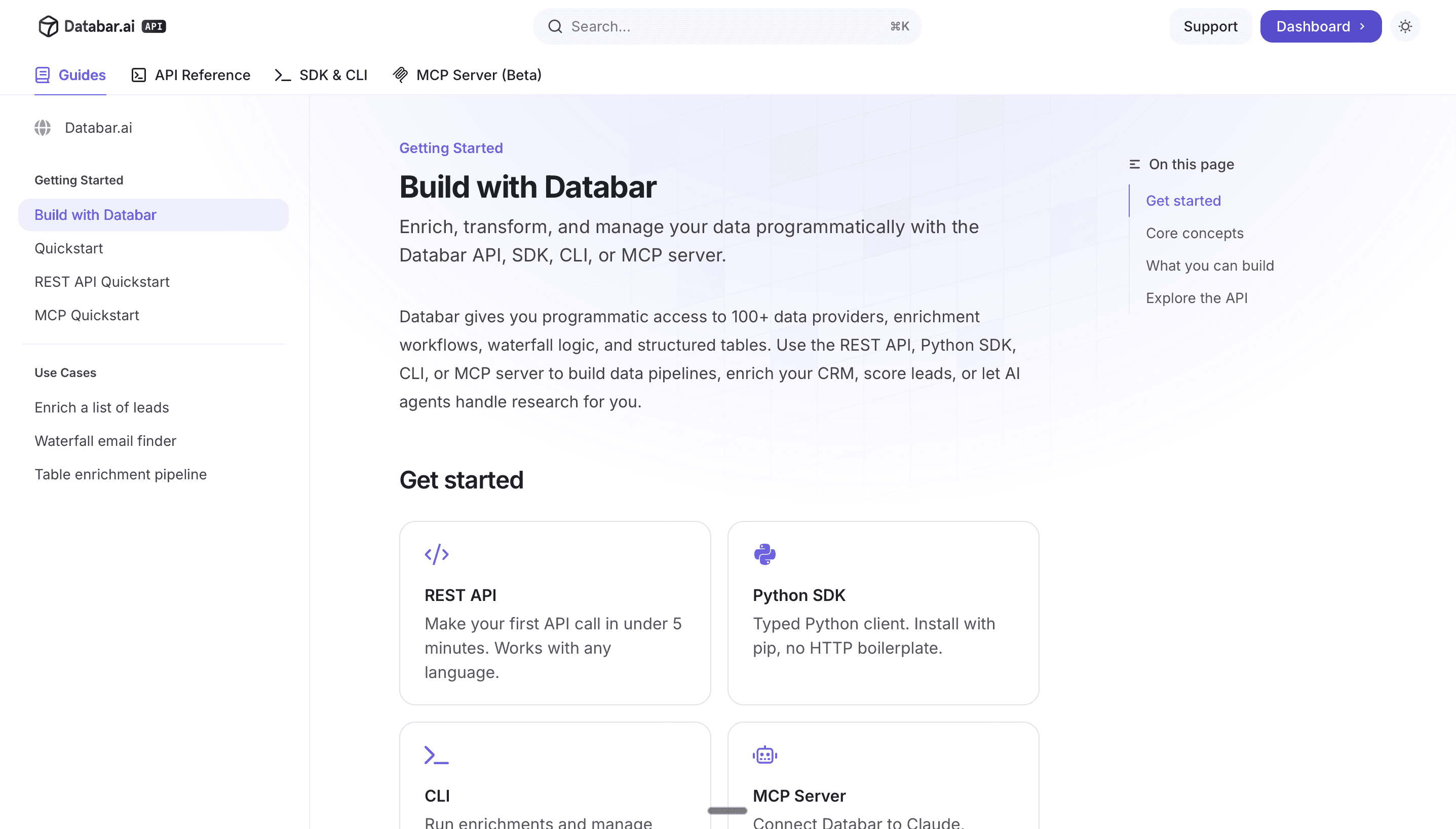
Best for: Multi-source enrichment through a single endpoint. Teams that need waterfall coverage without managing multiple provider integrations.
Providers: 100+ data sources through one API
Pricing: Starting at $99/month. Only pay if data is successfully returned
SDKs: Python, Node.js, REST
Special: MCP server for AI agent integration. No annual contracts.
Response time: Varies by provider chain.
Developer experience: Clean REST API. Send a domain or email, get back a structured JSON response with contact and company data. The waterfall happens internally so you don't need to build cascading logic yourself. Read the API guide for code examples.
Apollo API
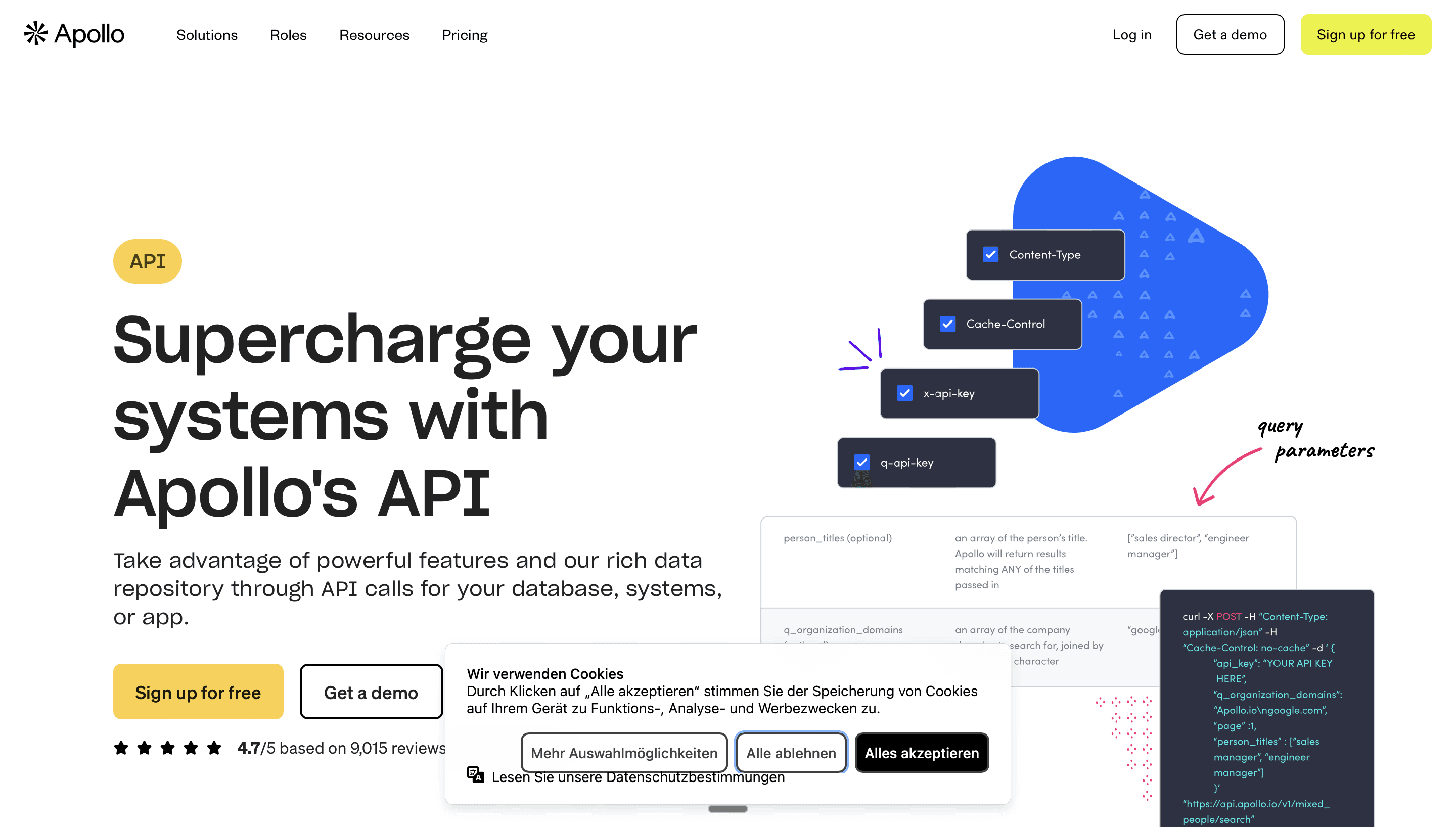
Best for: Teams already using Apollo for prospecting who want API access to the same database.
Database: 275M+ contacts
Pricing: Included in paid plans. Credits per enrichment.
SDKs: REST only
Response time: Fast (cached database)
Developer experience: Straightforward REST API. Single-source database, so coverage is limited to what Apollo has. Good for quick lookups, less reliable for niche ICPs.
People Data Labs (PDL)
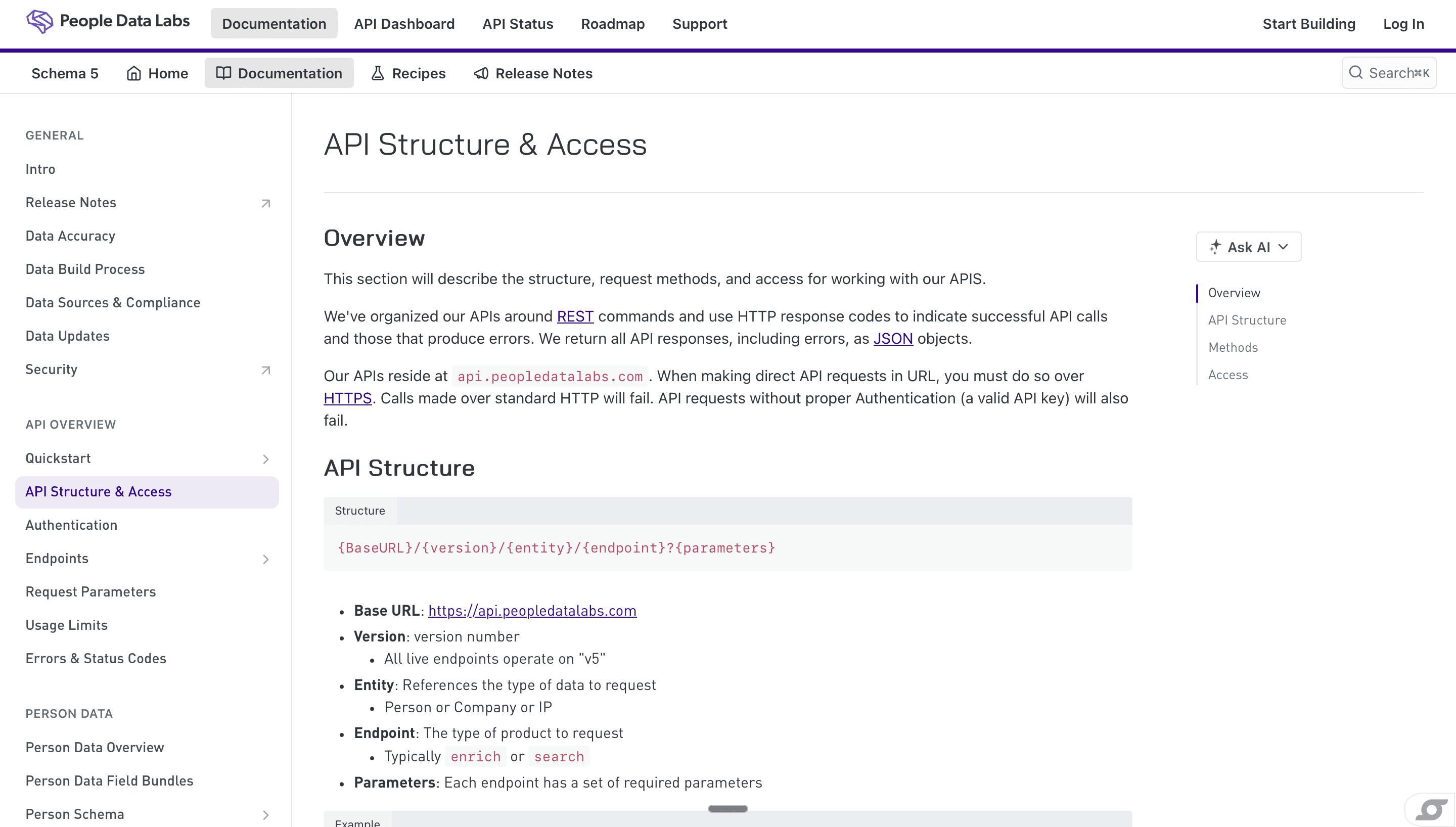
Best for: Developers building data products who need raw coverage at scale. 3.1B+ person profiles.
Database: 3.1B+ people, 50M+ companies
Pricing: Per-record. Volume discounts.
SDKs: Python, Node, Ruby, Go
Response time: Sub-200ms (cached)
Developer experience: The most developer-friendly API in the space. Clean documentation. Consistent schemas. Excellent SDKs. The trade-off: single source, so coverage for specific segments can vary.
>> Get started with People Data Labs inside Databar today >>
Clearbit (now HubSpot)
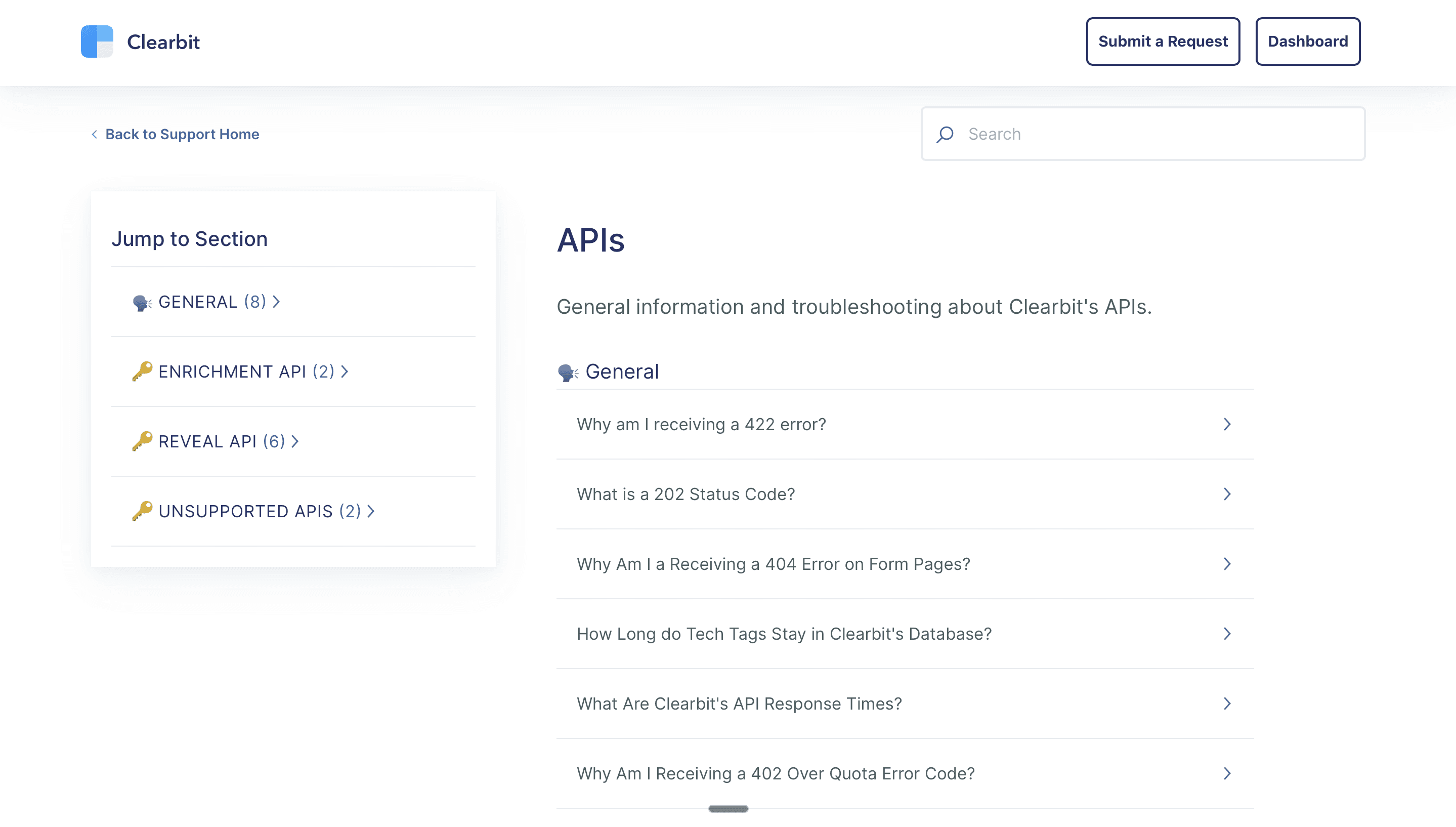
Best for: HubSpot users who want native enrichment within their CRM.
Sources: 250+ proprietary and external sources
Pricing: Included in HubSpot plans or standalone
SDKs: REST, Node, Ruby
Response time: Sub-200ms for cached, longer for live queries
Developer experience: Clean API with good documentation. The HubSpot acquisition means tighter CRM integration but potential vendor lock-in. Less useful if you're not on HubSpot.
Building a Production Enrichment Pipeline
Architecture Pattern: Real-Time Form Enrichment
Latency budget: under 2 seconds total. The enrichment API call should take under 500ms to keep the user experience smooth.
Architecture Pattern: Batch Processing
Key considerations: respect rate limits, implement exponential backoff, handle partial failures gracefully, and store raw API responses for debugging.
Architecture Pattern: CRM Enrichment on Create
Keep the function idempotent. CRM webhooks can fire multiple times for the same event. Deduplicate by record ID before calling the enrichment API.
FAQ
Which enrichment API has the best developer experience?
People Data Labs has the cleanest SDKs and documentation for single-source enrichment. Databar has the best multi-source API because the waterfall logic is handled internally. You make one call and get results from whichever provider has the data.
Should I use one enrichment API or multiple?
If you use a single-source API, you're limited to that provider's coverage (typically 40 to 60%). Multi-source APIs like Databar cascade across 100+ providers internally, giving you 70 to 85%+ coverage from a single integration. Build against one API, get coverage from many.
How do I handle enrichment API rate limits?
Implement a queue-based architecture with rate limiting at the worker level. Use exponential backoff on 429 responses. Respect Retry-After headers. For batch jobs, pace requests to stay within documented limits rather than hitting the ceiling and backing off.
What's the cost of enrichment APIs at scale?
Per-call pricing ranges from $0.01 to $0.10 depending on data type. Per-result pricing (only pay for successful enrichments) typically costs $0.02 to $0.15 per result. At 50,000 enrichments per month, expect $500 to $2,500/month depending on data depth.
Can I use enrichment APIs with AI agents?
Yes. Databar offers an MCP server that lets AI agents (Claude Code, custom agents) call enrichment APIs as part of their reasoning chain. This enables agentic workflows where the AI researches a prospect, enriches their data, and drafts personalized outreach in one flow.
Also Interesting
Recent articles
See all