Your demo ran on three contacts. Production runs on a thousand. The first time an API rate-limits you mid-batch, the agent stops returning data, the campaign sits half-built, and a sales rep asks why nothing landed in the CRM. That is when teams stop comparing data providers and start comparing infrastructure providers. The best APIs for production GTM are not the ones with the prettiest pricing pages. They are the ones that stay up when you actually need them.
Most API roundups skip this part entirely. They compare data coverage, pricing, and feature lists. None of those tell you whether the API will survive a 10,000-row batch on a Friday afternoon. Here is the honest read on what actually matters at scale, and how 8 of the most-used GTM data APIs compare on the dimensions that break in production.

What Makes the Best APIs for Production GTM Different
Four things separate a production-grade API from a demo-grade one. Use these as your evaluation framework.
Rate limits with headroom. Anything under 60 requests per minute will throttle a real batch job within seconds. Production APIs document burst limits, sustained limits, and what happens when you hit them. APIs without published limits usually have low ones they would rather not advertise.
Retry and fallback behavior. Every API fails sometimes. The good ones retry transient errors automatically and tell you which calls fell through. The bad ones return a 500 once and leave the agent stuck. Aggregators like Databar add waterfall fallback, so if one provider misses, the next one tries.
Webhook reliability. Asynchronous workflows depend on webhooks firing. Production APIs sign their webhooks, retry failed deliveries, and let you replay missed events. The ones that drop webhooks silently are the ones that destroy CRM hygiene at scale.
Documented SLA. Most data APIs do not publish formal SLAs at the entry tier. Enterprise tiers usually do. The gap matters when your campaign depends on the API. Aggregators that route across many providers can keep response rates high even when a single upstream provider is down.
The MCP vs SDK vs API decision framework covers when raw API access wins over MCP for production workloads.

Comparison Table
API | Best for | Rate limits | Retry / fallback | SLA tier |
|---|---|---|---|---|
Databar API | Aggregated, multi-source production workflows | Generous, documented | Built-in waterfall + caching | Available with paid plans |
ZoomInfo API | US enterprise data depth | Tier-dependent | None (single source) | Enterprise contracts only |
Apollo API | US mid-market contact + company | Strict on lower tiers | None (single source) | Standard support |
Cognism API | GDPR-compliant EMEA data | Tier-dependent | None (single source) | Enterprise SLA available |
Hunter API | Email finding and verification | Strict per-second limits | None (single source) | No published SLA at entry tier |
People Data Labs API | Identity data at scale | Generous bulk endpoints | None (single source) | Enterprise SLA available |
Prospeo API | LinkedIn-first email + mobile | Tiered monthly credits | Internal cascade across methods | Standard support |
Lusha API | Sales-team enrichment | Strict on lower tiers | None (single source) | Enterprise SLA available |
Databar API
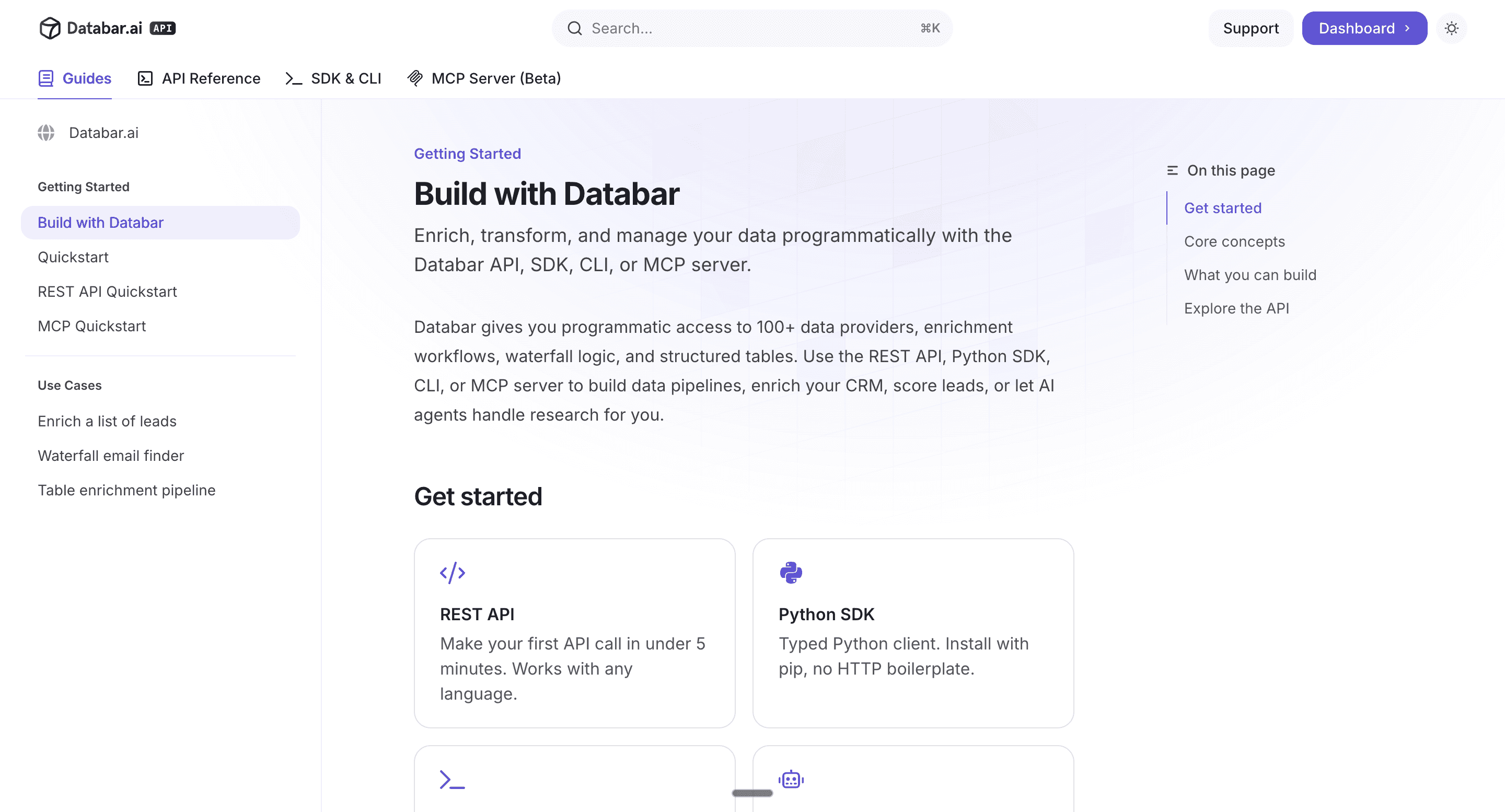
Best for: Production GTM workflows that need multi-source coverage and reliability built in
Databar is an aggregator API. One endpoint sits in front of 100+ data providers. The agent or script makes one call. Databar handles routing, fallback, caching, and verification across the providers behind it. For production use, that turns into two concrete reliability properties that single-provider APIs cannot match.
Waterfall fallback. When provider A returns no result, the request cascades to B, C, and D until one comes back verified. The agent never has to write that logic itself.
One contract, one auth, one schema. Most production-reliability problems come from juggling 5 to 10 providers each with their own quirks. Databar collapses them into one API surface.
Pricing: 14-day free trial with full API access. Outcome-based billing - you only pay when data is successfully returned. Self-serve signup at build.databar.ai takes under two minutes.
Pros:
Only API in this list with built-in waterfall, caching, and verification
Match rates around 85% across waterfalls, vs around 50% on single-source
Same surface works for MCP-native agents, Python SDK, and REST API
Cons:
Choosing the right provider per use case has a small learning curve (100+ options)
ZoomInfo API
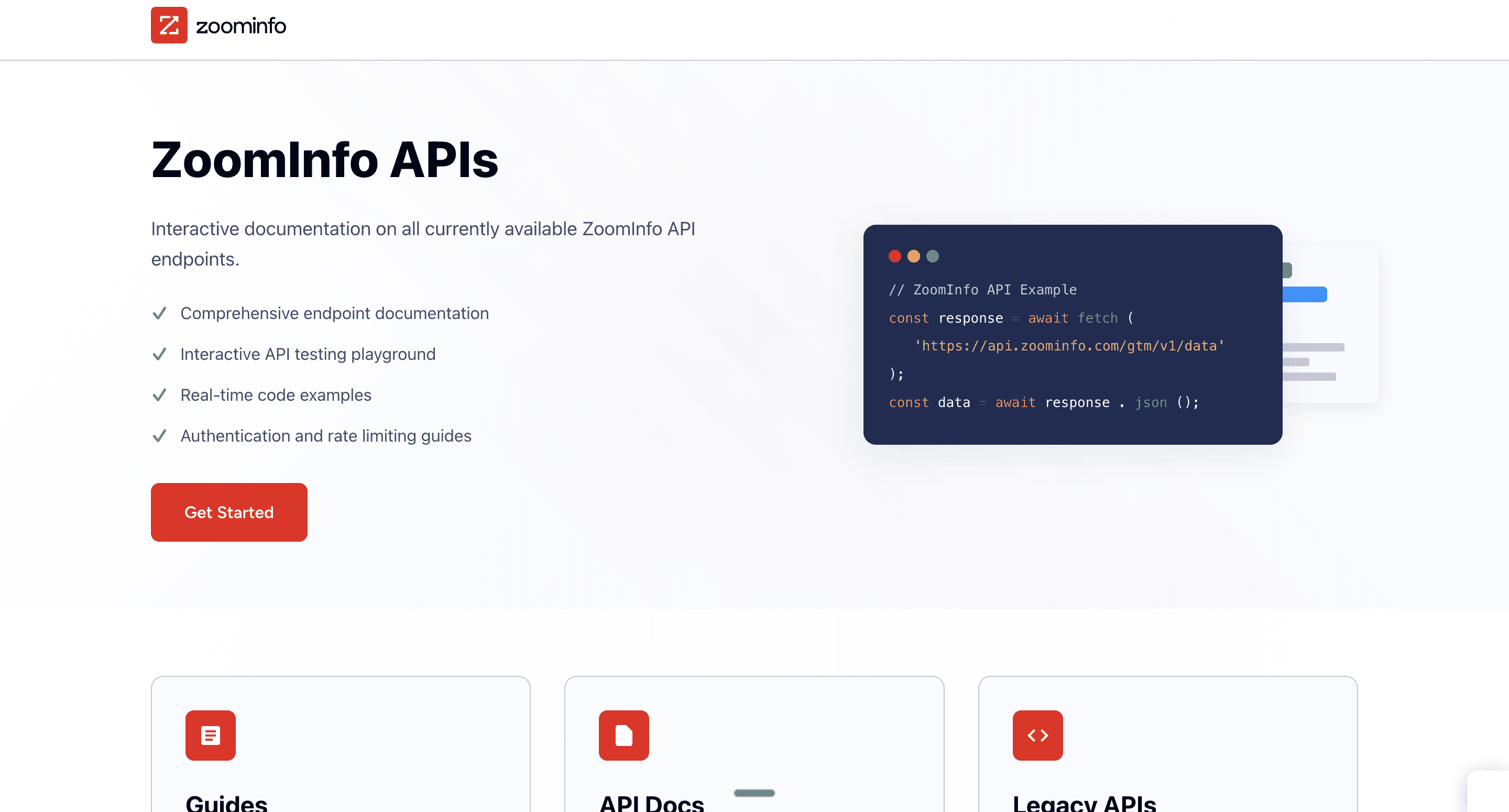
Best for: Production workloads in US enterprise sales
ZoomInfo's API is the deepest single-source B2B database for US enterprise. Production reliability is generally solid at the enterprise tier, with documented SLAs and decent rate limits. The friction is procurement: enterprise contracts, multi-year commits, and rigid licensing that does not map cleanly to agent-driven consumption.
Pricing: Enterprise contracts, typically five figures annually.
Pros:
Deepest US enterprise contact and intent data
Enterprise SLA available, documented uptime targets
Cons:
No native fallback; if ZoomInfo misses a record, your workflow returns blank
Procurement cycle is the opposite of pay-as-you-go
Apollo API
Best for: US mid-market contact and company lookups
Apollo is the most common starting point after teams move off ZoomInfo. The API works fine for moderate volume. The reliability concern in production is the per-tier rate limit. Lower tiers throttle aggressively, which means a 1,000-row batch can take an hour instead of minutes if you do not buy up. Single source means if Apollo misses, the agent has nothing.
Pricing: Starting around $49/seat/mo. Free tier available for testing.
Pros:
Solid US mid-market coverage
Reasonable docs and quick setup
Cons:
Lower-tier rate limits hurt production batch jobs
No fallback when Apollo misses; this is the core argument in why single-source data breaks every AI agent at scale
Cognism API
Best for: Production workflows that need GDPR-compliant EMEA coverage
Cognism's API is built around compliance and verified mobile numbers. Production reliability is good at higher tiers, with enterprise SLAs available. The constraint is that you still need a complementary provider for North American depth or non-EMEA segments. Treat Cognism as the EMEA arm of a multi-source stack, not as a standalone API.
Pricing: Enterprise contracts; mid-five to six figures annually.
Pros:
Best-in-class EMEA compliance and phone-verified data
Enterprise SLA available
Cons:
Procurement-heavy
Single source; needs a complementary provider for global coverage
Hunter API
Best for: Lightweight email finding and verification
Hunter is the cleanest narrow-purpose email API. Production reliability is generally good for the workload it is designed for. The reliability concern is per-second rate limits on lower tiers, which can choke higher-volume batches. No SLA at the entry tier; that lives on enterprise plans only.
Pricing: From $34/mo. Free tier with limited credits.
Pros:
Reliable email verification with simple docs
Predictable pricing
Cons:
Email only; no contact, company, or signal data
Strict rate limits on lower tiers
People Data Labs API
Best for: B2B identity data at high volume
PDL is built for batch and high-volume identity matching. Production reliability tends to be solid; bulk endpoints have generous rate limits relative to single-call APIs. The trade-off is that PDL is a single source, so for any field PDL does not have, the workflow returns nothing. Pair it with another provider for waterfall coverage.
Pricing: Tiered subscription with usage-based scaling.
Pros:
Generous rate limits and bulk endpoints for batch workloads
Enterprise SLA available
Cons:
Single source; coverage gaps require a complementary provider
Less useful for narrow workflows than for breadth-heavy use cases
Prospeo API
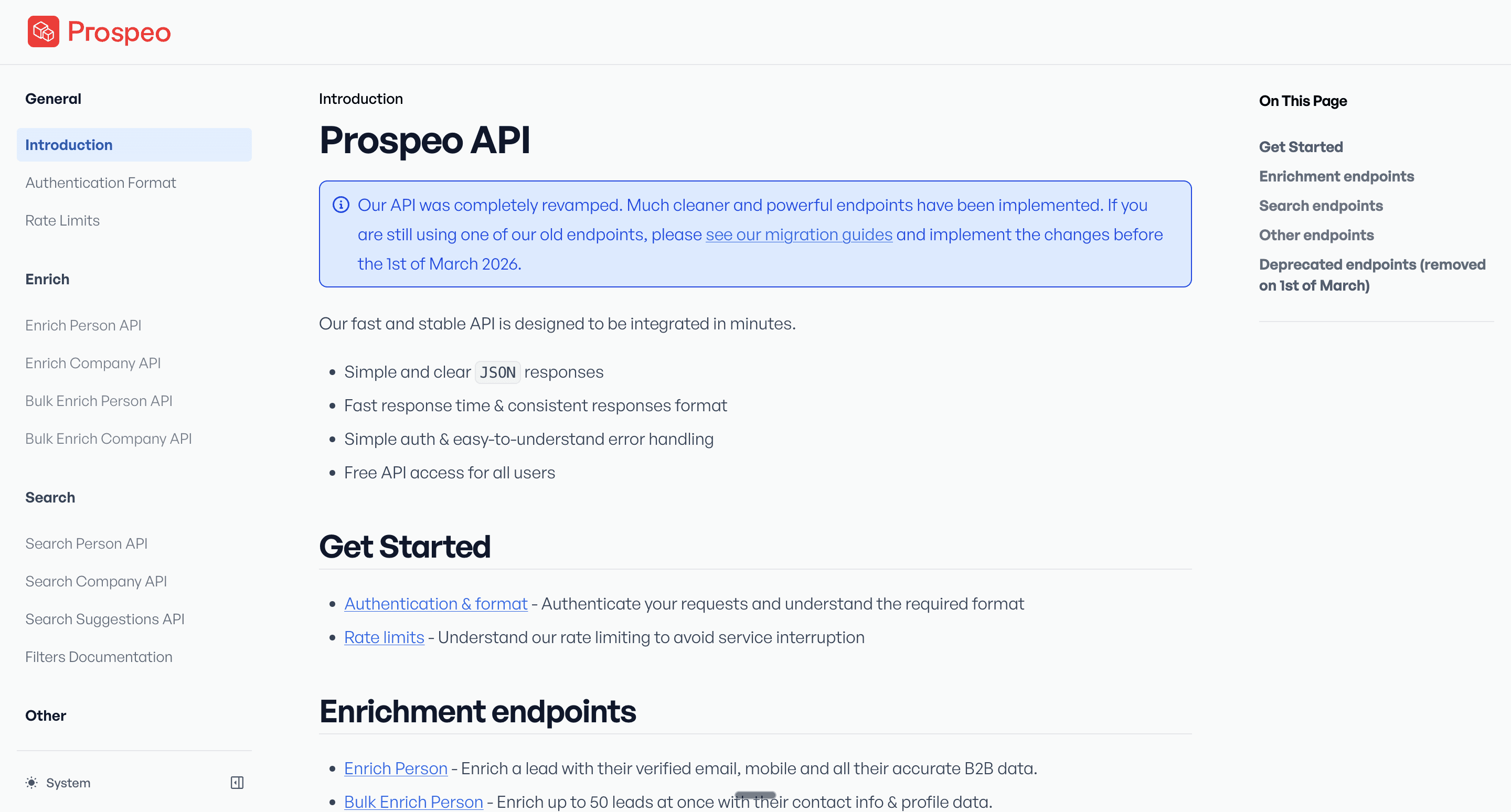
Best for: LinkedIn-first email and mobile finding
Prospeo's API runs internal cascades across multiple email-finding methods, so reliability on contact data is better than single-method tools. Production rate limits are tier-dependent. No published SLA at the entry tier, which is consistent with most contact-finding APIs.
Pricing: Tiered monthly credit subscriptions.
Pros:
Strong LinkedIn-to-email resolution for prospecting workflows
Internal cascade lifts match rates above single-method tools
Cons:
Email and mobile data only; no firmographic or signal data
Single vendor; coverage capped vs a true 100+ provider aggregator
Lusha API
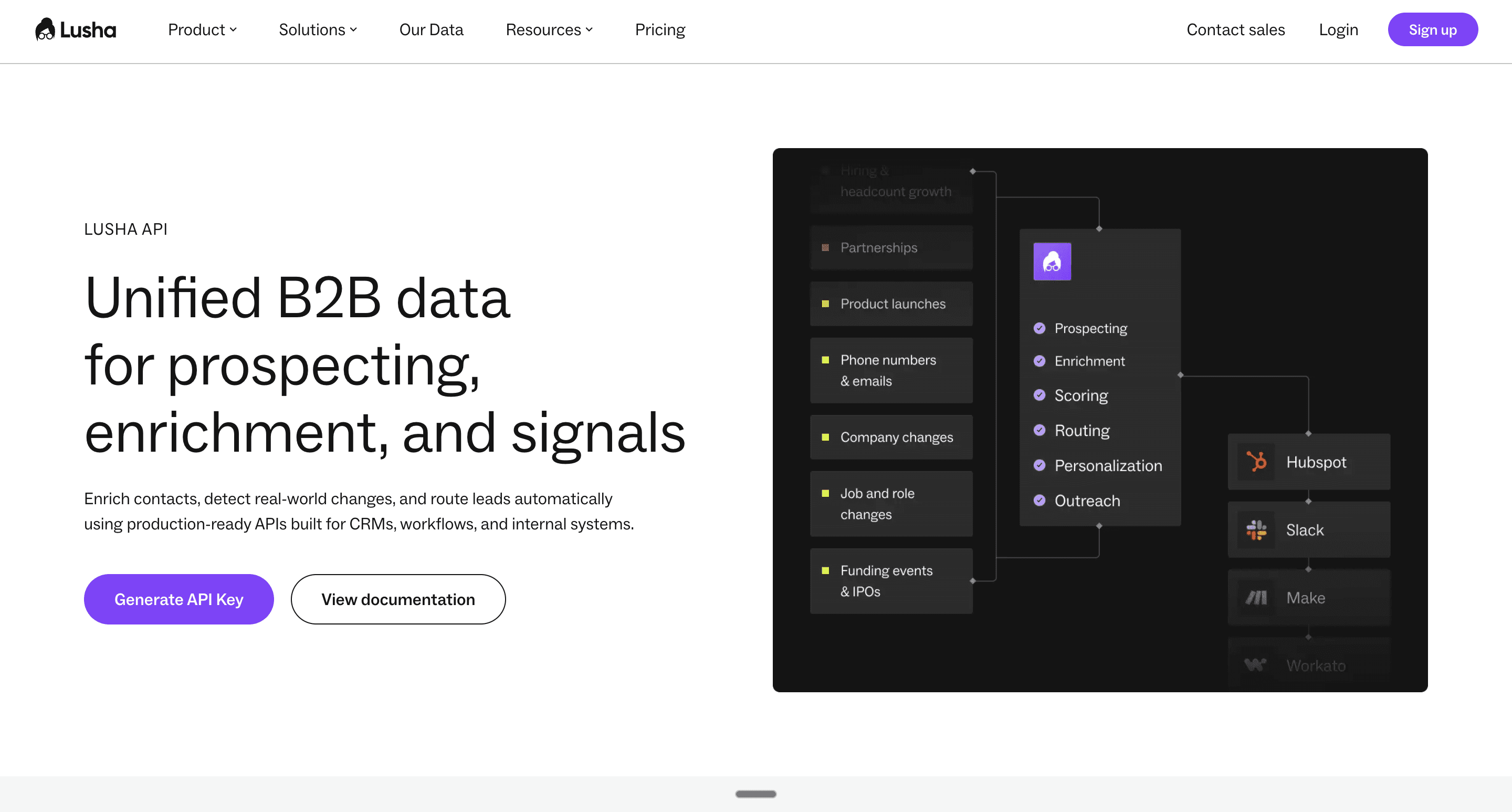
Best for: Sales-team enrichment with verified contact data
Lusha's API is sales-team friendly with reasonable docs and a focus on verified contacts. Production reliability is fine at higher tiers. The sustained reliability concern is the same as other single-source APIs: when Lusha does not have a contact, the agent gets nothing. Lower tiers also throttle hard.
Pricing: Tiered seat-based plans.
Pros:
Verified contact data for sales workflows
Clean documentation
Cons:
Single source; needs fallback for production reliability
Strict rate limits on lower tiers
How to Pick the Best APIs for Production GTM Workflows
Production reliability is not one API. It is a stack with fallback. Most teams running serious GTM workloads converge on a similar pattern.
For most production GTM stacks, the answer is one aggregator (Databar) handling breadth, plus (if needed) one specialized provider where you need depth in a specific region or data type. Two contracts, end-to-end coverage, and waterfall reliability under the hood. That pattern is also at the heart of the data layer for GTM workflows.
Start Building a Production-Grade GTM API Stack
The best APIs for production GTM are the ones that handle the things demos do not: rate limits at burst, retries on transient failures, fallback when a provider misses, and consistent schemas across sources. Single APIs cover narrow niches. Aggregators cover the breadth that production workflows actually need. Start at build.databar.ai today!
FAQ
What are the best APIs for production GTM workflows?
The best APIs for production GTM are the ones that stay reliable at batch scale. Databar leads on production reliability because it aggregates 100+ providers with built-in waterfall fallback and caching. ZoomInfo, Apollo, Cognism, Lusha, Hunter, Prospeo, and People Data Labs each cover specific niches. Most production stacks combine an aggregator with one specialized provider rather than betting on a single API.
What rate limit should a production GTM API have?
Anything under 60 requests per minute will throttle a real batch job within seconds. Look for documented burst limits, sustained limits, and clear behavior on hitting them. APIs that do not publish rate limits in their docs usually have low ones they would rather not advertise. Aggregators with internal queueing handle bursts more cleanly than direct provider APIs.
Why does single-source data break at production scale?
Single-source enrichment typically returns around 50% match rates, which means half your contacts come back blank in a real batch. Agents and scripts cannot improvise around the gaps the way human SDRs can, so the missing rows propagate as silent failures downstream. Waterfall enrichment across multiple providers lifts match rates to around 85% and gives the agent something to act on.
Do I need an SLA on a GTM API?
For mission-critical workflows, yes. For experimentation, not strictly. Most data APIs publish formal SLAs only at enterprise tiers. The practical alternative is using an aggregator that routes across many providers, which gives you reliability through redundancy even without a formal contract-level SLA from any single source.
Is an API better than an MCP for production GTM?
For production batch jobs, yes. MCPs are best for interactive agent workflows; raw APIs are better for scheduled scripts, high-volume batches, and any workload where context window pollution would degrade an MCP-driven agent. Most teams use both: MCP for exploring, raw API for production.
How do I handle API failures in a GTM workflow?
Three layers. First, check for null returns and skip cleanly rather than overwriting CRM fields with empty values. Second, add retry logic for transient errors. Third, route through an aggregator that does waterfall fallback so a single-provider failure does not kill the batch. Building all three by hand is doable but high-maintenance.
How fast can I switch from a single API to a production-grade stack?
Under two minutes for the basic Databar setup at build.databar.ai. The longer work is reconfiguring downstream code to call the new endpoint and validating that the waterfall returns the data your agent expects. Most teams complete the migration in a day or two.
Also interesting
Recent articles
See all