
Finding the right Apollo.io alternatives is about matching your specific prospecting needs with the platform best equipped to address them. While Apollo.io offers a solid combination of prospecting and outreach capabilities, various teams may benefit from exploring other solutions that provide different feature sets, specialized data coverage, or alternative pricing models. This guide examines the diverse landscape of B2B prospecting tools to help you identify which platform best aligns with your team's unique requirements.
This analysis goes beyond feature checklists to examine the fundamental differences in how each platform approaches data collection, user experience, and specialized capabilities. Understanding data enrichment fundamentals helps clarify how these prospecting platforms enhance basic contact information into comprehensive prospect profiles. Whether you're looking for more customization options, different data sources, or specialized functionality, this guide will help you work through the increasingly diverse ecosystem of sales intelligence and prospecting solutions.
Every price in this guide was checked on the vendor's own pricing page in September 2026.
Eleven Apollo.io Alternatives, Side by Side
Tool | Best for | Coverage model | Starting price (Sept 2026) | Free tier |
|---|---|---|---|---|
Databar.ai | Multi-source enrichment and programmatic GTM | 100+ data sources, waterfall | $99/month, 5,000 credits | Yes, plus 14-day trial |
Hunter.io | Email finding and verification only | Own web crawl | EUR 49/month, 2,000 credits | 50 credits/month |
Seamless.AI | Real-time search with an accuracy guarantee | Own database | Quote only | 1 user, 50 credits |
Cognism | GDPR-compliant EMEA mobile and email | Own database | Quote only, 5 seats included | No |
LeadIQ | LinkedIn capture with deep Salesforce sync | Own database | $200/month (Pro) | 50 credits |
Snov.io | Email finding plus sending on a small budget | Multi-tool | $39/month, 1,000 credits | Renewable trial, 50 credits |
RocketReach | Direct dials and social profile discovery | Own database | See vendor page | Limited lookups |
SignalHire | Technical talent, email plus phone plus social | Own database | $69/month, 1,000 email credits | 5-10 credits |
Adapt.io | International contact coverage | Own database | Site not responding, see note | Unknown |
Lusha | Rep-level lookups from the browser | Own database plus partners | Tiers not published; 1 credit per email, 5 per phone | 40 credits/month |
LinkedIn Sales Navigator | Relationship-based selling and first-party data | LinkedIn first-party | See LinkedIn plan comparison | Trial |
Understanding Apollo.io: Features, Pricing and Use Cases
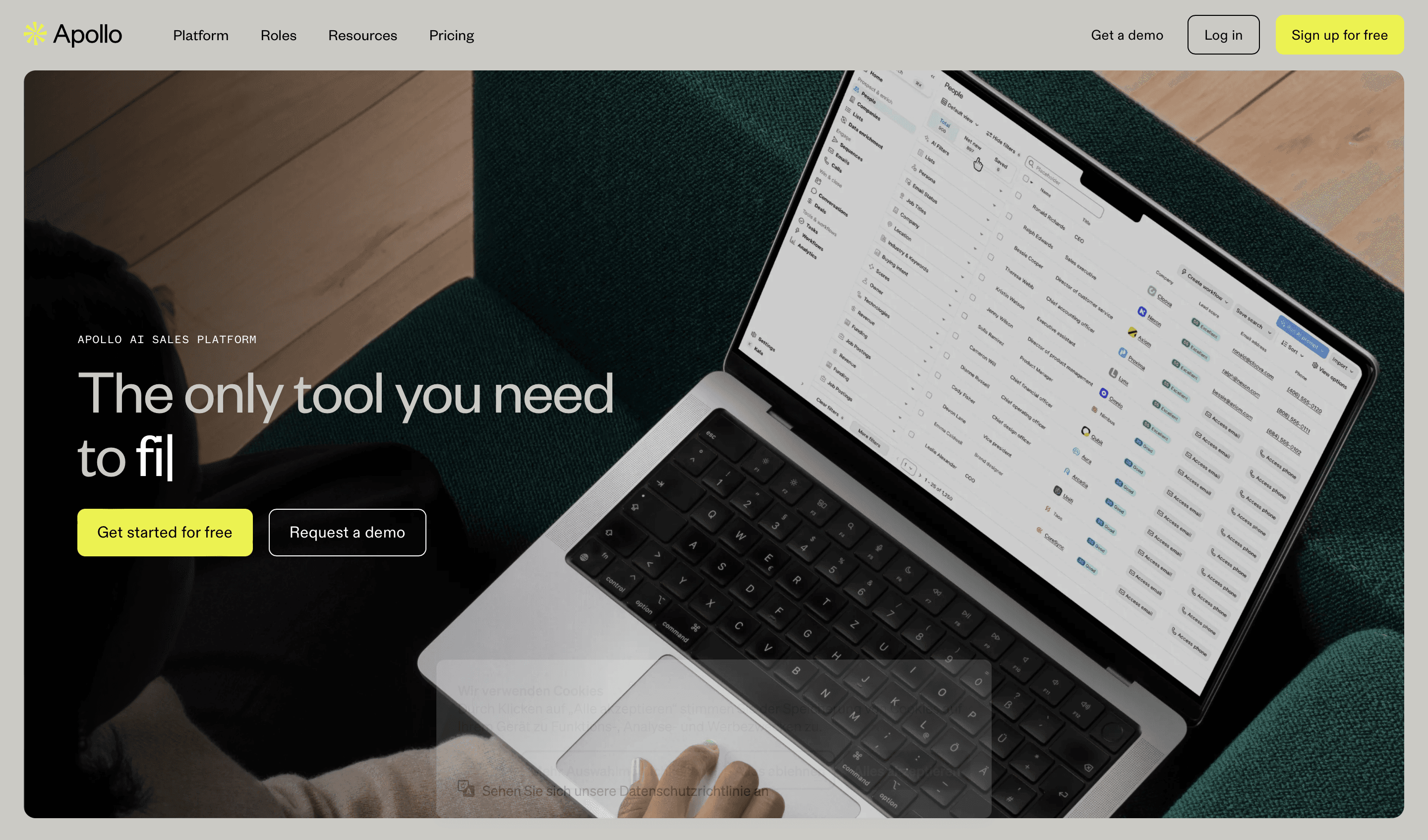
Apollo.io has established itself as a popular B2B prospecting and sales engagement platform, offering a combination of features that work well for many organizations:
A database of business contacts and company information
Combined prospecting and outreach capabilities
A free tier with basic functionality
Chrome extension for LinkedIn prospecting
Email sequence and engagement features
Integration with popular CRMs
Apollo.io works particularly well for teams looking for an all-in-one platform that combines both data access and engagement capabilities. Its free tier makes it accessible for early-stage companies, while its paid plans provide expanded functionality for growing teams.
What Apollo costs in September 2026: the pricing page lists four plans. Starter is free and stays free. Basic is $49 per user per month and Professional is $99 per user per month, both quoted monthly. Enterprise is quote-only. Apollo renders its plan table client-side, so those numbers come from the structured data the page publishes about itself, and the credit allowance attached to each tier is not stated anywhere a reader can check. Trials come with 50 credits and 5 mobile credits. If the credit allowance is what decides your budget, get it in writing from Apollo before you sign.
If Clay is the other tool on your shortlist, Clay vs Apollo puts the two side by side, and Clay alternatives compared widens the field.
Why Teams Look for Apollo.io Alternatives in 2026
Three specific pressures push teams to look elsewhere. None of them is an argument that Apollo's data is bad. Recognizing which one applies to you makes the shortlist much shorter.
Single-source coverage gaps. Apollo's database is genuinely strong for US mid-market. When it misses, though, there is no fallback and the row comes back empty. On the lists we run, one provider lands somewhere in the 50s or low 60s and a cascade across several complementary sources lands in the 80s. Those are the ranges we see rather than a published benchmark. If your blank-row rate is the thing hurting campaigns, a multi-source aggregator fixes it directly and a different single-source database will not.
Rate limits and batch volume. Apollo's API limits scale with seat tier. Teams running bulk enrichment, especially anything that retries, hit per-second ceilings sooner than they expect. Higher tiers solve it, but the cost ladder climbs quickly once you are paying per seat for machine volume.
Pricing shape. Seat-based pricing is a good fit for a human SDR team where each rep does their own prospecting. It is a poor fit when the consumer of the data is a script or an agent, because seats stop correlating with usage. Credit-based pricing charges for the attempt. Outcome-based billing charges only when data is successfully returned, which means failed lookups cost nothing.
When to Consider Alternative Prospecting Solutions
Different teams have unique requirements that might make alternative platforms worth exploring:
Looking for Different Feature Sets
Some organizations need specialized capabilities beyond Apollo's core feature set:
Multi-source data access: Teams wanting to tap into multiple data providers through a single platform
Enhanced customization: Organizations needing more flexible, customizable data workflows
Advanced verification: Teams prioritizing extremely high email deliverability rates
Specialized research: Companies requiring deeper company intelligence or technographic data
Relationship intelligence: Teams focusing on connection-based selling approaches
Specific Data Needs
Different industries and target markets may benefit from specialized data providers:
International focus: Organizations targeting markets outside North America
Technical talent: Companies primarily targeting developers and engineering roles
Enterprise coverage: Teams selling to large, complex organizations
Industry specialization: Organizations targeting specific verticals like healthcare or finance
Local businesses: Teams focusing on small and local businesses
Budget Considerations
Apollo's pricing structure works well for certain organizations, but others may benefit from different approaches:
Credit-based options: Teams with irregular usage patterns may prefer consumption models over per-seat billing
Outcome-based options: Teams running retry-heavy or automated workloads, where paying only for successful returns changes the unit economics
Lower entry points: Small teams might need more accessible starting price points
Specialized focus: Teams wanting to pay only for specific functionality they'll actually use
Interface Preferences
User experience varies significantly across platforms, with different approaches working better for different teams:
Simplicity-focused: Teams valuing straightforward, minimal-click experiences
Customization-oriented: Organizations wanting highly tailored workflows
Table-based systems: Teams that think in spreadsheet-like environments
Process-focused: Users who prefer guided, step-by-step workflows
Chrome extension-centric: Organizations conducting most prospecting directly in the browser
Integration Requirements
Your existing tech stack may influence which platform works best for your team:
Deeper CRM integration: Organizations heavily invested in Salesforce or other CRM platforms
Custom application needs: Companies with proprietary systems requiring API access
Agent and script access: Teams running enrichment from code or from an AI agent, who need a clean REST surface, an SDK or an MCP server rather than a UI
Email platform integration: Users wanting direct connection to their outbound tool
Data portability requirements: Organizations concerned about vendor lock-in
Key Evaluation Criteria for Prospecting Tools
When assessing potential B2B prospecting tools, focus on these five critical factors:
Data Quality and Coverage
The value of any prospecting platform ultimately depends on its data:
Match rates for your specific target industries and regions
Verification processes the platform uses to ensure accuracy
Update frequency to maintain current information
International coverage quality if you operate globally
Depth of information including direct phone numbers and verified emails
Different platforms take vastly different approaches to data collection and verification, resulting in varying strengths across industries and regions.
User Experience and Workflows
Productivity depends heavily on how well a platform's design matches your team's processes:
Workflow efficiency and number of clicks required for common tasks
Learning curve for new team members
Customization options to match your specific processes
Mobile accessibility for on-the-go usage
Dashboard clarity and reporting functionality
The right interface can dramatically improve team adoption and productivity, while a mismatch can create friction regardless of data quality.
Email Verification Capabilities
Email discovery and verification are crucial functionality areas:
Accuracy rates for email finding
Verification technology to reduce bounce risks
Domain pattern recognition capabilities
Bulk processing efficiency
Browser extension functionality
Email deliverability makes a tremendous difference in campaign performance, making verification technology an increasingly important differentiator.
Integration Ecosystem
Your prospecting tool should connect cleanly with your existing tech stack:
Native CRM integrations depth and quality
Email platform connections for outreach
Sales engagement tool compatibility
API access for custom implementations
Data portability for avoiding vendor lock-in
The quality of integrations, not just their presence, can significantly impact workflow efficiency and data consistency.
Pricing and Value
Different pricing models work better for different team structures and usage patterns:
Pricing model (seat-based, credit-based, or outcome-based)
Feature accessibility across different pricing tiers
Contract flexibility versus long-term commitments
Hidden limitations on seemingly unlimited features
Cost scalability as your team and usage grow
The best value comes from aligning pricing structure with your actual usage patterns, not necessarily from the lowest headline price. The number that decides it is cost per matched record, not cost per lookup. Price a nickel lookup that hits 55% of the time and every usable record costs $0.09; price a ten-cent cascade that hits 85% of the time and the usable record costs $0.12, and you end up with 55% more of them from the same list.
Top Apollo.io Alternatives in 2026
Based on our analysis, these platforms offer strong alternatives to Apollo.io across different need profiles:
Databar.ai
Best for: Teams that hit Apollo's single-source ceiling and need breadth
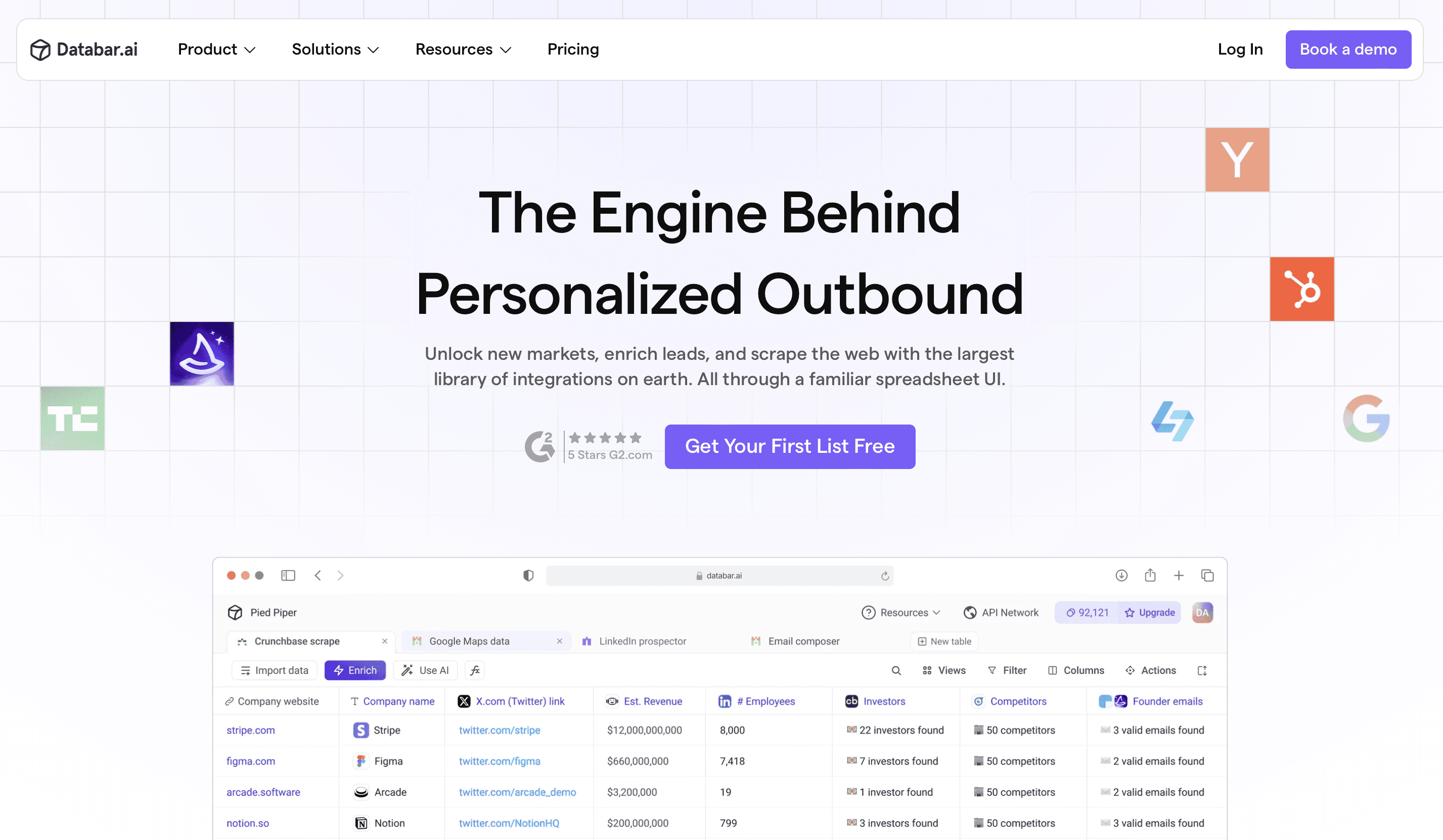
Databar.ai distinguishes itself through its multi-source data platform, connecting users to 100+ data sources and 160+ integrations through a single interface. Unlike Apollo's proprietary database approach, Databar.ai offers access to a wider range of specialized sources through a user-friendly experience.
Key Strengths:
Multi-source approach: Access numerous specialized data providers through one interface, with waterfall logic that cascades until one returns a verified result
Outcome-based billing: You only pay when data is successfully returned. Inside a cascade, the bill lands on whichever provider actually found the record; the ones that came back empty cost nothing.
Custom workflow creation: Build personalized data enrichment processes without coding
Programmatic access: The same workflows run from a REST API, a Python SDK, a CLI or a hosted MCP server, which matters if a script or an agent is the consumer rather than a rep
Comprehensive integrations: One-click connections to major CRMs and marketing platforms
Strong international data: Global coverage through specialized regional providers, which is where single-source tools thin out fastest
For teams wanting access to multiple data sources with a highly customizable workflow, Databar.ai balances power with usability, and the built-in charting and mapping let you analyze a list without exporting it first.
Honest limits: Databar is not a prospecting database, so you cannot search for contacts by title and company the way you can in Apollo. There is no built-in sequencing or dialer. And choosing providers from a catalog of 100+ takes a session to get right.
Pricing: Build is $99 a month and carries 5,000 credits; Scale is $495 a month and carries 50,000; Enterprise is quoted. Before any of that, you get the full product for 14 days and 100 credits. Every workspace starts with 100 free trial credits (September 2026).
For teams wanting access to multiple data sources with a customizable workflow, Databar.ai balances breadth with usability. See plans and start the trial.
Hunter.io
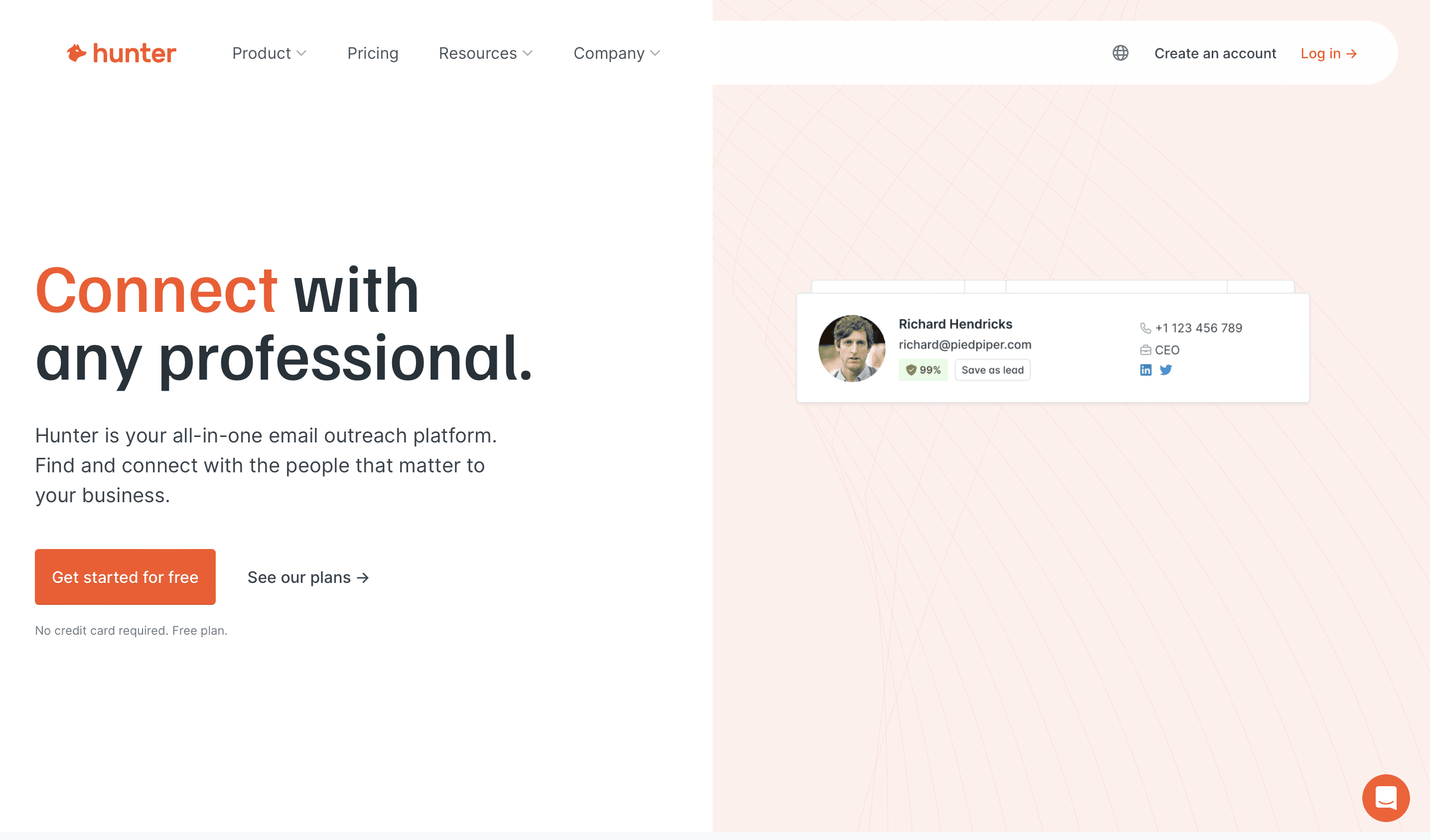
Best for: Teams whose only gap is email discovery and verification
Hunter.io specializes in email finding and verification with a purpose-built platform.
Key Strengths:
Email verification focus: Strong email verification technology with published confidence scores
Domain search: Find all emails associated with a company domain
Straightforward pricing: Clear credit tiers with no seat charges, unlimited team members on every plan
Chrome extension: Efficient browser-based workflow
For teams primarily focused on email discovery and verification, Hunter.io is a refreshingly straightforward solution with excellent verification technology and very low bounce rates on verified addresses.
Honest limits: Email only. No phone numbers, no firmographics, no intent. Coverage depends on what is publicly indexed, so contacts that never appear on the open web are invisible to it.
Pricing: Free plan with 50 credits per month. Starter EUR 49/month for 2,000 credits, Growth EUR 149/month for 10,000, Scale EUR 299/month for 25,000, with around 30% off on annual billing. Hunter prices in euros (September 2026).
Seamless.AI
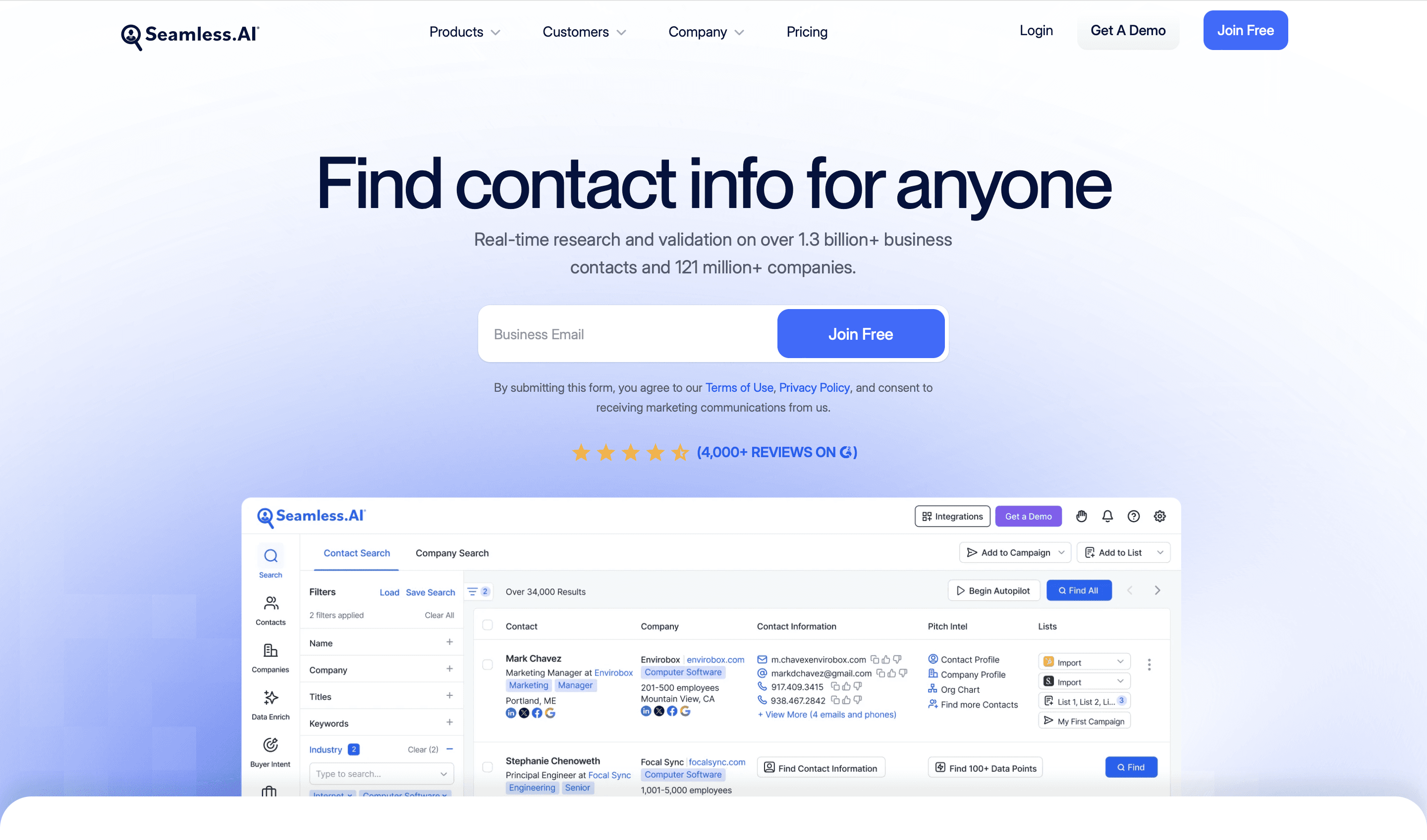
Best for: High-volume prospecting where an accuracy guarantee matters
Seamless.AI differentiates itself through its AI-powered approach to real-time contact discovery and verification.
Key Strengths:
Real-time verification: Checks data accuracy at the moment of use
Data accuracy guarantee: Will replace credits for inaccurate information
List building automation: AI-powered target account identification
Team collaboration: Effective sharing and collaboration features
Organizations looking for real-time verification and unlimited search options often find Seamless.AI valuable for high-volume prospecting, since some plans pair fixed pricing with unlimited contact lookups.
Honest limits: Paid pricing is quote-only, so you cannot compare it against Apollo without a sales call. Single-source coverage, so the same blank-row problem applies.
Pricing: Free plan with 1 user and 50 credits. Pro and Enterprise are both quote-based, sold as annual credit packages where one credit returns phone plus email (September 2026).
Cognism
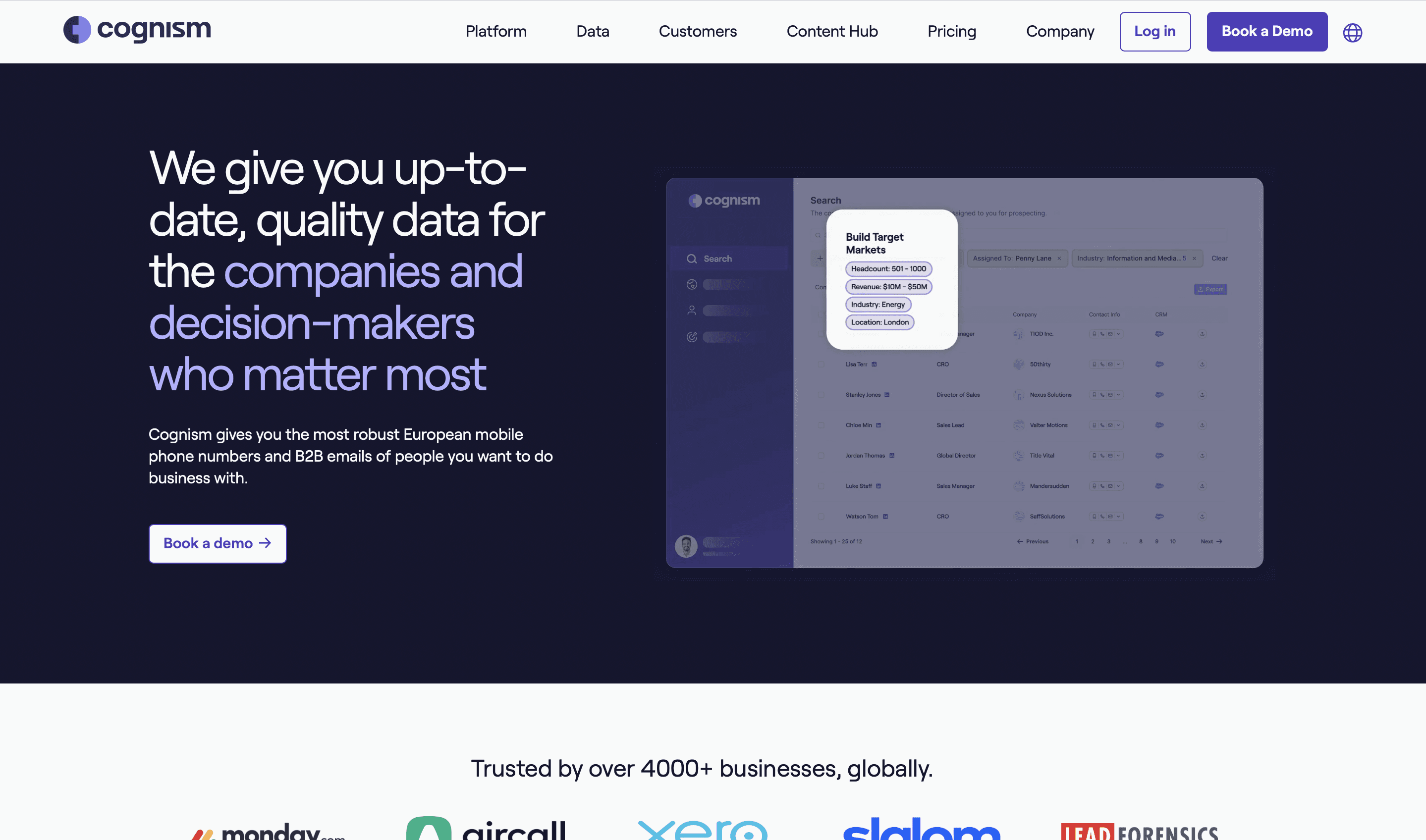
Best for: Teams selling into EMEA who need verified mobiles and documented compliance
Cognism specializes in global B2B data with a strong focus on compliance, particularly for European markets.
Key Strengths:
GDPR compliance: Built specifically with European data regulations in mind
Global coverage: Strong international data, especially in Europe
Mobile numbers: Manually verified direct dial and mobile phone data
Trigger events: Notifications about key company changes
For teams operating internationally, particularly in European markets, Cognism's compliance-first approach and strong global data make it a compelling option. If you are weighing it against the field, see how Databar.ai compares to Cognism.
Honest limits: US coverage is thinner than ZoomInfo's. No free tier, no self-serve entry, and a procurement cycle that resembles an enterprise purchase rather than a signup.
Pricing: Quote only. Cognism sells Sales Prospecting in two tiers, Standard and Pro, each including 5 seats, on a model where 1 credit equals 1 revealed contact. CRM Enrichment and Data-as-a-Service are separate add-ons (September 2026).
LeadIQ
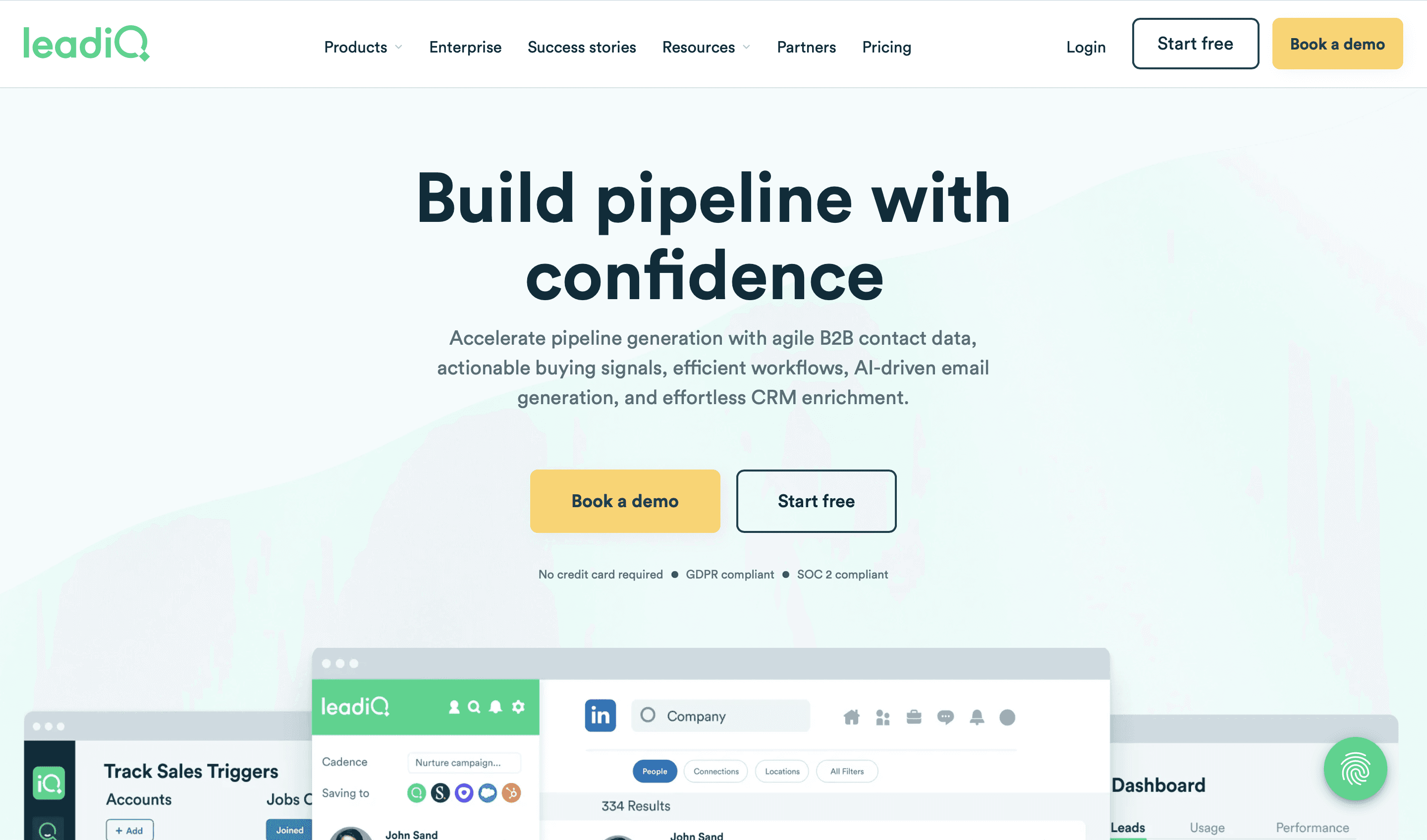
Best for: SDR teams that live in LinkedIn and push everything to Salesforce
LeadIQ focuses on prospecting workflows with a strong emphasis on data accuracy and CRM integration.
Key Strengths:
Chrome extension: Powerful LinkedIn prospecting capabilities
Data accuracy focus: Strong verification processes
CRM sync: Deep integration with Salesforce and other major CRMs
Smart recommendations: AI-powered contact suggestions
Sales development teams that live inside LinkedIn often find LeadIQ's specialized approach fits their workflow better than a general database. If LinkedIn is the centre of your motion, our roundup of LinkedIn Sales Navigator alternatives covers the wider set.
Honest limits: The jump from free to Pro is steep, and phone numbers cost 10 credits against 1 for an email, so mobile-heavy prospecting burns through an allowance fast.
Pricing: Free plan with 1 user and 50 credits. Pro from $200/month for up to 5 users, with credit tiers running 200, 500, 1,000 and on up to 6,750 per month, and 25% off on annual billing. Enterprise custom, annual only. Email costs 1 credit, a phone number 10, account enrichment 3 (September 2026).
Snov.io
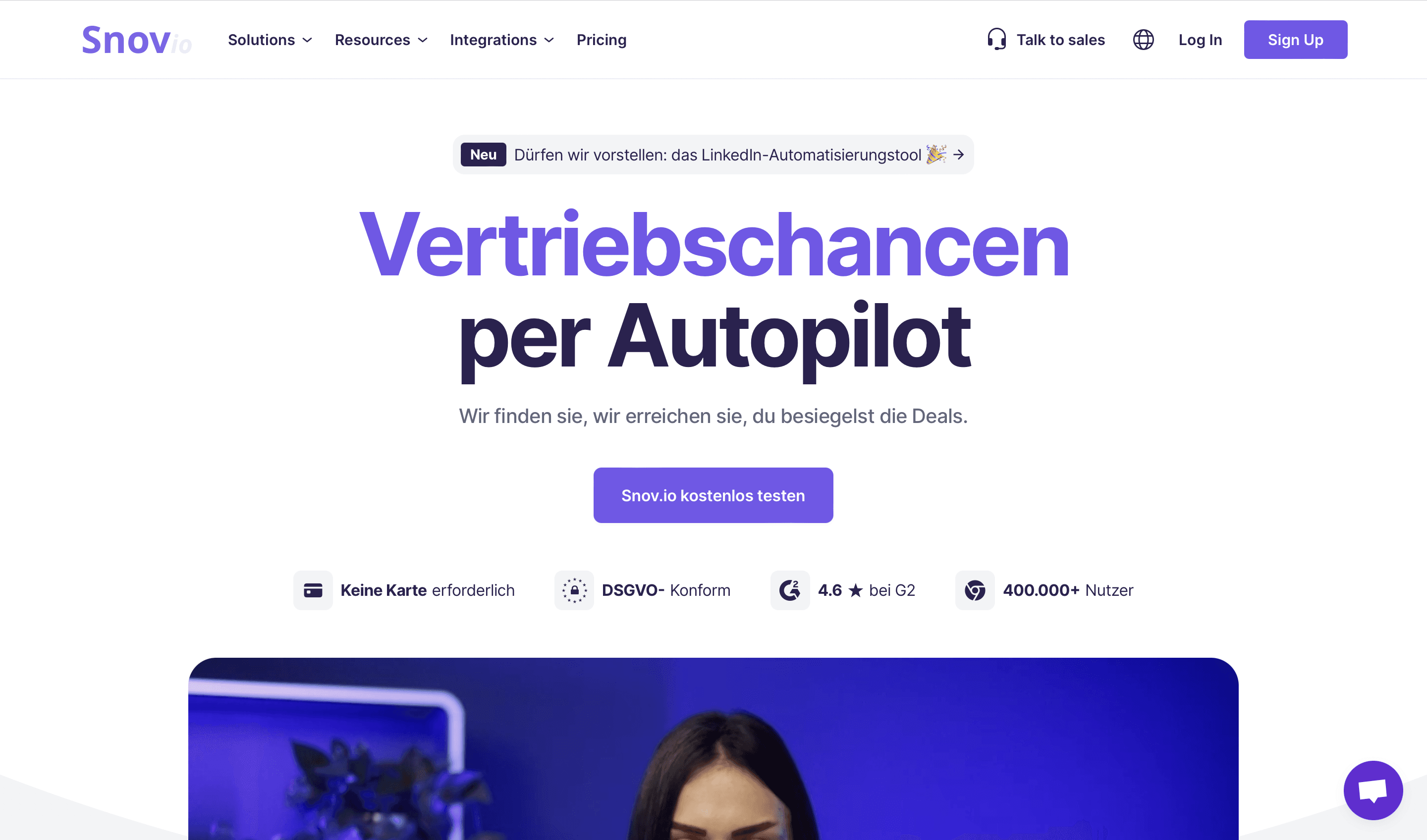
Best for: Small teams that need email finding and sending under $50 a month
Snov.io offers a suite of email-focused prospecting and verification tools at accessible price points.
Key Strengths:
Email finder: Discover professional emails with high accuracy
Drip campaigns: Built-in email outreach capabilities
Verification tools: Thorough email validation
Unlimited seats: Every paid plan includes unlimited team members, which is unusual at this price
Smaller teams looking for a capable platform without a capable-platform invoice tend to land here, with entry-level plans under $50 a month.
Honest limits: Credits are shared across finding, verifying and sending, so a heavy sending month eats the enrichment budget. No firmographic or signal data.
Pricing: Free renewable trial with 50 credits. Starter $39/month for 1,000 credits, Pro S $99/month for 5,000, Pro M $189/month for 20,000, with 25% off on annual billing (September 2026).
RocketReach
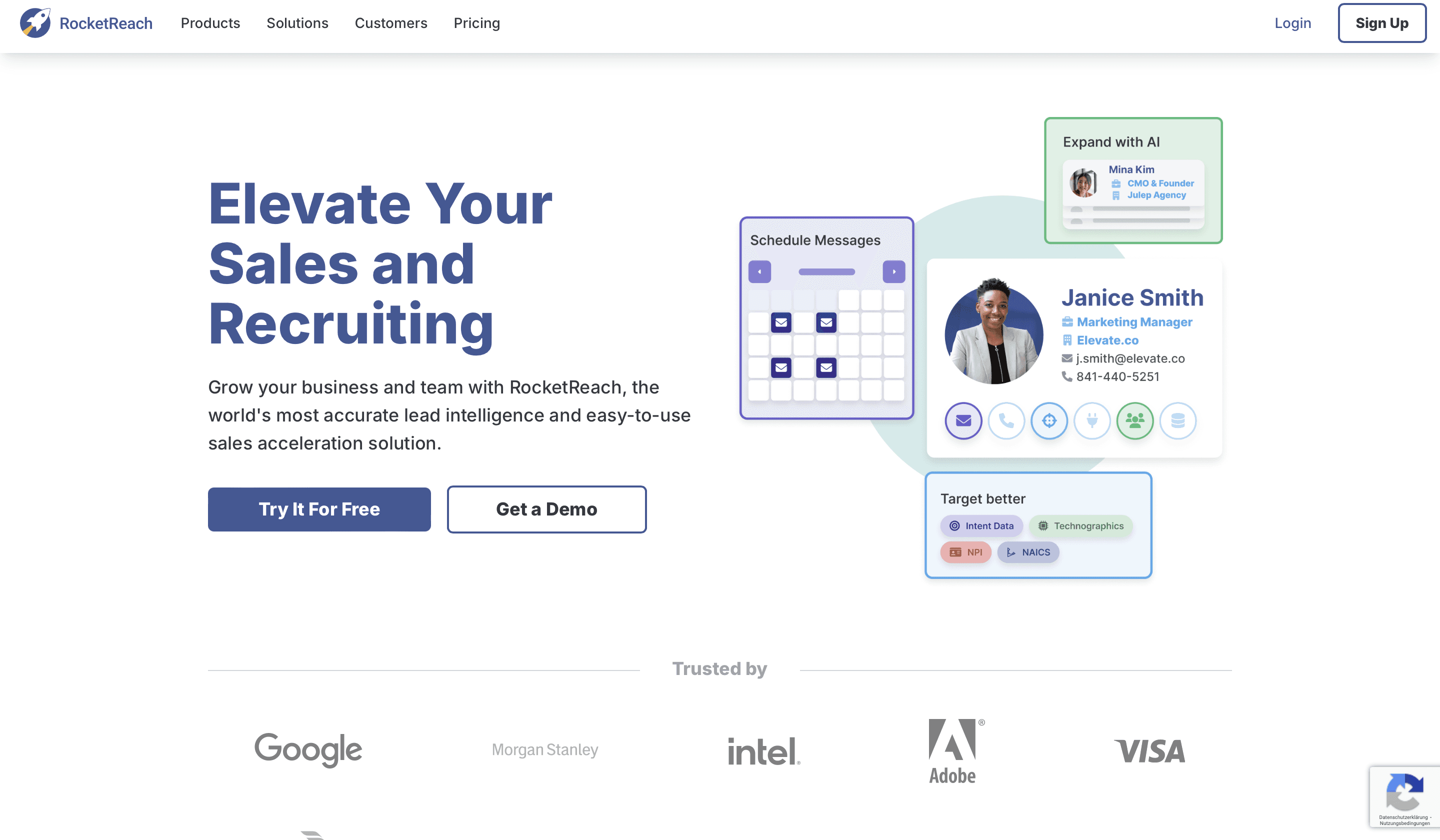
Best for: Phone-first outreach where direct dials matter more than volume
RocketReach focuses on providing contact information for professionals across various industries with emphasis on direct contact methods.
Key Strengths:
Phone data quality: Strong direct dial and mobile coverage
Social profile discovery: Comprehensive social profile mapping
Chrome extension: reveals a contact from a profile page without leaving the tab
Bulk lookup: Process multiple contacts simultaneously
Sales teams that run on phone outreach tend to find RocketReach's dataset reliable for direct connection information, with strong mobile coverage.
Honest limits: Single source, so phone coverage varies sharply by region. RocketReach does not serve its plan figures to anything but a browser, so a direct check in September 2026 came back with the page title and nothing else. Price it in the plan picker yourself.
SignalHire
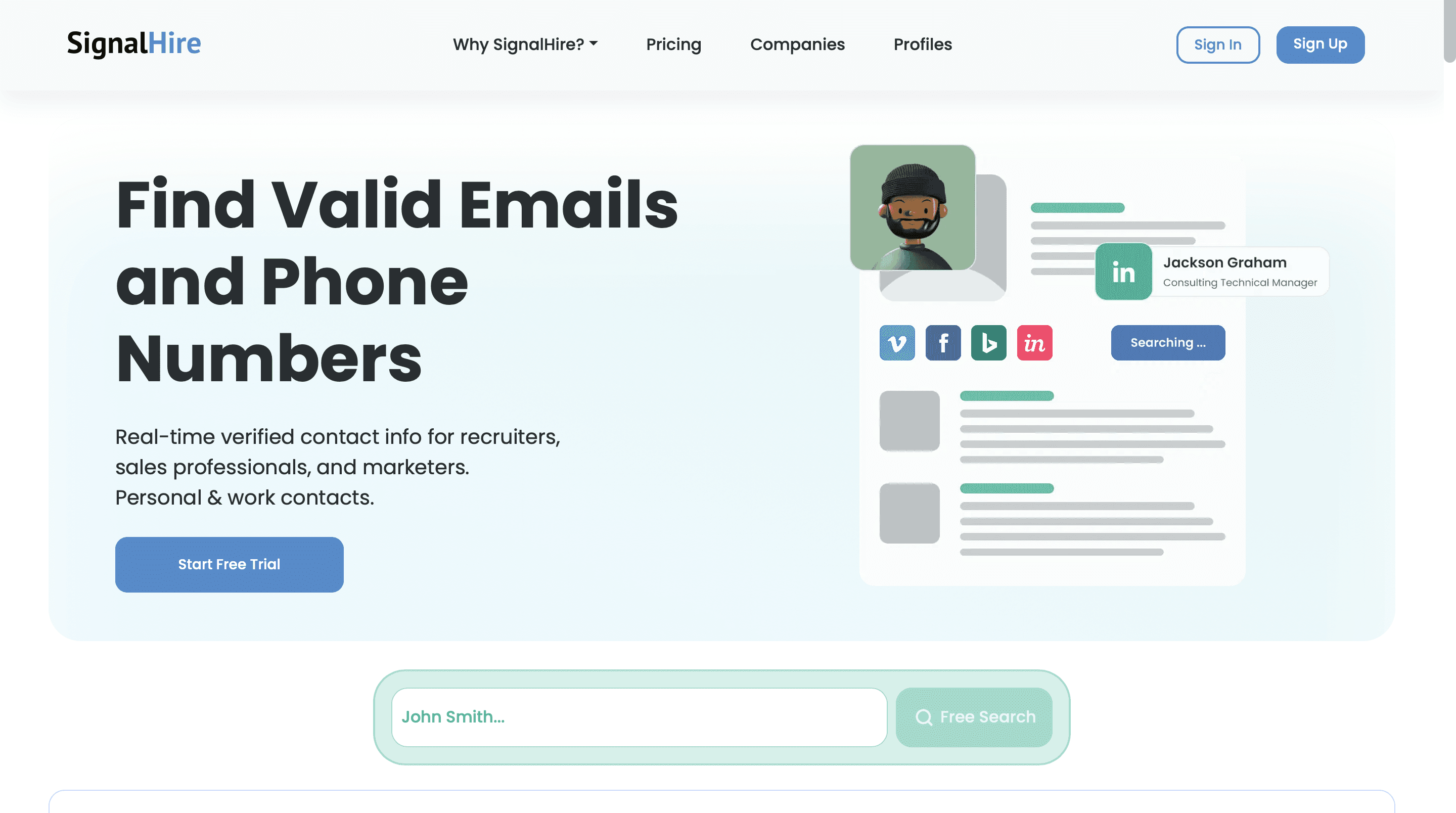
Best for: Targeting engineers and technical roles across email, phone and social
SignalHire specializes in providing verified contact information across multiple channels with a focus on technical talent.
Key Strengths:
Tech sector specialization: Strong coverage in software, IT, and engineering
Verified multi-channel contacts: Email, phone, and social profiles
GitHub integration: Unique capability for technical recruiting
Boolean search: Advanced filtering capabilities
Recruiting teams and anyone targeting technical professionals tend to find SignalHire's database effective for engineering and development roles. The same ground is covered in our comparison of SignalHire alternatives and email finder tools.
Honest limits: The phone-inclusive plans cost the same per month as the email-only plan but give you roughly a third of the credits, so phone work is effectively three times the price.
Pricing: Free plan with 5 credits, or 10 with the browser extension installed. $69/month for 1,000 email credits, or $57/month billed annually for 12,000 credits a year. The phone and combined plans are $69/month for 435 credits, or $57/month annual for 5,400 a year. Scale is quote-based (September 2026).
Adapt.io
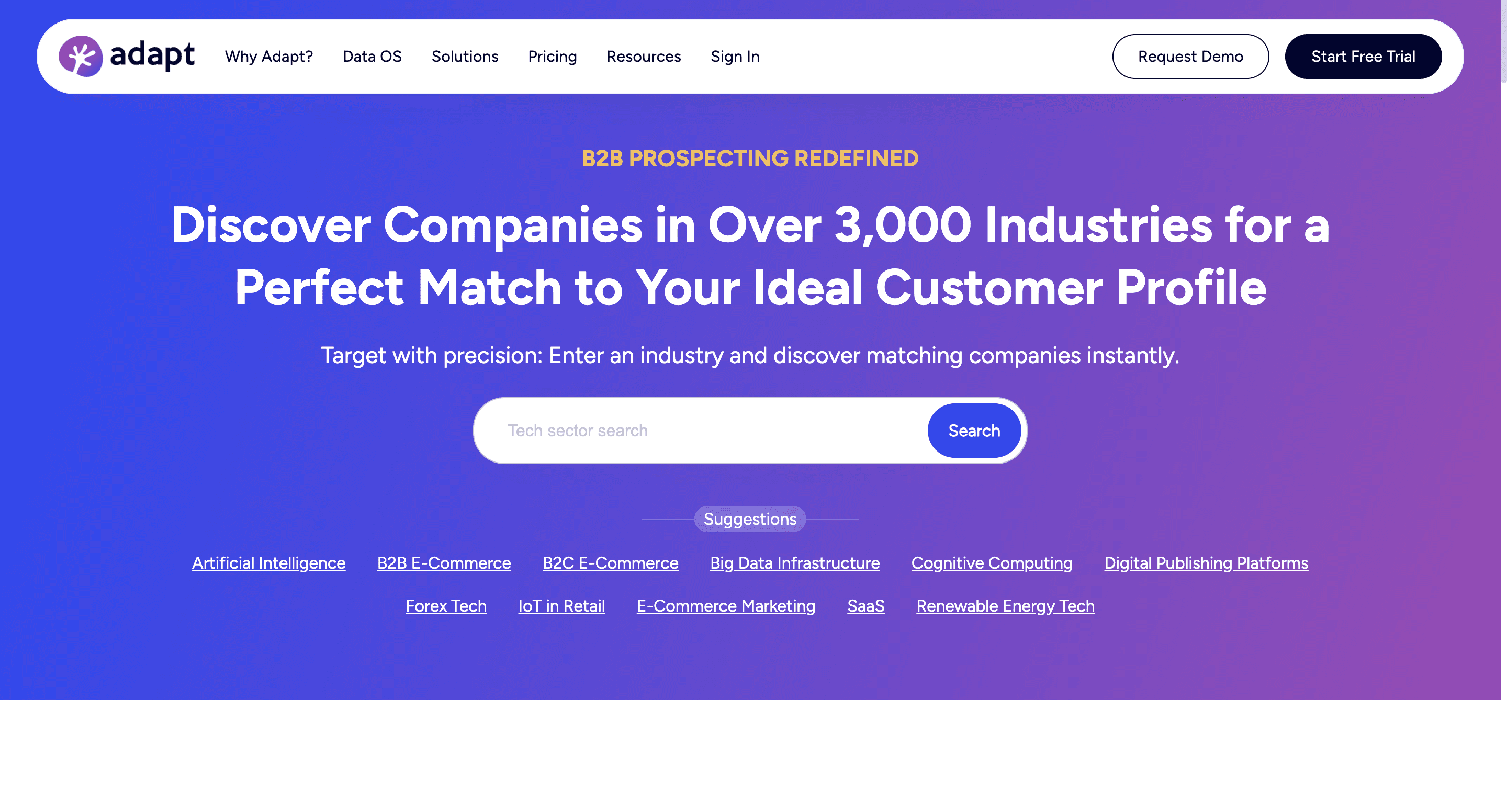
Best for: Straightforward international prospecting at a competitive price point
Adapt.io offers a contact database with strong verification processes and international coverage.
Key Strengths:
Global coverage: International data across regions where US-first providers thin out
User-friendly interface: Intuitive design with straightforward workflows
Multi-step verification: Thorough data checking processes
API access: Programmatic access to the database
Check this one before you shortlist it. In September 2026 the adapt.io domain still resolves in DNS but the site did not respond to repeated requests, with or without a browser user agent. Before you put it on a shortlist, check that there is still a company behind the domain.
Lusha
Best for: Individual reps who want one-click lookups without leaving LinkedIn
Lusha provides contact information through a browser extension and platform with a credit-based system.
Key Strengths:
Simple interface: Extremely intuitive design
Mobile data quality: Strong direct dial and mobile number coverage
Team collaboration: Effective sharing capabilities
Chrome extension: Quick access while browsing LinkedIn and other sites
Teams that want a straightforward contact discovery experience with strong phone data tend to appreciate Lusha, and you pay only for what you reveal. Our roundup of Lusha alternatives covers the tools that do the same job.
Honest limits: Seat price plus per-reveal credits means two meters, and a phone reveal costs five times an email reveal. That multiplier, not the seat price, is what drives the bill.
Pricing: Up to 40 credits a month on the free plan, with an email reveal costing 1 credit and a phone reveal 5. The paid seat prices are rendered client-side and did not come back to a direct check in September 2026, so read them off the plan picker yourself.
LinkedIn Sales Navigator
Best for: Relationship-based selling where warm paths matter more than volume
While not a direct competitor to Apollo's full feature set, Sales Navigator offers a compelling option for relationship-based prospecting with high data quality.
Key Strengths:
First-party data: Information provided directly by professionals, so it decays more slowly than scraped data
Relationship intelligence: See connections and introduction paths
InMail capabilities: Direct outreach within the platform
Account targeting: Save accounts and get alerts on changes
Sales Navigator carries a trust factor with prospects that no database can buy, which is why it stays in so many stacks as a complement. For the broader picture, see our guide to the best B2B prospecting tools and to the GTM tools worth having.
Honest limits: No email addresses and no phone numbers. Sales Navigator tells you who to reach, not how to reach them, which is why most teams pair it with a data provider rather than choosing between the two.
Teams prioritizing relationship-based selling and data freshness often find Sales Navigator delivers excellent results, particularly when complemented with a specialized data enrichment tool.
Beyond Basic Prospecting: Advanced Features to Consider
Several alternatives offer capabilities worth exploring for teams with specialized requirements:
Multi-Source Data Access
Platforms like Databar.ai take a different approach to data quality by connecting users to numerous specialized providers through a single interface. This approach offers several advantages:
Access to the freshest data from each provider
Specialized data sources for different industries or regions
Ability to compare and validate information across sources
Continuous updates without waiting for periodic refreshes
Broader coverage across different data types
For teams with diverse data needs or seeking the freshest possible information, this multi-source model is worth exploring. The mechanics are covered in detail in our waterfall enrichment tools comparison.
Workflow Customization
Tools like Databar.ai offer flexible workflow capabilities for teams with specific process requirements:
Build custom data enrichment sequences tailored to specific needs
Create conditional logic workflows for complex processes
Connect to specialized data sources based on industry or geography
Develop automated processes for data maintenance
Implement team-specific workflows that match your actual processes
These customization capabilities allow teams to design processes that match their specific needs rather than adapting to predetermined structures.
Advanced Verification Technology
Platforms like Hunter.io and Seamless.AI have developed sophisticated verification technology:
Multi-step verification processes that examine multiple signals
Pattern recognition for deducing the correct email format
Historical accuracy tracking to improve future predictions
Deliverability testing beyond simple server checks
Clear confidence scores to indicate verification quality
These advances can significantly improve email deliverability and campaign performance for teams where email outreach is a priority, which matters most when you are assembling a cold email tech stack that depends on high-quality contact data.
Global Compliance Capabilities
If the comparison you actually need is against the enterprise databases rather than against Apollo, our analysis of ZoomInfo competitors and data providers covers that market. Platforms like Cognism have developed specialized compliance functionality:
Built-in GDPR, CCPA, and LGPD compliance workflows
Region-specific data handling protocols
Comprehensive compliance documentation
Consent management capabilities
Regular updates as regulations evolve
These features have become increasingly important as regulatory scrutiny of sales and marketing data intensifies globally.
Feature Comparison: How Different Solutions Stack Up
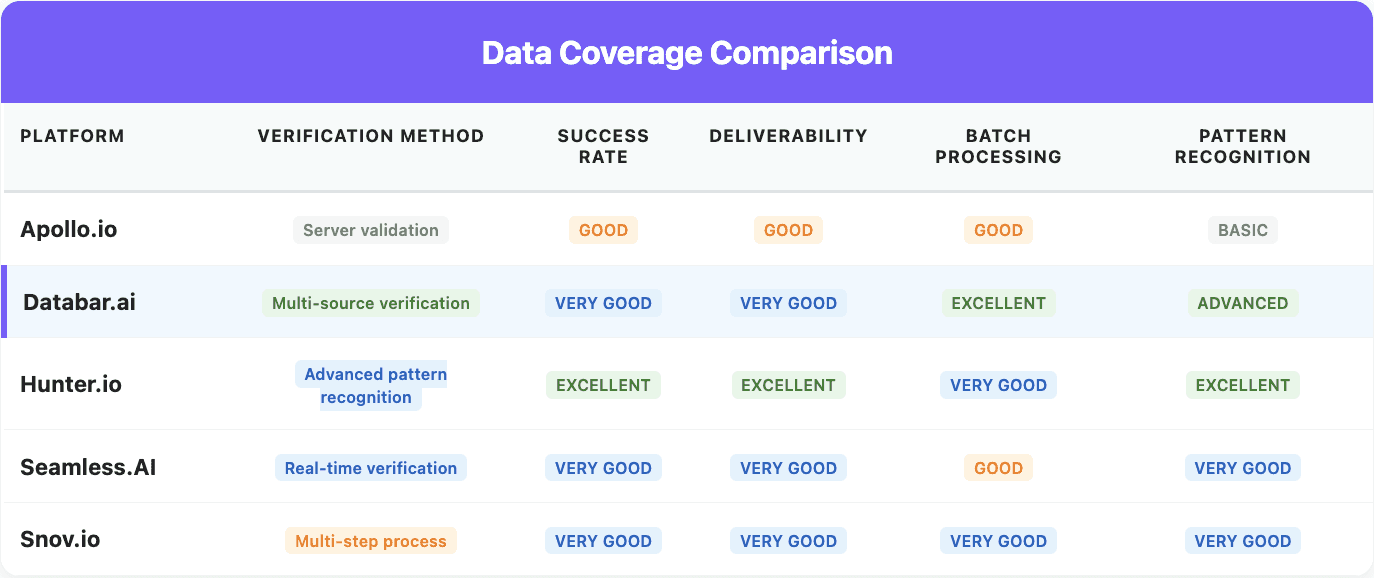
This side-by-side comparison shows how the various alternatives compare across key capability areas:
Data Coverage Comparison
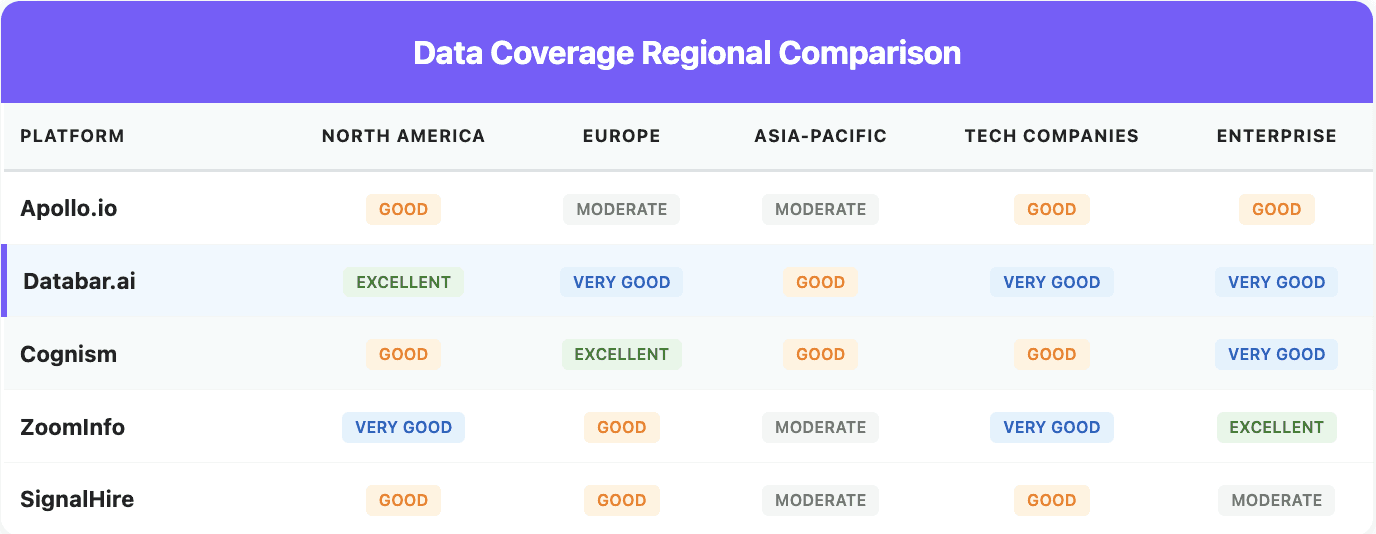
Data coverage strengths vary significantly by region and company type, making some platforms better suited to specific target markets.
Which Apollo.io Alternative Should You Pick?
Choose Databar.ai if blank rows are the problem. 100+ data sources behind one interface, waterfall logic, and outcome-based billing so misses cost nothing. Also the pick if a script or an agent, rather than a rep, is the thing calling for data.
Choose Cognism if you sell into EMEA and need verified mobiles with documented GDPR compliance.
Choose LeadIQ if your SDRs work entirely inside LinkedIn and everything has to land in Salesforce cleanly.
Choose Hunter.io if email discovery is the only gap and you want a per-credit bill with no seat charge.
Choose Snov.io if you need finding and sending in one tool under $50 a month.
Choose SignalHire if you are targeting engineers and need email, phone and social in one record.
Choose RocketReach if direct dials are what your motion runs on.
Choose Lusha if individual reps want a one-click reveal and you can live with per-seat plus per-credit billing.
Choose Seamless.AI if a credit-replacement accuracy guarantee is worth a sales call to get pricing.
Add LinkedIn Sales Navigator alongside any of the above if warm paths and account alerts matter. It is a complement, not a replacement.
Most teams that leave Apollo do not replace it with one tool. They run an aggregator for breadth plus one specialized provider for the depth gap that matters most to their ICP. Two contracts cover the workload, and the aggregator absorbs the long tail.
Making a Smooth Transition Between Prospecting Platforms
Switching prospecting tools requires careful planning. Follow these steps for a smooth transition:
1. Document Your Current Process
Before making any changes:
Map exactly how your team currently uses your existing platform
Identify which features are truly essential versus rarely used
Document your current metrics as a baseline for comparison
List integration touchpoints with other systems
Catalog saved searches, sequences, and templates you'll need to recreate
This documentation ensures nothing important is overlooked during transition.
2. Export Your Existing Data
Be thorough in exporting:
All contacts and companies
Custom fields and tags
Sequences and templates
Saved searches and filters
Usage and performance metrics
Complete these exports before considering cancellation to ensure historical data remains accessible.
3. Evaluate Alternatives Based on Your Specific Needs
Rather than seeking an exact replacement:
Prioritize features most important to your specific workflow
Run side-by-side tests focusing on these key areas
Compare match rates on a sample of records where you already know the answer
Compare cost per matched record, not cost per lookup
Evaluate support responsiveness with real questions
The goal isn't finding a clone of your current tool but rather identifying which alternative best addresses your specific requirements.
4. Implement in Phases
Avoid a disruptive "big bang" transition:
Start with a small pilot team using both systems
Begin with prospecting before moving to outreach functionality
Build and test new workflows with the pilot team
Document the new process for broader rollout
Expand to the full team once the process is stable
Phased implementation minimizes disruption while allowing refinement before full deployment.
5. Provide Proper Training and Support
Ensure adoption by:
Creating custom training for your specific use cases
Developing quick reference guides for common tasks
Scheduling regular check-ins during the transition
Identifying and empowering internal power users
Establishing clear metrics for measuring success
Proper change management dramatically improves adoption rates and time-to-value.
6. Optimize and Iterate
Once implemented:
Continuously refine workflows based on team feedback
Regularly compare performance metrics to your previous baseline
Work with your new provider to implement best practices
Schedule periodic reviews to identify improvement opportunities
Stay current with new features and capabilities
The most successful transitions involve ongoing optimization rather than a one-time switch.
Frequently Asked Questions About Apollo.io Alternatives
What are the best Apollo.io alternatives in 2026?
It depends on which Apollo limitation is hurting you. Databar.ai is the strongest pick for teams hitting single-source coverage gaps, because it cascades across 100+ data sources rather than one database. Cognism leads for EMEA. LeadIQ suits LinkedIn-first SDR teams on Salesforce. Hunter.io covers email-only gaps cheaply. Most teams end up running an aggregator plus one specialist rather than one direct replacement.
Why do teams leave Apollo.io?
Three reasons, none of them about data quality. Single-source coverage means blank rows with no fallback when Apollo misses. API rate limits scale with seat tier and throttle batch work. And seat-based pricing stops correlating with usage once a script or an agent is the consumer rather than a rep.
Is there a free Apollo.io alternative?
Several tools have free tiers, though none matches Apollo's own. Hunter gives 50 credits a month, Lusha 40, Seamless.AI 50, LeadIQ 50, and Snov.io runs a renewable free trial at 50 credits. Databar.ai gives you the whole product for 14 days and 100 credits. All of them are enough to test data quality on contacts you already know, and none is enough to run a campaign.
How much does Apollo.io cost in 2026?
There is a free Starter plan, Basic at $49 per user per month and Professional at $99 per user per month, with Enterprise quoted (September 2026). Apollo does not publish the per-tier credit allowance on the pricing page, so ask for it before you commit; a trial comes with 50 credits and 5 mobile credits.
Can I replace Apollo.io with a single tool?
Sometimes. If your ICP maps cleanly onto another single-source database, a straight swap works. If the problem is coverage breadth, multiple regions, or automated workflows, an aggregator replaces Apollo more cleanly because it routes across many providers behind one interface. Note that an aggregator is not a prospecting database, so if you rely on Apollo's search-by-filter to build lists from scratch, you will still need a source for that.
Which Apollo.io alternative has the best international coverage?
Cognism for EMEA specifically, with verified mobile numbers and GDPR-compliant sourcing. For coverage across several regions at once, a multi-source aggregator usually beats any single provider, because it can route to a regional specialist per record instead of applying one dataset everywhere.
How long does it take to migrate off Apollo.io?
Two to four weeks for most teams. Run both tools side by side, push the same sample list through each, compare match rate and cost per matched record, then move your highest-volume workflow first and validate before switching the rest. Keep Apollo for any use case where its US mid-market depth genuinely wins.
How Databar.ai Fits Into the Prospecting Landscape
Here's how our multi-source approach compares against the other solutions in this guide:
Our platform vs ZoomInfo - Prospecting-focused intelligence with accessible pricing vs enterprise-grade database solutions
Databar vs Clay - The same enrichment workload priced on both bills
Our accessibility vs Clearbit - Multi-source workflows vs a CRM-locked enrichment feature
The wider enrichment category - 15 tools compared on coverage model and pricing
Phone number enrichment tools - The same comparison scoped to direct dials and mobiles
This approach allows teams to access the best data sources for their specific needs while maintaining the workflow simplicity that keeps prospecting efficient and scalable.
Picking the One That Fits Your Motion
The B2B prospecting environment offers a diverse ecosystem of solutions, each with unique strengths and specializations. While Apollo.io provides a solid combination of prospecting and engagement features that work well for many teams, various alternatives offer different approaches that may better match your specific requirements.
For teams seeking access to multiple data sources through an intuitive interface, Databar.ai connects users to 100+ data sources while maintaining a user-friendly experience and charging only when data is successfully returned. Organizations focused specifically on email verification might find Hunter.io's specialized approach more direct.
Other specialized solutions like Cognism, LeadIQ, and Seamless.AI each excel for specific use cases and target markets. Some teams find that combining complementary tools, such as LinkedIn Sales Navigator for relationship intelligence alongside a dedicated data enrichment platform, delivers the best overall results.
The key to selecting the right solution isn't finding a universal "best" platform, but rather identifying which approach best aligns with your team's specific needs, target markets, and workflows. By focusing on the criteria outlined in this guide, you can confidently select a prospecting solution that fits.
About Databar.ai
Databar.ai is a data enrichment platform for sales and marketing teams. It connects 100+ data sources and 160+ integrations through a single interface, lets you build enrichment workflows without coding, and exposes the same workflows through a REST API, a Python SDK, a CLI and a hosted MCP server. Outcome-based billing means you only pay when data is successfully returned. Self-serve plans open at $99 a month, and the 14-day trial runs the full product.
Recent articles
See all






