
SDR teams rarely fail for lack of effort. They fail because the work around each conversation is inconsistent: one rep researches for twenty minutes before a call and another for none, inbound leads sit in a queue unscored, and the notes an AE gets at handoff range from a full brief to a single line saying "interested, call them."
A playbook fixes that by deciding in advance what gets checked, what gets enriched, and what gets passed along. This post covers the operating rules first (qualification, handoff, feedback), then 12 Databar templates that automate the research and data work behind them. Each template is a ready-made table you can copy and adjust to your own ICP.
Where SDR programs usually break
Activity without a quality check. Dials and emails are easy to count, so they become the goal. If nobody tracks how many booked meetings turn into real opportunities, reps learn that any meeting counts.
No shared definition of qualified. If marketing, SDRs and AEs each mean something different by "qualified," every handoff turns into an argument. Write the criteria down: company fit (size, industry, region), role fit (who can buy or champion), and at least one sign of need or timing.
Thin handoffs. The AE should never have to redo the SDR's research. A minimum handoff record looks something like this:
Field | Example |
|---|---|
Company fit | 220 employees, B2B SaaS, US, uses HubSpot |
Contact and role | Head of RevOps, in role 4 months, reports to CRO |
Why now | Raised a Series B in the last quarter, hiring 6 SDRs |
What they said | Current data vendor bounces too much, contract ends in Q3 |
Other stakeholders | VP Sales (not yet contacted), Sales Ops Manager |
Next step agreed | 30-minute call with AE, Thursday |
No feedback loop. AEs know which meetings were a waste of time. If that feeds back into the qualification rules each month, the SDR team gets better. If not, the same bad meetings keep getting booked.
Most of the first three columns in that table are data work: firmographics, tenure, funding, hiring, other contacts. That is the part the templates below take off the SDR's plate, so rep time goes into conversations. If you want a deeper look at scoring logic, our post on lead scoring and account segmentation covers it.
The 12 SDR templates
Each template is a Databar table with the enrichment columns already set up. Email finding inside them uses waterfall enrichment, which tries providers in order and stops at the first valid result, and the AI steps use Databar's AI Researcher to read public web pages and summarize them.
1. Form lead qualification and scoring
What it does: Turns website form submissions into a ranked list for SDR follow-up.
How it works: Validates each submitted email and classifies the domain (business or free webmail), enriches the company and finds the person's LinkedIn profile through a reverse email lookup, then assigns a priority score based on company size, domain type and how recently the form was submitted.
Use it for: Inbound SDR teams that get more form fills than they can call the same day. Gmail sign-ups from one-person companies sink to the bottom and the 300-person company that filled out a demo form goes to the top.
Open the form lead scoring template
2. HubSpot contact enrichment and job-change check
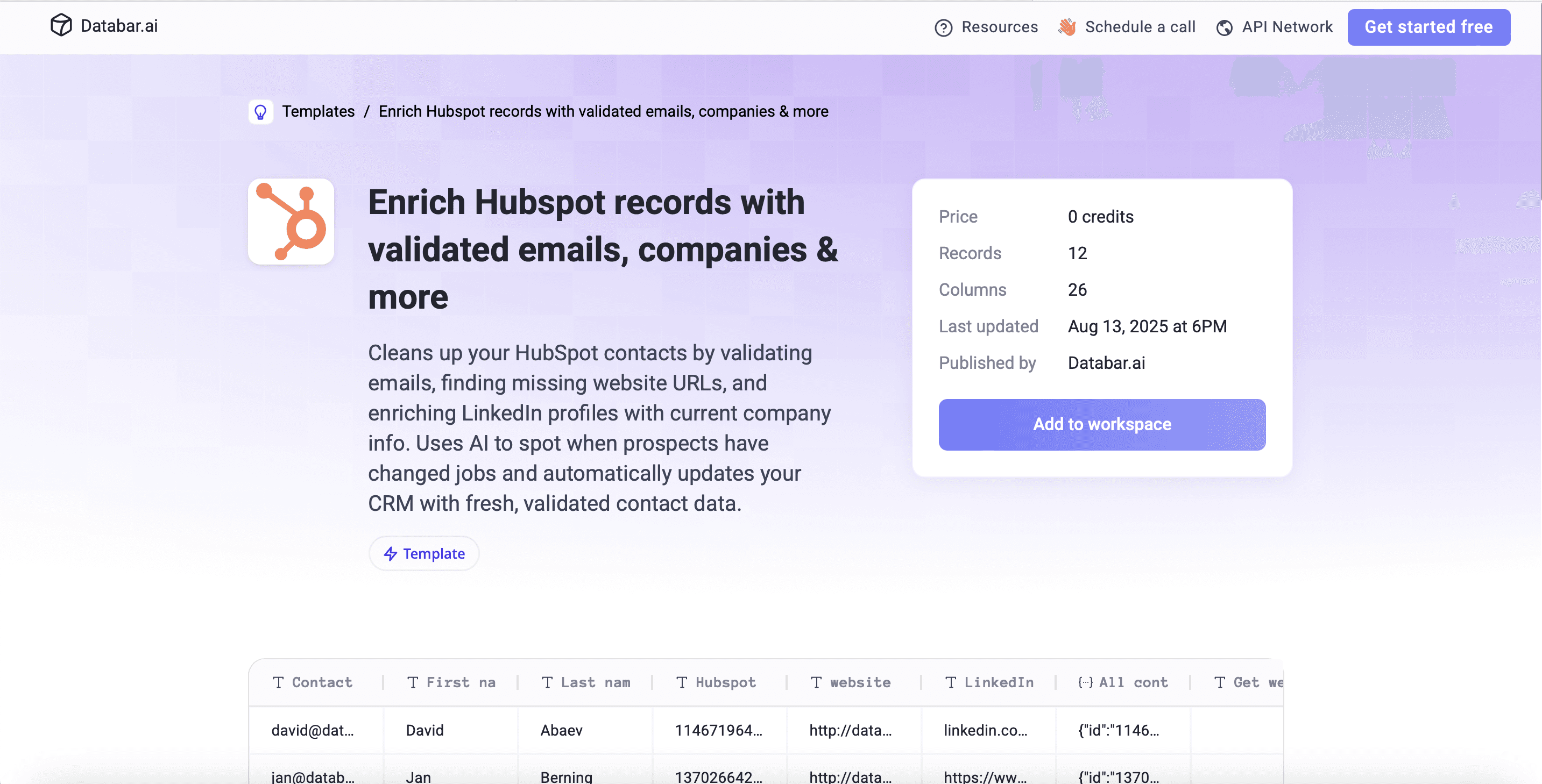
What it does: Cleans up existing HubSpot contacts and flags people who have changed jobs.
How it works: Pulls HubSpot contacts, validates their emails, fills in missing website URLs, enriches LinkedIn profiles, uses AI to compare the current employer with the company stored in HubSpot, and writes the validated data back.
Use it for: SDR teams working an older database. A contact flagged as moved is two leads: the new company, where they may bring you in, and the old one, which now needs a new contact. Our CRM data cleaning playbook covers the wider hygiene process.
Open the HubSpot enrichment template
3. Conference follow-up
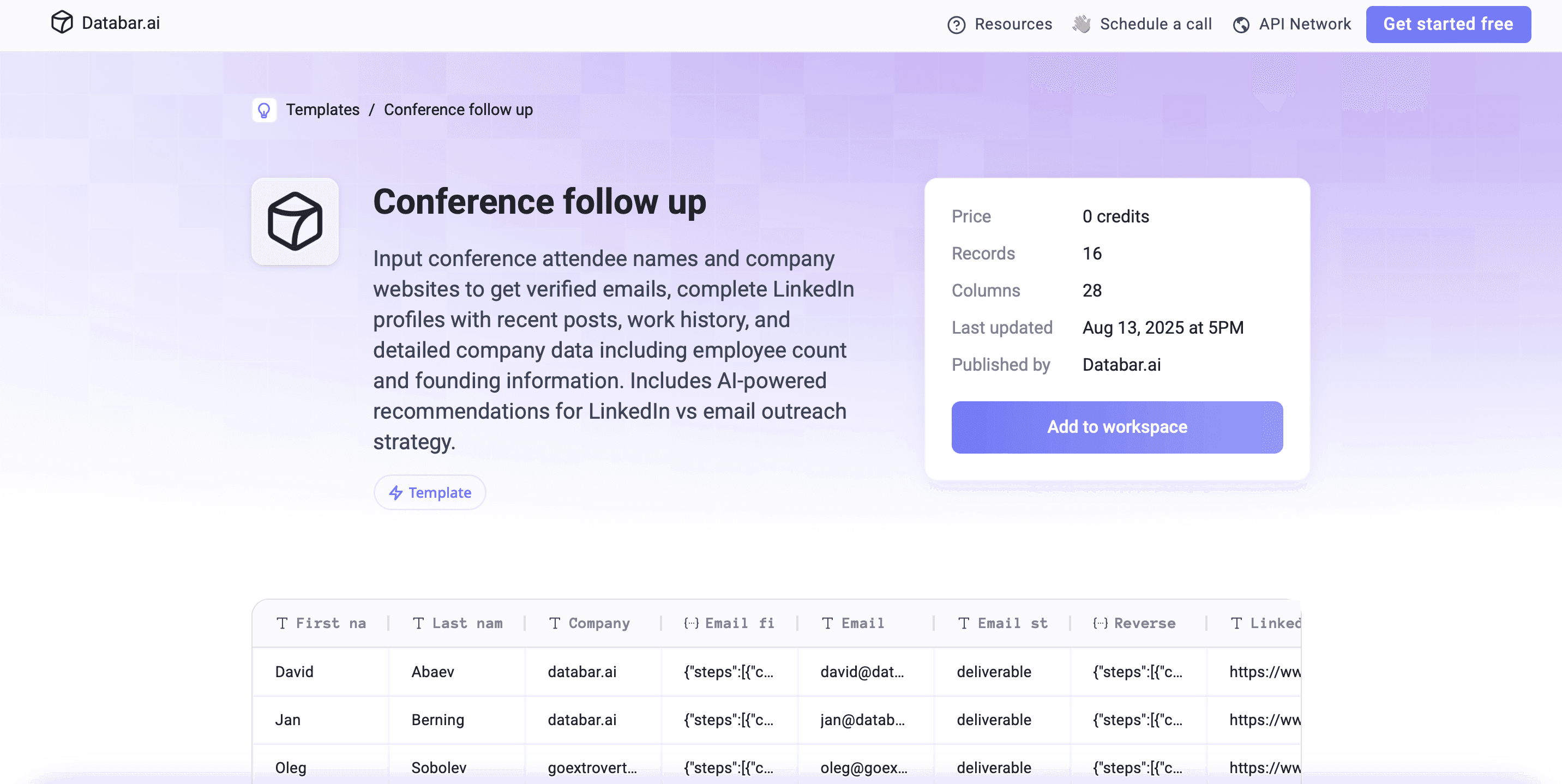
What it does: Turns a list of names and company websites from an event into contacts with a suggested outreach channel.
How it works: Finds and verifies work emails with a waterfall, enriches LinkedIn profiles including recent activity, adds company data, then uses AI to recommend whether to reach out by LinkedIn or email and with what angle.
Use it for: The week after an event, when badge scans and business cards need to become sequences before everyone forgets the conversation.
Open the conference follow-up template
4. Decision-maker emails from a company LinkedIn URL
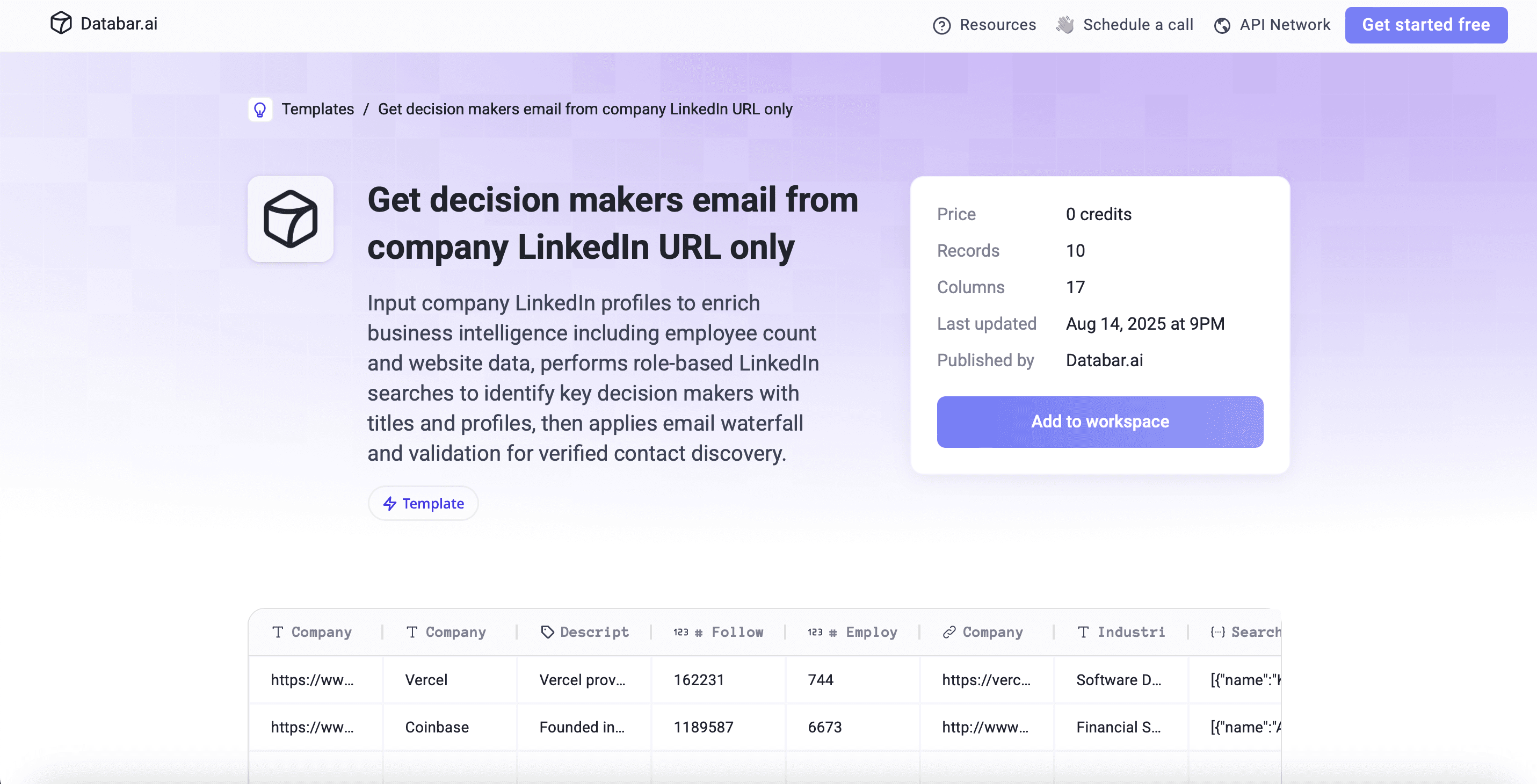
What it does: Starts from nothing but a company LinkedIn page and ends with named decision makers and verified emails.
How it works: Enriches the company (headcount, website, industry), searches for people in the roles you specify, runs an email waterfall on each, and validates the results.
Use it for: Outbound teams with a target account list but no contacts. Set the role search to your buying committee (say, VP Sales and Head of RevOps) so each account gets more than one thread.
Open the decision-maker email template
5. New tool adoption likelihood
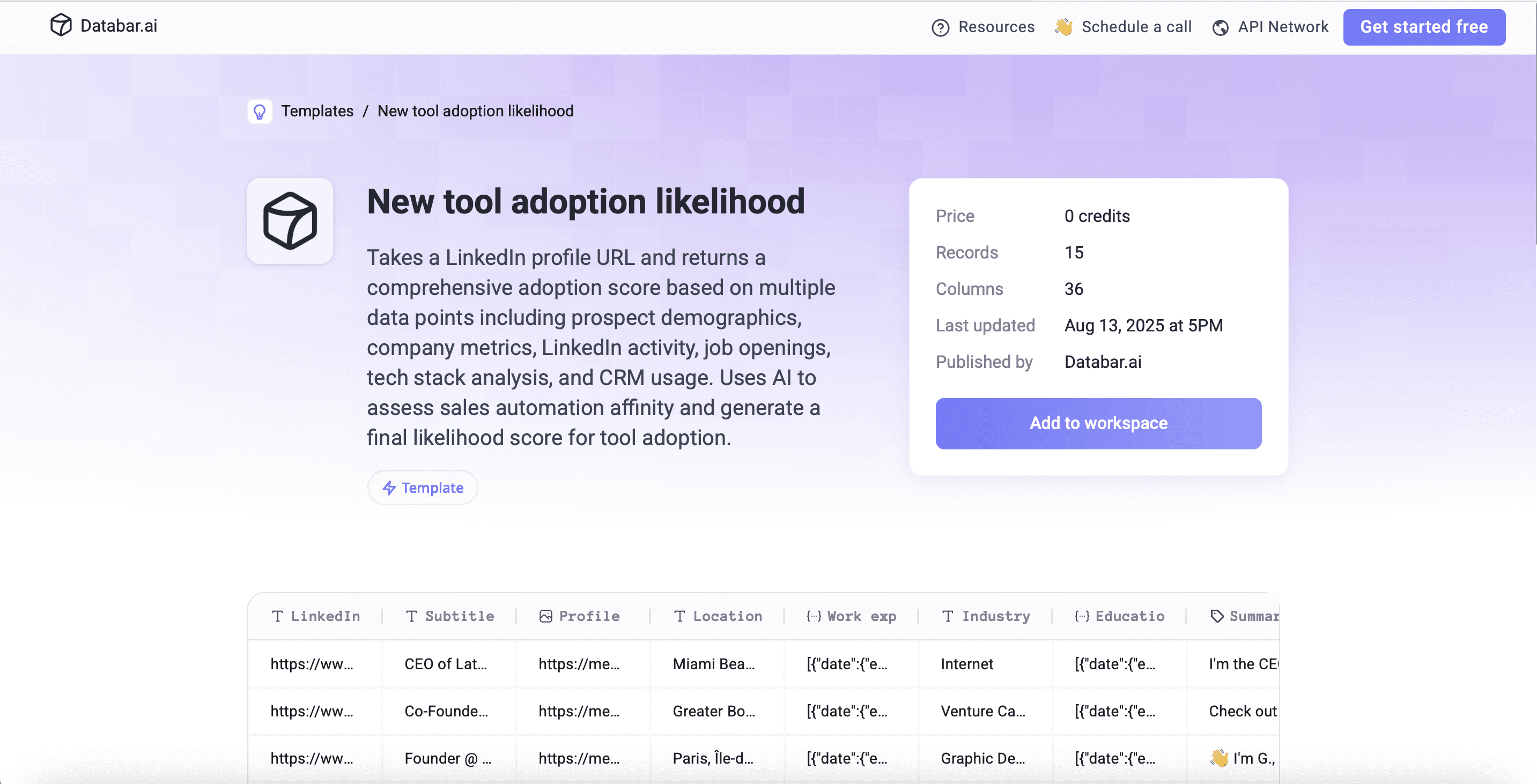
What it does: Estimates how likely a prospect is to adopt a new sales tool.
How it works: Enriches the person's LinkedIn profile and company, looks at tech stack, LinkedIn activity and open job postings, checks HubSpot, then has AI score the prospect's affinity for sales automation with a written reason.
Use it for: Teams selling software to sales and RevOps buyers who want to call early adopters first. Swap the AI prompt to match your own category.
Open the adoption likelihood template
6. Multi-criteria prospect fit scoring
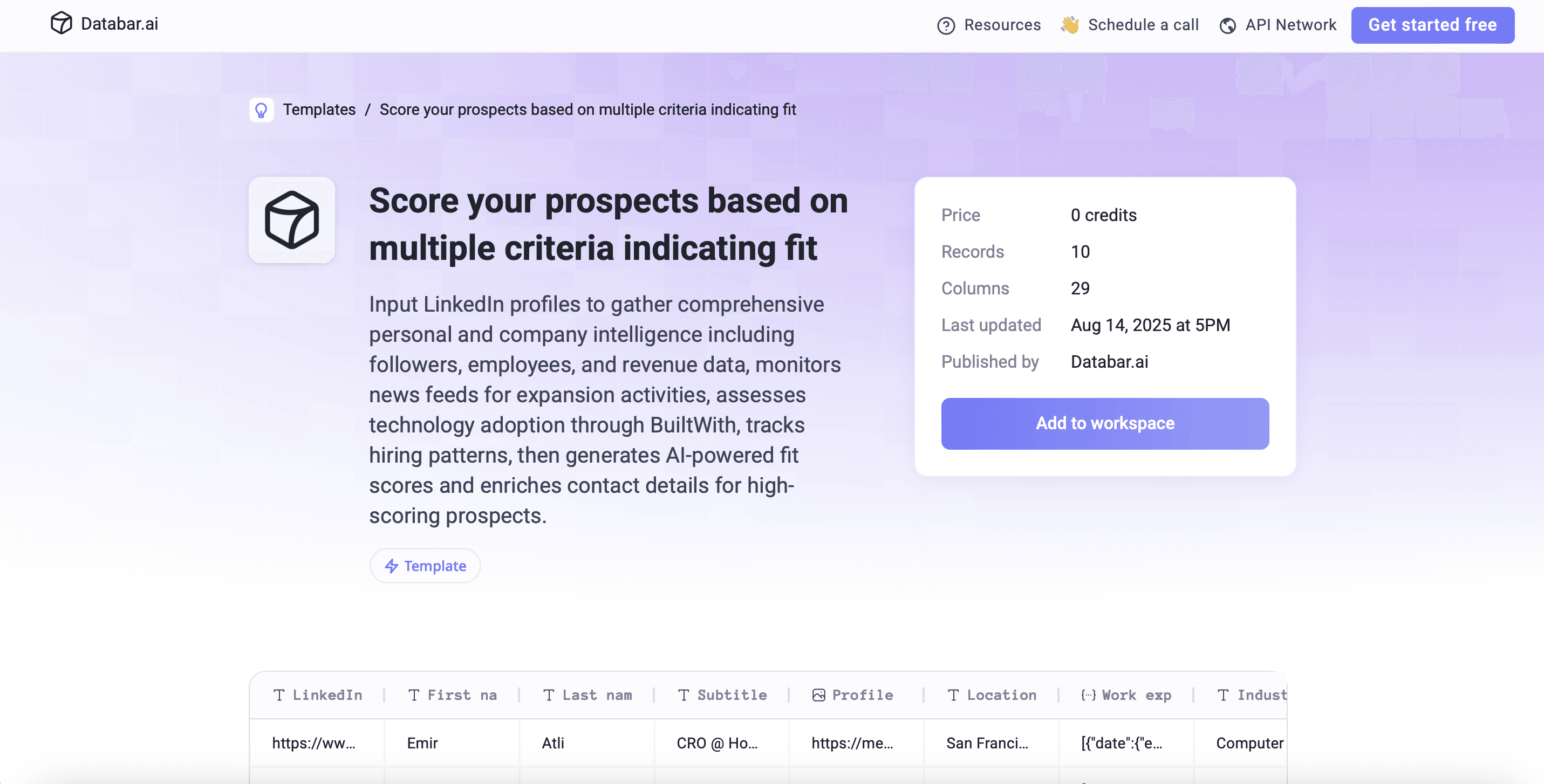
What it does: Scores prospects on several fit and growth signals at once.
How it works: Enriches the LinkedIn profile, adds revenue estimates, funding and company news, checks tech stack and job postings, and produces an AI fit score alongside validated contact details.
Use it for: Deciding which 50 accounts a rep works this week out of the 500 in their territory.
Open the prospect scoring template
7. Person and company data from an email
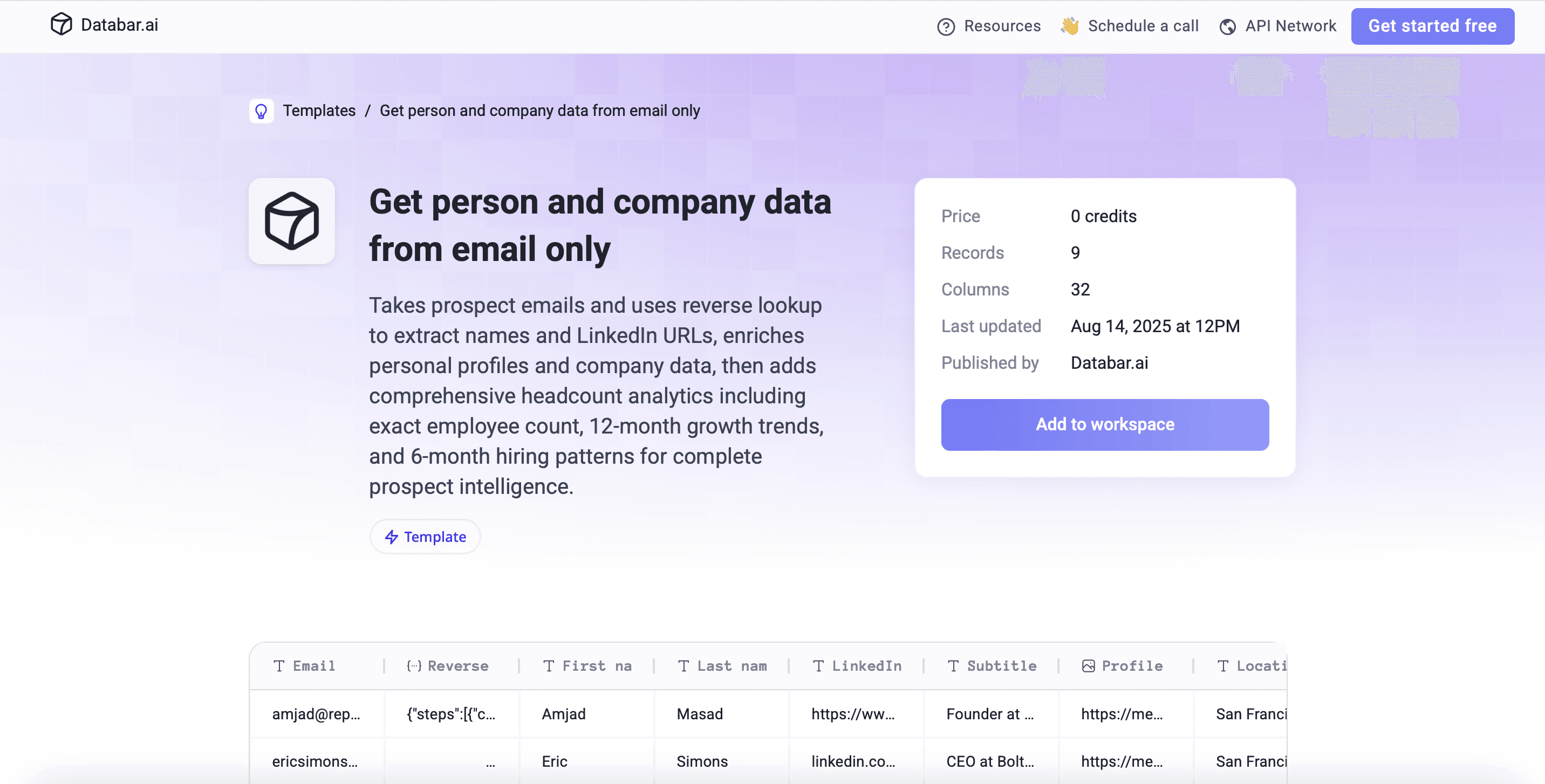
What it does: Takes a bare email address and returns the person, their LinkedIn profile, and their company.
How it works: Reverse email lookup for the name and LinkedIn URL, then person and company enrichment, including headcount and hiring trends.
Use it for: Webinar registrants, trial sign-ups, or any list where email is the only field you have.
Open the email-only enrichment template
8. Tenure, career summary and job challenges
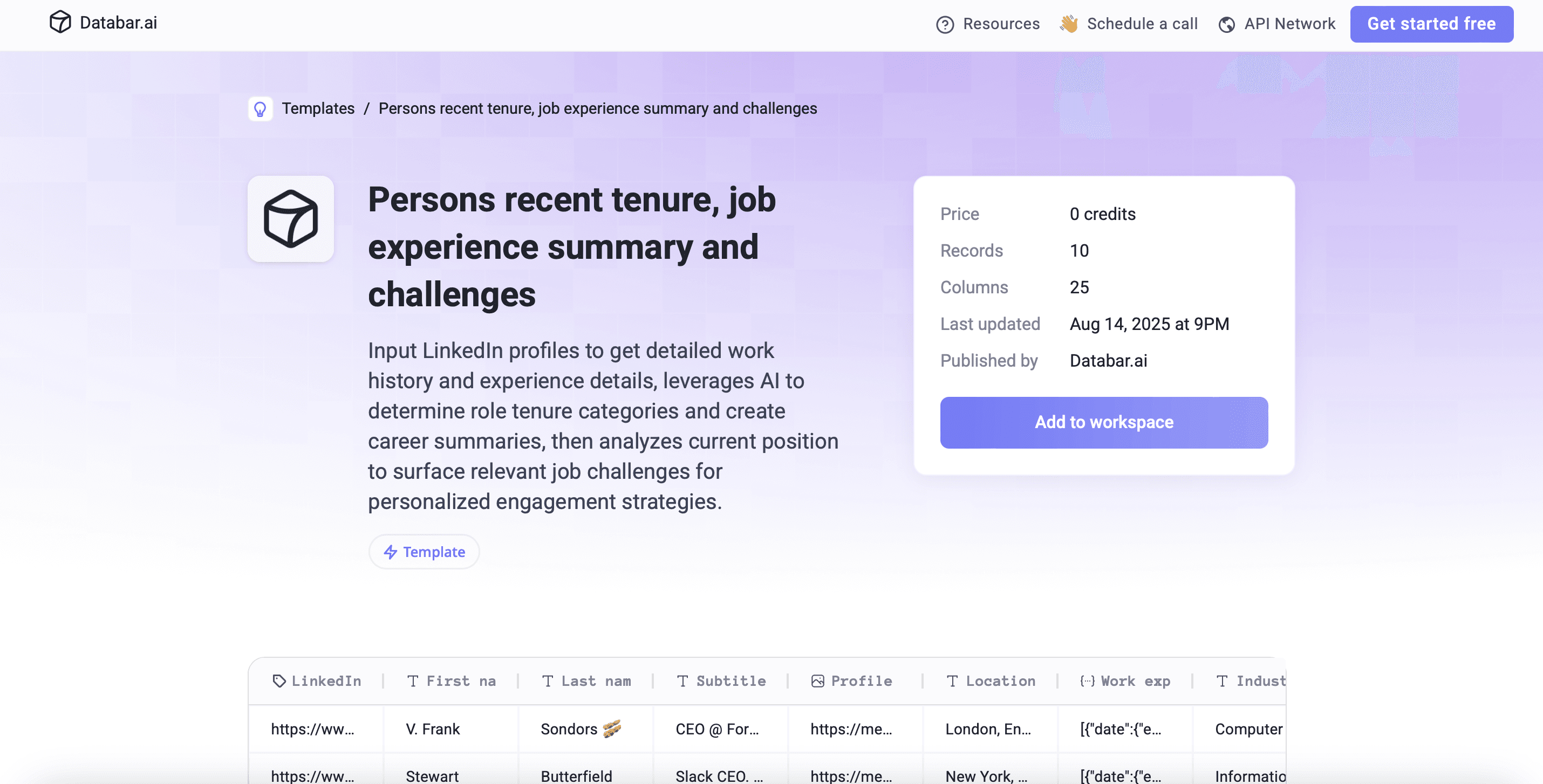
What it does: Tells a rep how long someone has been in their role, what their career looks like, and what problems the role likely involves.
How it works: Pulls work history from the LinkedIn URL, uses AI to put tenure into categories, writes a short career summary, and lists three challenges that fit the person's current role.
Use it for: Call prep. Someone four months into a new role is often reviewing vendors, and someone six years in usually needs a stronger reason to change anything.
Open the tenure and challenges template
9. Funding phase, amount and investors
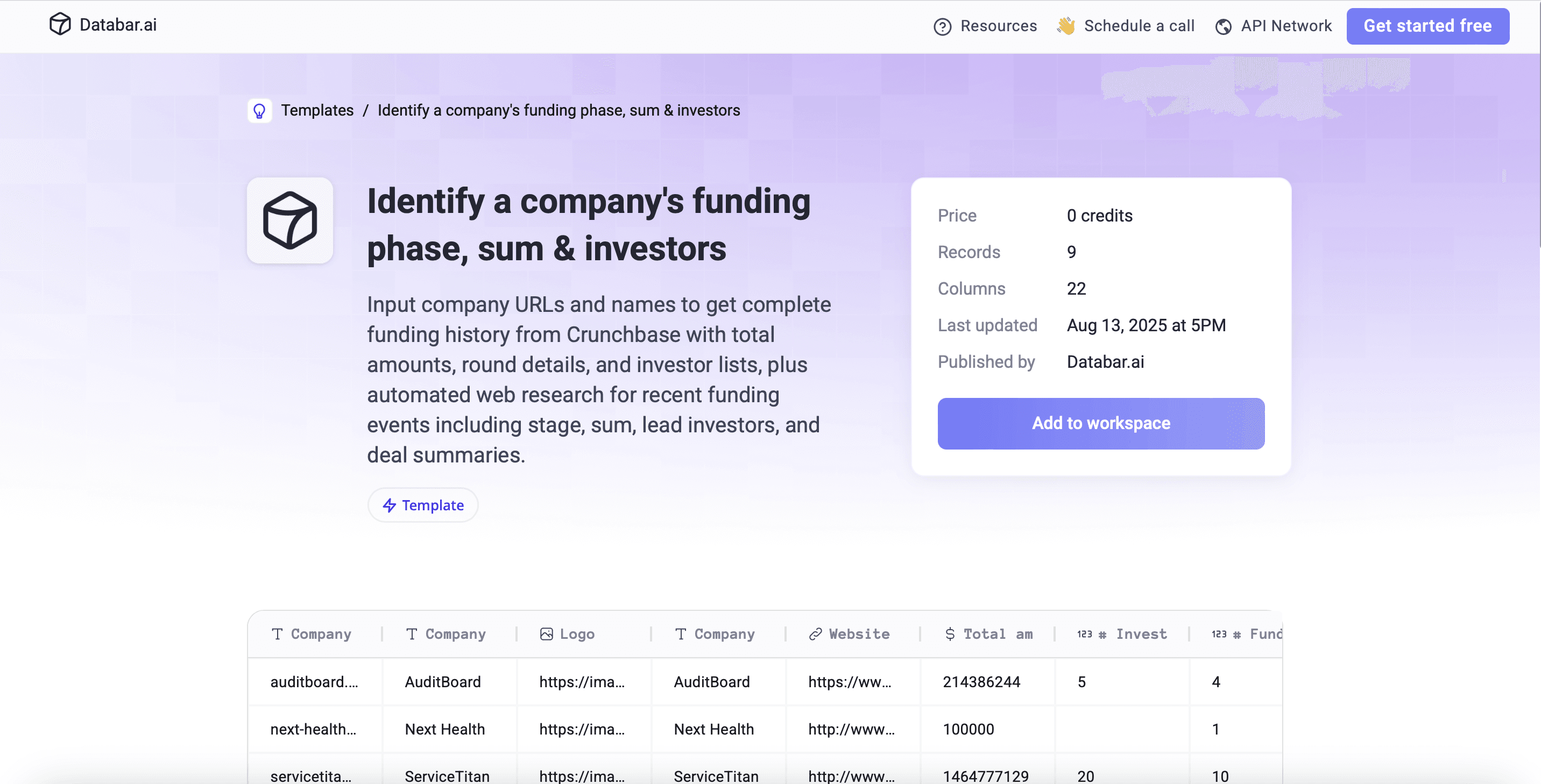
What it does: Adds funding history to a list of companies.
How it works: Pulls funding data from Crunchbase (total raised, rounds, investors), then uses web research to confirm the latest round's stage, amount and lead investor.
Use it for: Timing. A company that just raised is usually hiring and buying, and the round is a natural, non-creepy reason to reach out.
10. Newsletter subscriber qualification
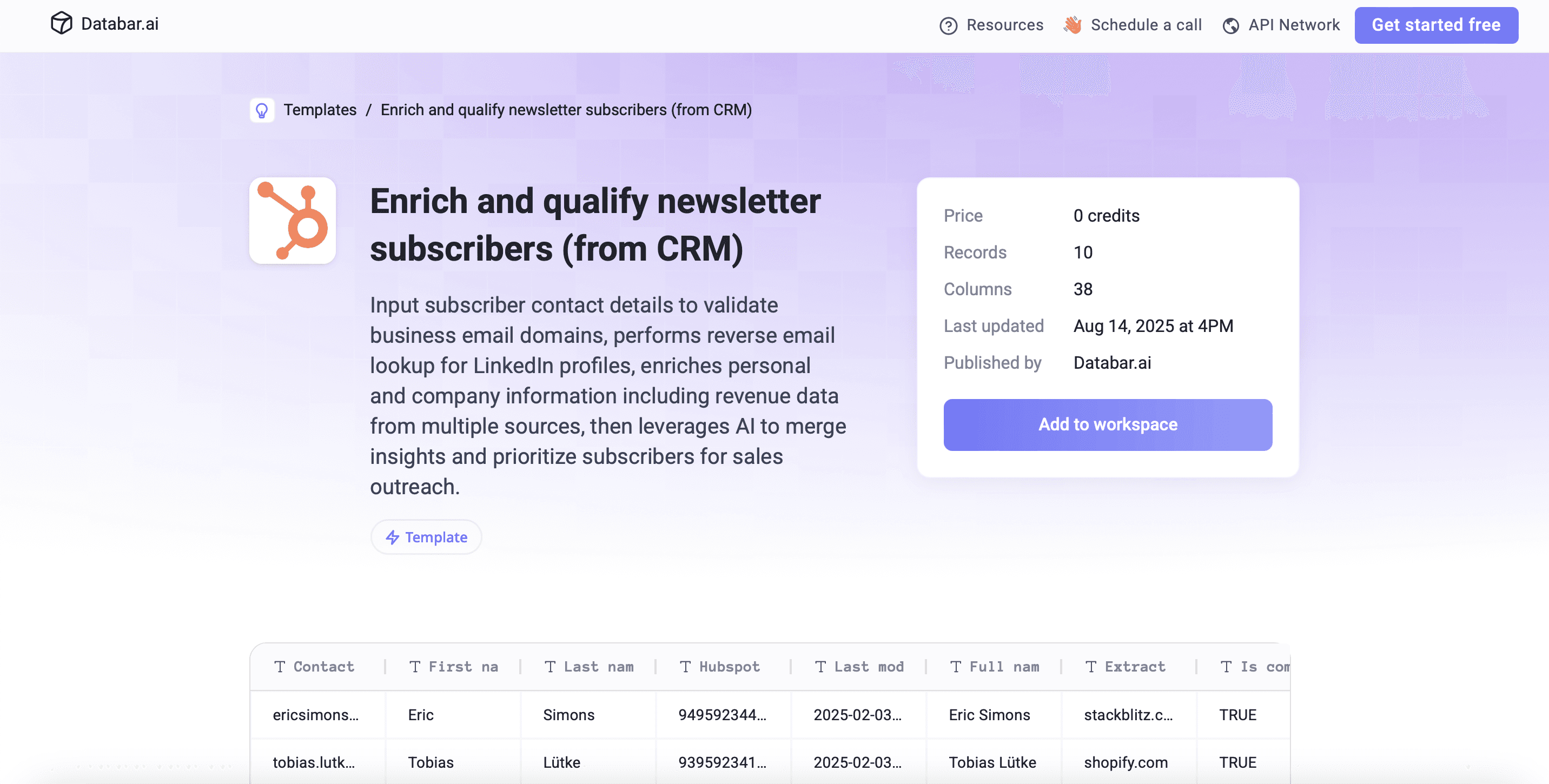
What it does: Finds the potential buyers hiding in your newsletter list.
How it works: Takes subscribers from your CRM, validates business domains, finds LinkedIn profiles through reverse email lookup, adds person and company data including revenue, and marks each subscriber as high or low priority based on title and company size.
Use it for: Marketing and SDR teams that want to know which readers deserve a personal note instead of the next issue.
Open the newsletter subscriber template
11. Challenge-based email first line
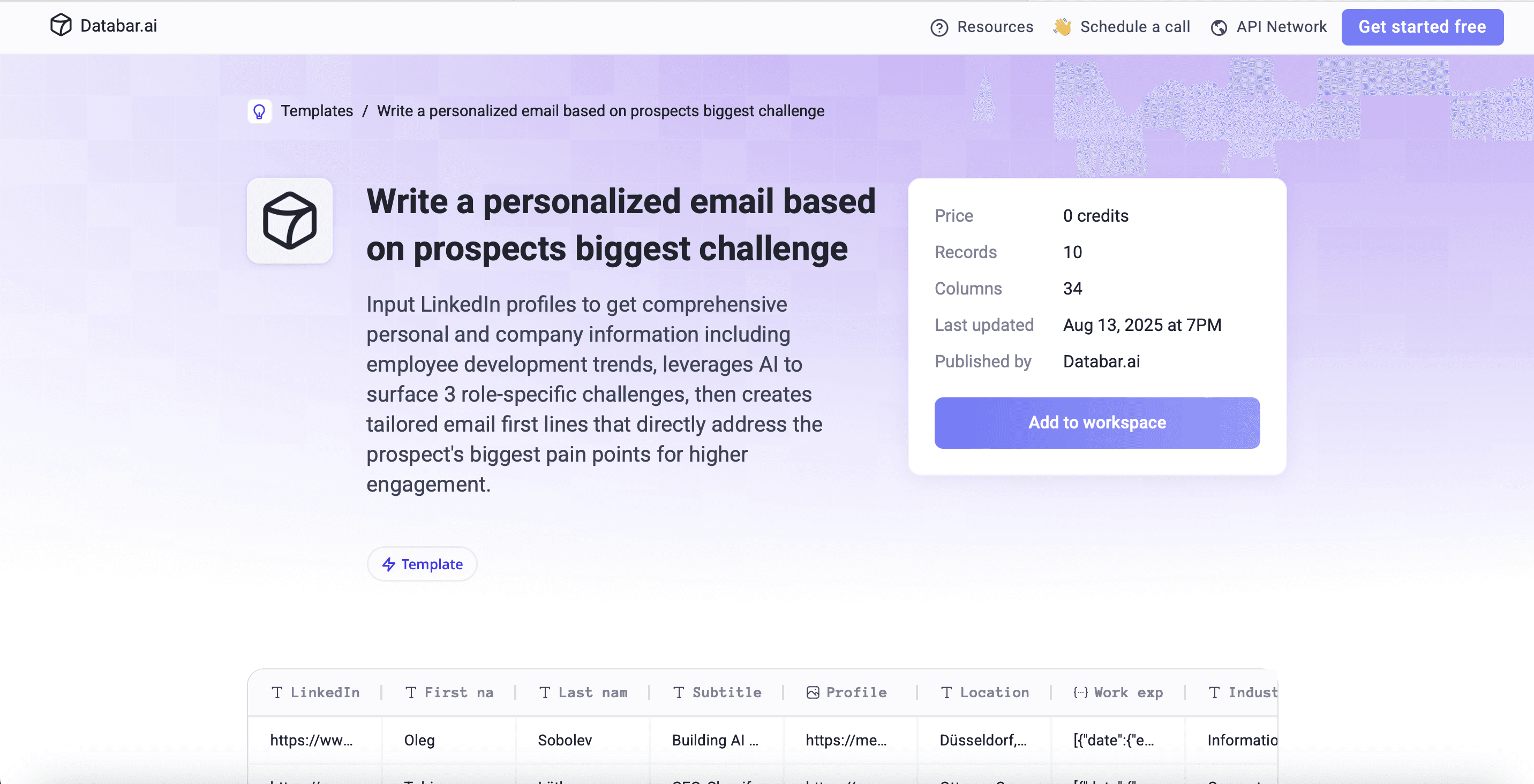
What it does: Writes a personalized opening line based on the prospect's most likely challenge.
How it works: Starts from a LinkedIn URL and name, enriches the person and company (including headcount trends), uses AI to rank three role-specific challenges, and drafts an email first line that addresses the top one.
Use it for: Outbound where a generic opener won't land. Have a rep review the lines before they go out, especially early on, and tune the prompt to your product.
Open the challenge-based email template
12. Prospect interests, gift ideas and shipping address
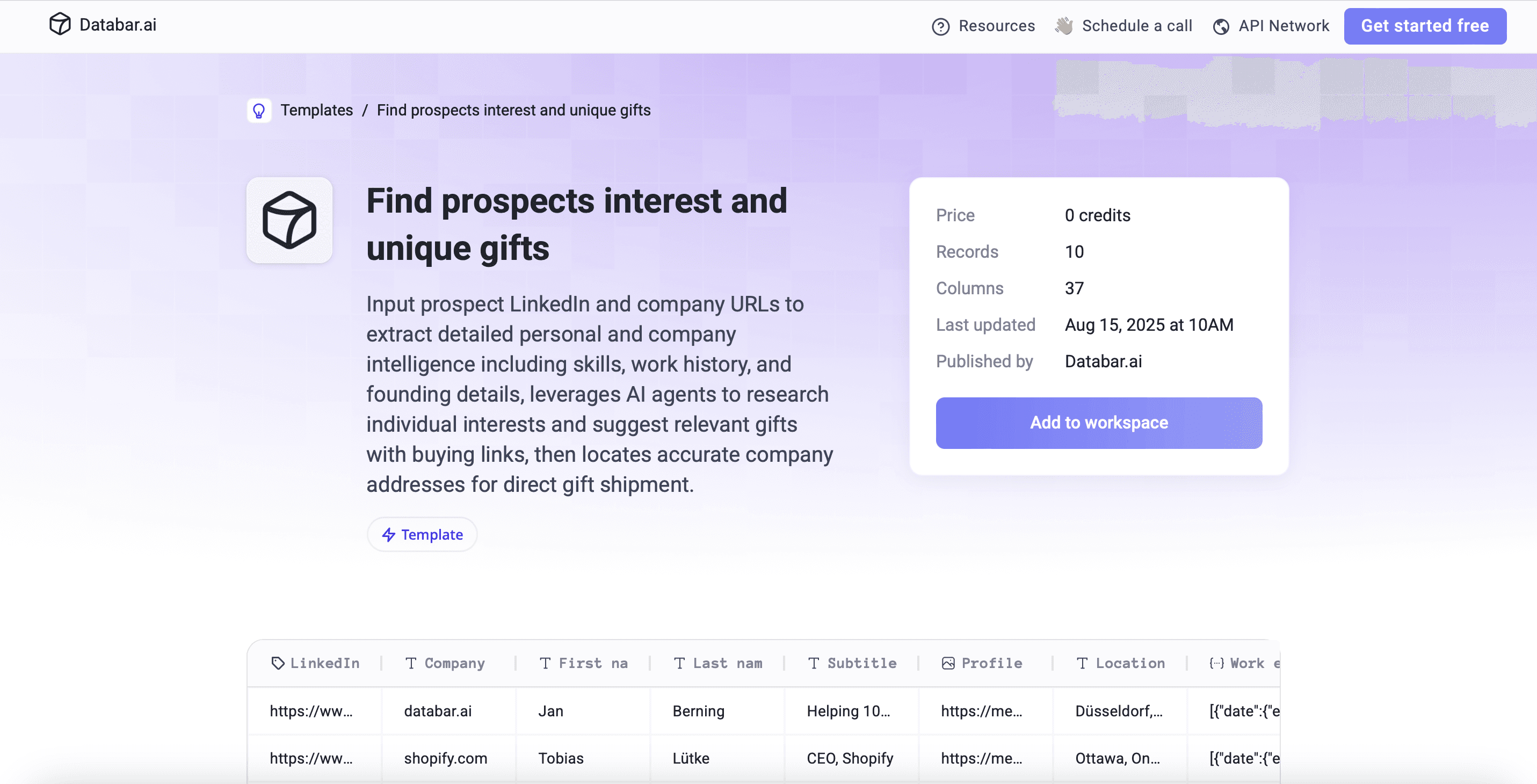
What it does: Researches what a prospect cares about, suggests a gift, and finds where to send it.
How it works: Enriches the person and company from LinkedIn and company URLs, uses AI research to summarize interests and recommend a gift with a purchase link, and finds the company's HQ address.
Use it for: A short list of high-value accounts where a thoughtful gift can open a door. Check company policy on gifts in regulated industries first, and confirm the prospect actually works from that office.
Open the gift research template
Picking a starting set by team type
Team | Start with |
|---|---|
Inbound-heavy | Form lead scoring (1), HubSpot enrichment (2), newsletter qualification (10) |
Outbound | Decision-maker emails (4), fit scoring (6), challenge-based first line (11) |
Event-driven | Conference follow-up (3), funding (9), gift research (12) |
Selling to sales and RevOps | Adoption likelihood (5), tenure and challenges (8), email-only enrichment (7) |
Rolling it out
Week one: agree on the rules. Write down your qualification criteria and the handoff fields before touching any template. The templates should produce the fields your handoff needs, not the other way around.
Week two: run one or two templates on real data. Pick the ones that match your biggest bottleneck, run them on a few hundred records, and have a rep and an AE review the output. Change the scoring thresholds and AI prompts until the "high priority" rows look like accounts the AE would actually want.
After that: connect and schedule. Sync results to HubSpot or Salesforce, schedule recurring runs for lists that change (inbound, CRM contacts), and review meeting-to-opportunity conversion with AEs monthly. Adjust the criteria based on what they tell you.
Templates cover the research. For the email copy side of an SDR playbook, see our sales prospecting templates.
Questions
How long does it take to set one of these up?
Copying a template and running it on a sample takes minutes. Most of the time goes into adjusting scoring thresholds and prompts to your ICP and connecting your CRM, which is usually a few hours to a couple of days depending on how much you customize.
Do they work for both inbound and outbound teams?
Yes. Templates 1, 2, 7 and 10 start from data you already have (forms, CRM, subscribers), and 4, 6, 8 and 11 are built for outbound research. Mixed teams usually run one of each.
Can I change the qualification criteria?
Yes. Every column, including the AI scoring prompts and the provider order in waterfalls, can be edited. Treat the templates as a starting point and replace the example thresholds with your own.
Databar has a 14-day trial of the full product if you want to run a template on your own list. Paid plans start at $99/month.
Recent articles
See all






