
"Extract data from a website" covers very different jobs. Pulling 40 competitor prices once a week is not the same problem as crawling 10,000 company websites for team pages, and neither looks like building a product feed from a JavaScript-heavy store that blocks bots. The right tool depends on what you are extracting, how often, from how many sites, and whether anyone on your team writes code.
This guide covers 20 data extraction tools in three groups: no-code and business tools (including Databar for B2B company and contact data), scraping APIs and managed platforms, and open-source frameworks. For each one you get what it is good at, where it falls short, and how it is priced. After the list there is a section on the logic behind extracting data from company websites, with a checklist you can reuse, plus notes on e-commerce data and on collecting emails.
Pricing below was checked against vendor pages at the time of writing. Scraping tools change plans often, so confirm on the vendor's site before you buy.
The 20 tools at a glance
Tool | Type | Best for | Pricing model |
|---|---|---|---|
Databar | Enrichment platform with web research | Company and contact data across lists of websites | From $99/month, 14-day trial |
Octoparse | No-code desktop + cloud | Non-developers scraping complex sites | Free plan; paid from $69/month billed annually |
ParseHub | No-code desktop | Dynamic pages with clicks and dropdowns | Free plan (200 pages per run); paid plans, check site |
Web Scraper | Browser extension + cloud | Quick, repeatable scrapes of listings | Free extension; cloud from $50/month |
WebHarvy | Windows desktop app | Small teams wanting a one-time license | From $99 one-time |
Mozenda | Cloud platform + managed service | Business teams with recurring, larger jobs | 14-day trial; from $500/month |
Import.io | Self-service extraction + pricing intelligence | Retail and e-commerce price monitoring | From $199/month billed annually |
Apify | Scraping platform and Actor marketplace | Ready-made scrapers for popular sites | Free tier; paid from $19/month plus usage |
ScrapingBee | Scraping API | Developers who want rendering and proxies handled | 1,000 free credits; paid from $19/month |
Firecrawl | Scrape and crawl API, open-source core | Clean markdown or JSON for LLM and AI workflows | Free tier; paid from $16/month billed annually |
Bright Data | Proxy network, scraper APIs, datasets | High-volume and heavily protected targets | Usage-based per product |
Scrapfly | Scraping API | Anti-bot heavy sites | Free tier; credit-based paid plans |
Zenscrape | Scraping API | Simple rendered-HTML requests | Free tier; credit-based paid plans |
ScrapeOwl | Scraping API | Budget API scraping | 1,000 free credits; from $29/month |
Diffbot | AI extraction APIs + Knowledge Graph | Structured articles, products, and company data without selectors | Free plan; paid from $299/month |
ScrapeHero Cloud | Pre-built scrapers + managed service | Amazon, Walmart, Google Maps data without setup | Free tier; paid plans and custom projects |
Scrapy | Open-source Python framework | Large crawls built in-house | Free |
Beautiful Soup | Open-source Python parser | Parsing HTML you already fetched | Free |
Selenium | Open-source browser automation | Sites that need logins, clicks, and forms | Free |
Playwright | Open-source browser automation | Modern JavaScript apps, faster and more reliable automation | Free |
No-code and business tools
1. Databar
Databar is a data enrichment platform rather than a general-purpose scraper, and that distinction matters. If what you want out of websites is B2B information about companies and people (what a company sells, its pricing model, tech stack, team, open roles, contact emails), Databar works row by row across a whole list. You upload a column of domains, then add columns that pull data for each one.
The extraction side comes from two places. Its AI Researcher takes a prompt such as "Find this company's pricing page and return the lowest paid plan price and whether they offer a free trial" and runs web research for every row. And its catalog of 160+ data providers includes website-focused sources like Firecrawl page scraping, BuiltWith and Wappalyzer tech stack lookups, and website email finders, next to contact and company databases. For missing contact data, waterfall enrichment tries several providers in order and stops at the first valid result.
Where it falls short: it is not built for crawling every page of one large site or for monitoring product catalogs. Use a scraper for that.
Best for: sales, marketing and RevOps teams extracting company and contact data from hundreds or thousands of websites, with results pushed to HubSpot or Salesforce. Developers can use the same enrichments through the REST API, Python SDK, or the MCP server.
Pricing: paid plans from $99/month, credits-based, and you aren't charged for lookups that return no data. 14-day full-product trial.
2. Octoparse
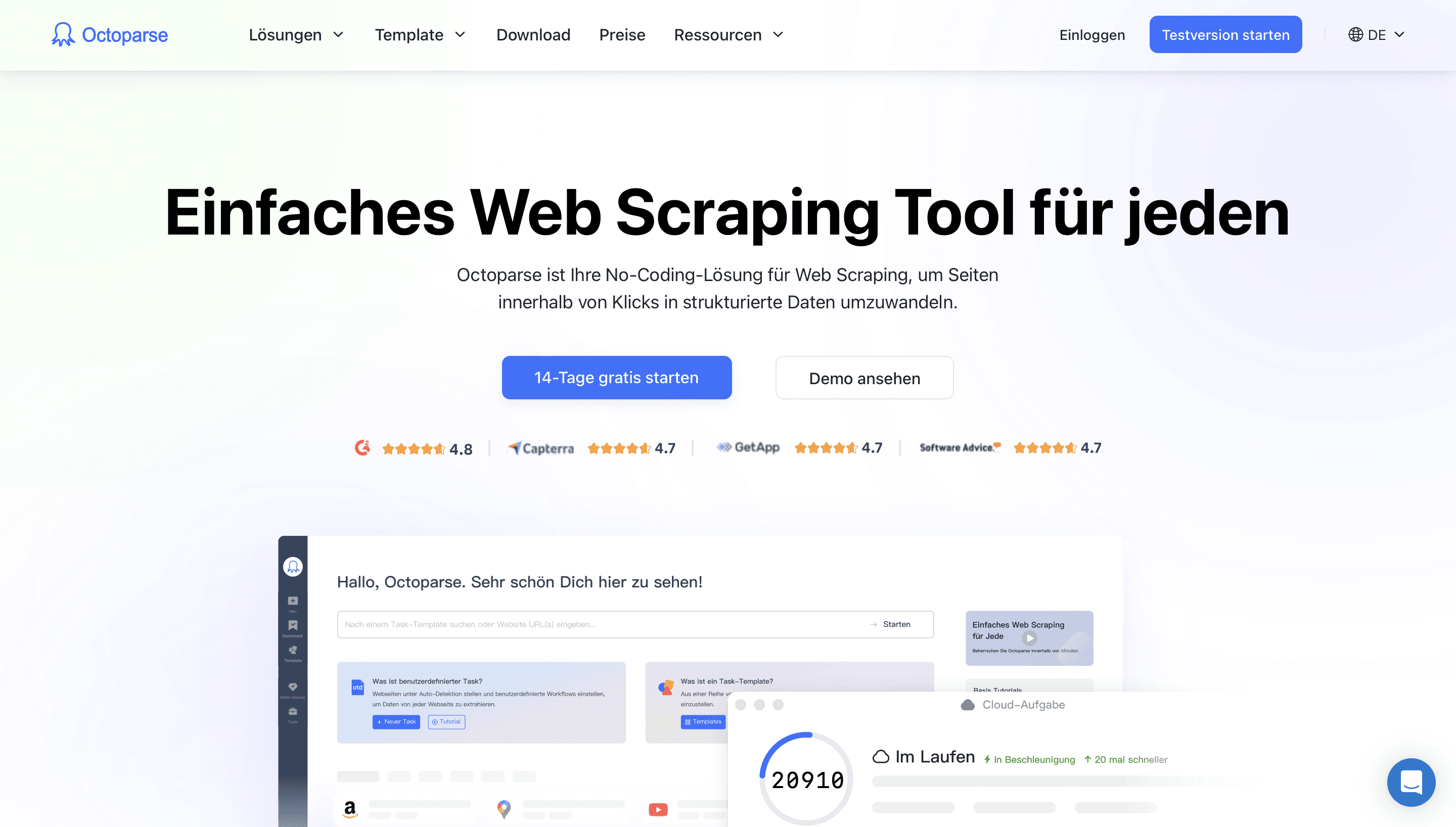
Octoparse is a point-and-click scraper with a desktop app for building tasks and cloud extraction for running them on a schedule. It handles pagination, infinite scroll, logins, and JavaScript-rendered pages, and paid plans add IP rotation and CAPTCHA handling. Its library of preset templates for common sites (marketplaces, maps, social platforms) saves setup time when your target is covered.
Where it falls short: tasks still break when a site changes its layout, and the task and concurrency limits on lower plans get tight for large jobs.
Best for: non-developers who need regular, scheduled extraction from sites more complex than a simple table.
Pricing: free plan for small local jobs; Standard from $69/month billed annually ($83 month to month); Professional higher.
3. ParseHub
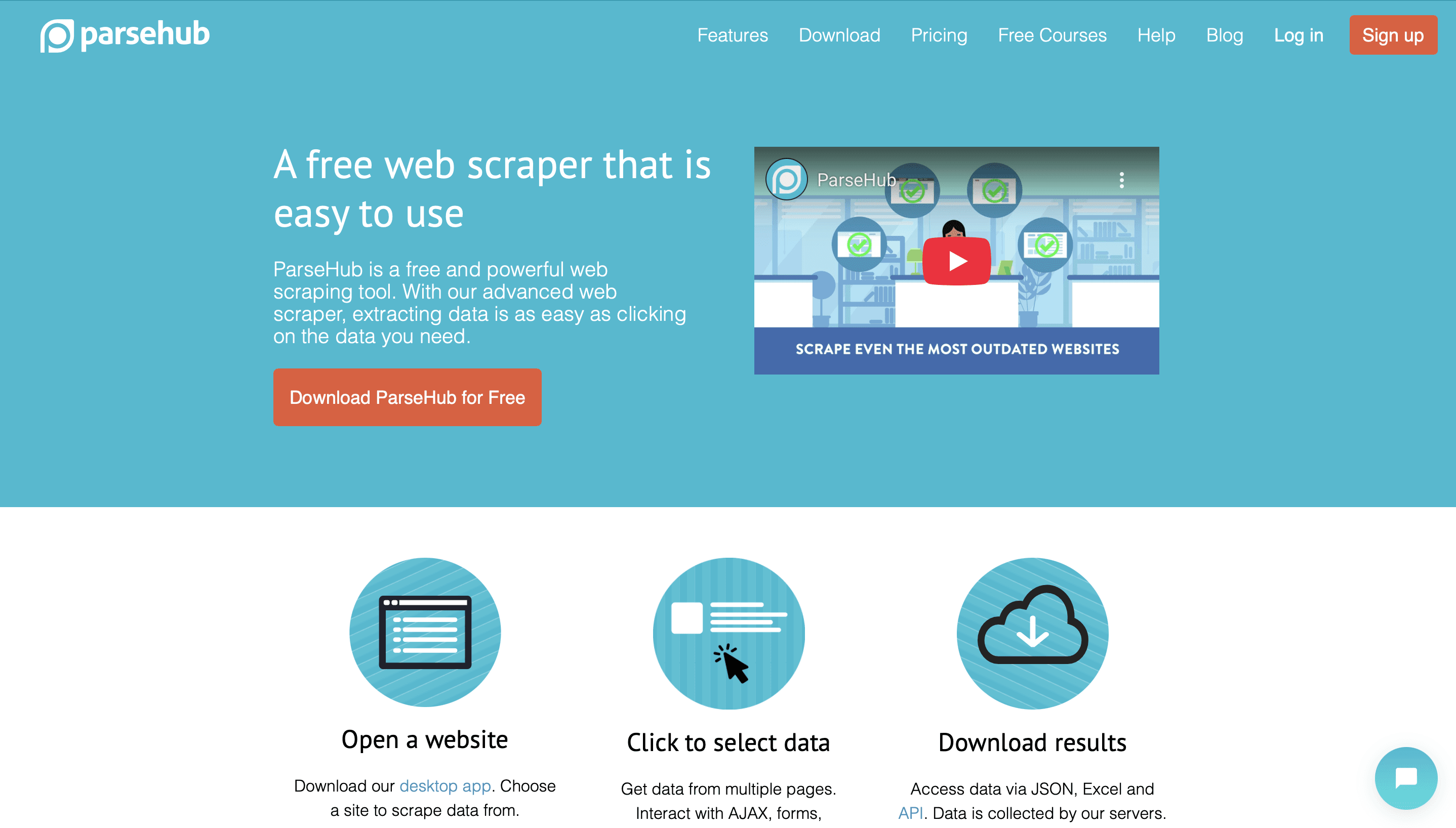
ParseHub is a desktop visual scraper that is good with interactive pages: dropdowns, tabs, forms, maps, and content that loads after clicks. You click the elements you want, it learns the pattern across similar elements, and you can chain actions (click this, then extract that) into a project that runs locally or on its servers.
Where it falls short: the free plan limits you to 200 pages per run and public projects, and paid plans cost noticeably more than most visual tools. Complex projects get slow to run.
Best for: one-off or occasional projects on dynamic sites where you don't want to write browser automation.
Pricing: free plan available; check ParseHub's site for current paid plans.
4. Web Scraper (webscraper.io)
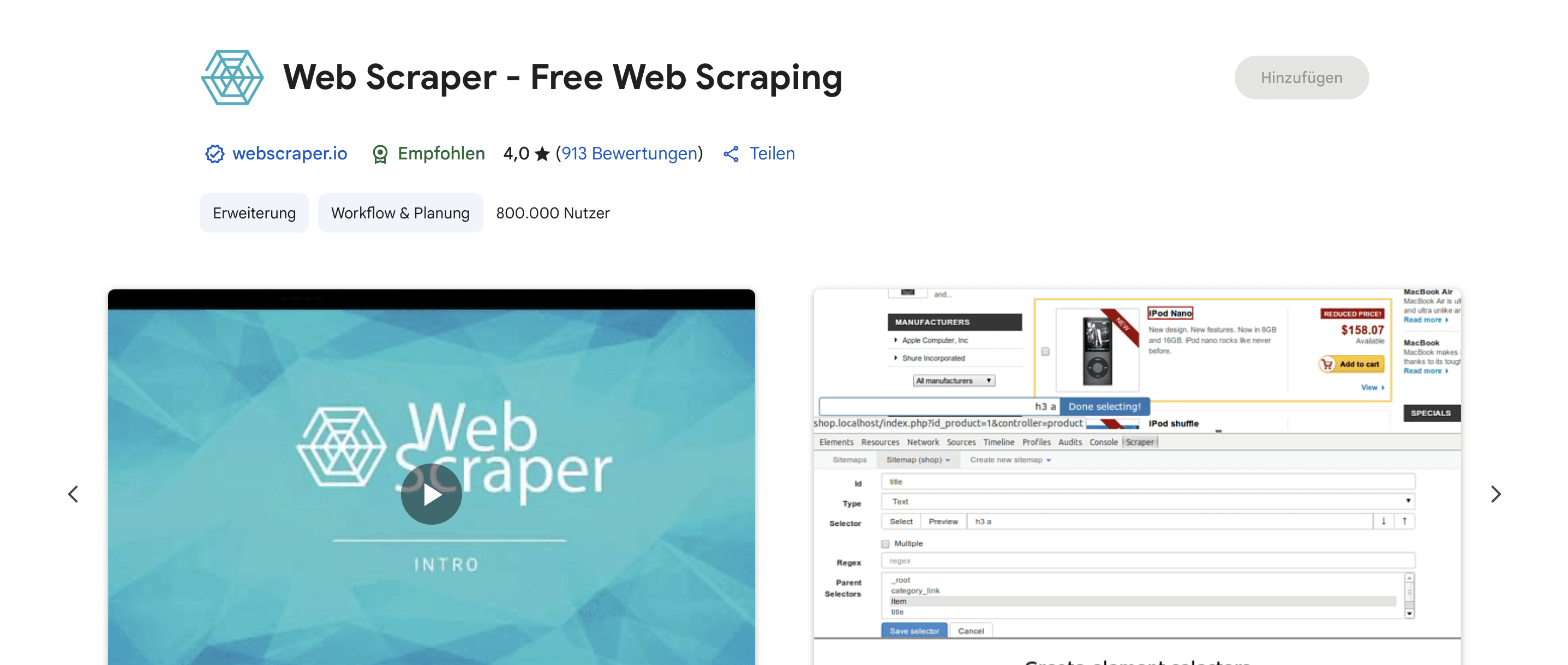
Web Scraper is a free browser extension where you build a "sitemap" (a set of selectors and navigation rules) directly in the page you are looking at, then run it to export CSV or JSON. The paid Web Scraper Cloud runs the same sitemaps on a schedule, with proxies and API access.
Where it falls short: selector-based, so layout changes break it, and running large jobs in your own browser is slow.
Best for: the fastest way to get structured data out of directories, listings and category pages without installing anything heavy.
Pricing: extension is free; cloud plans start at $50/month.
5. WebHarvy
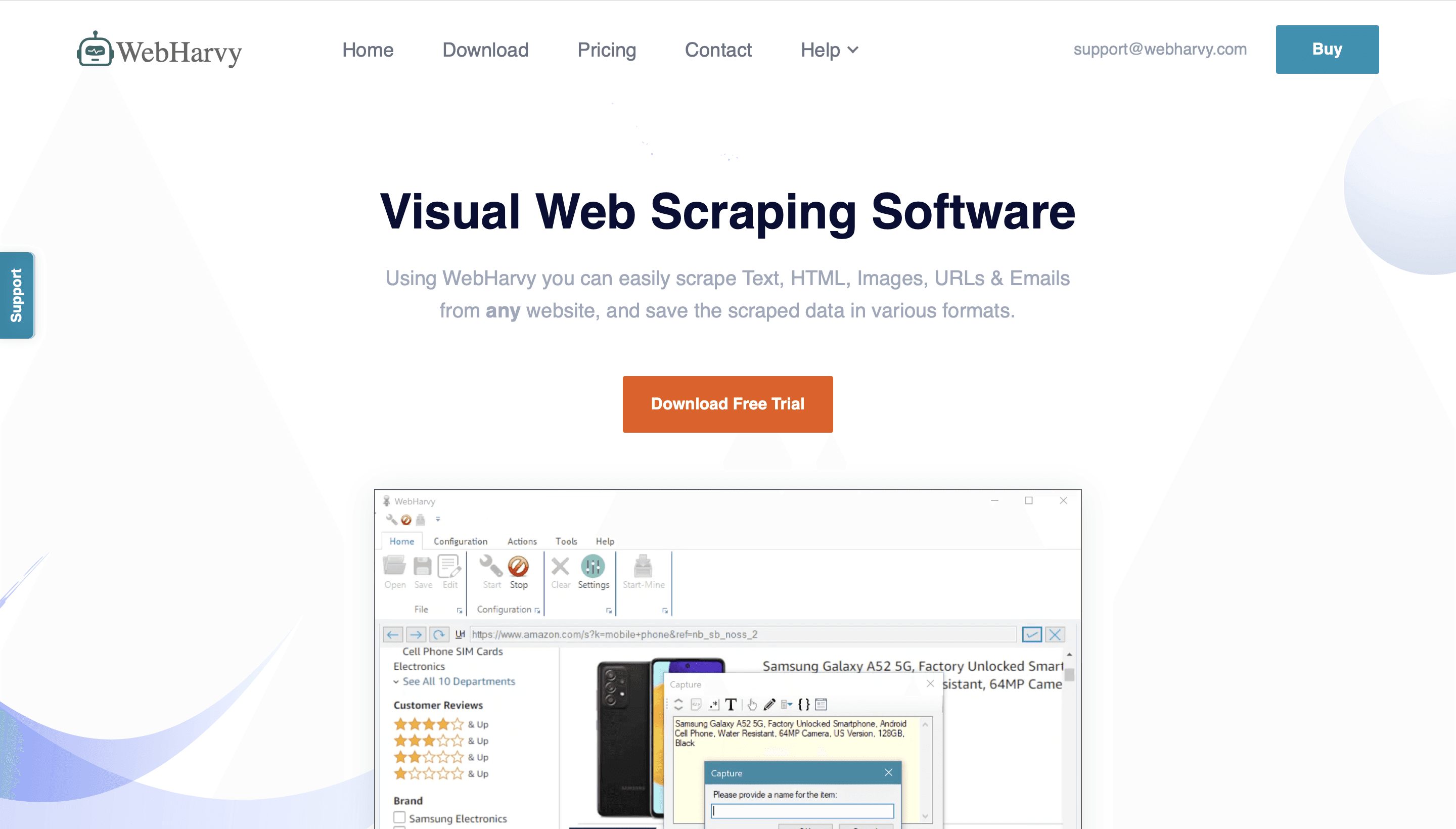
WebHarvy is a Windows desktop scraper that detects repeating patterns when you click one item in a list, then collects all similar items across pages. It supports keyword-based and category-based scraping, image downloads, and scheduled runs, and everything stays on your machine.
Where it falls short: Windows only, no cloud execution, and you handle proxies yourself if a site starts blocking you.
Best for: small businesses and individuals who prefer a perpetual license over a subscription.
Pricing: one-time license from $99 for a single user, with a year of updates and support included.
6. Mozenda
Mozenda has been around since 2007 and offers two models: licensed cloud software where your team builds point-and-click agents, and managed data services where Mozenda does the extraction and delivers datasets. It extracts text, files, images and PDF content and exports to CSV, TSV, XML, XLSX or JSON.
Where it falls short: expensive for small projects, and the product feels built for recurring enterprise work rather than quick experiments.
Best for: business teams, often in retail and manufacturing, that want reliable recurring extraction and the option to hand it off entirely.
Pricing: 14-day trial; Pilot plan at $500/month; enterprise pricing is custom.
7. Import.io
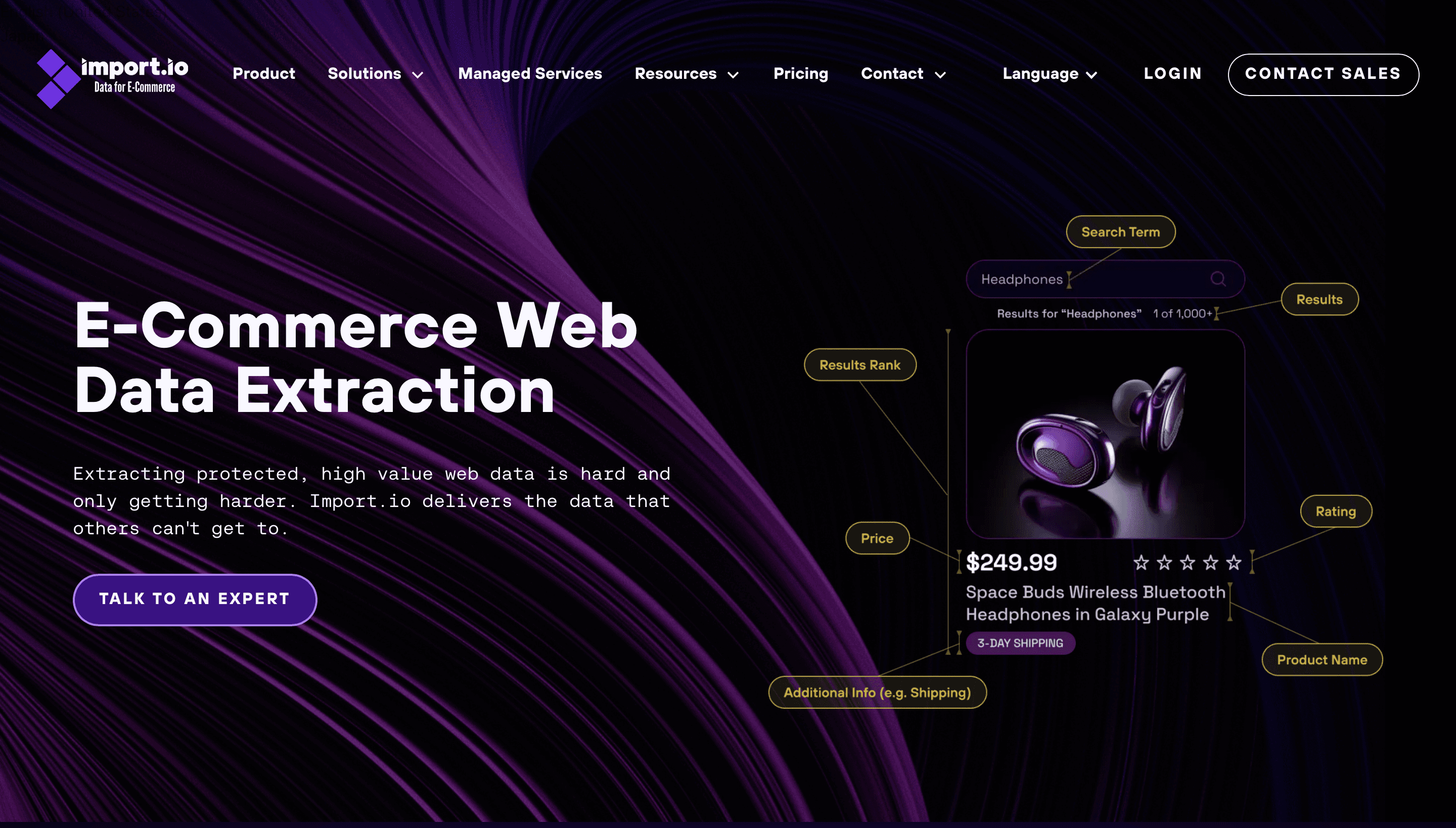
Import.io offers self-service extraction (build extractors with point-and-click tools or APIs) plus Aperture, a pricing intelligence product for monitoring competitor prices, MAP compliance, and product availability across retailers. It also offers managed services for larger programs.
Where it falls short: pricing starts well above hobby tools, and the strongest part of the product is aimed at retail and brands.
Best for: e-commerce and consumer brands that need structured price and product data from many retailers on a schedule.
Pricing: self-service from $199/month billed annually ($249 month to month), with a free trial; Aperture and managed services are quoted.
Scraping APIs and managed platforms
8. Apify
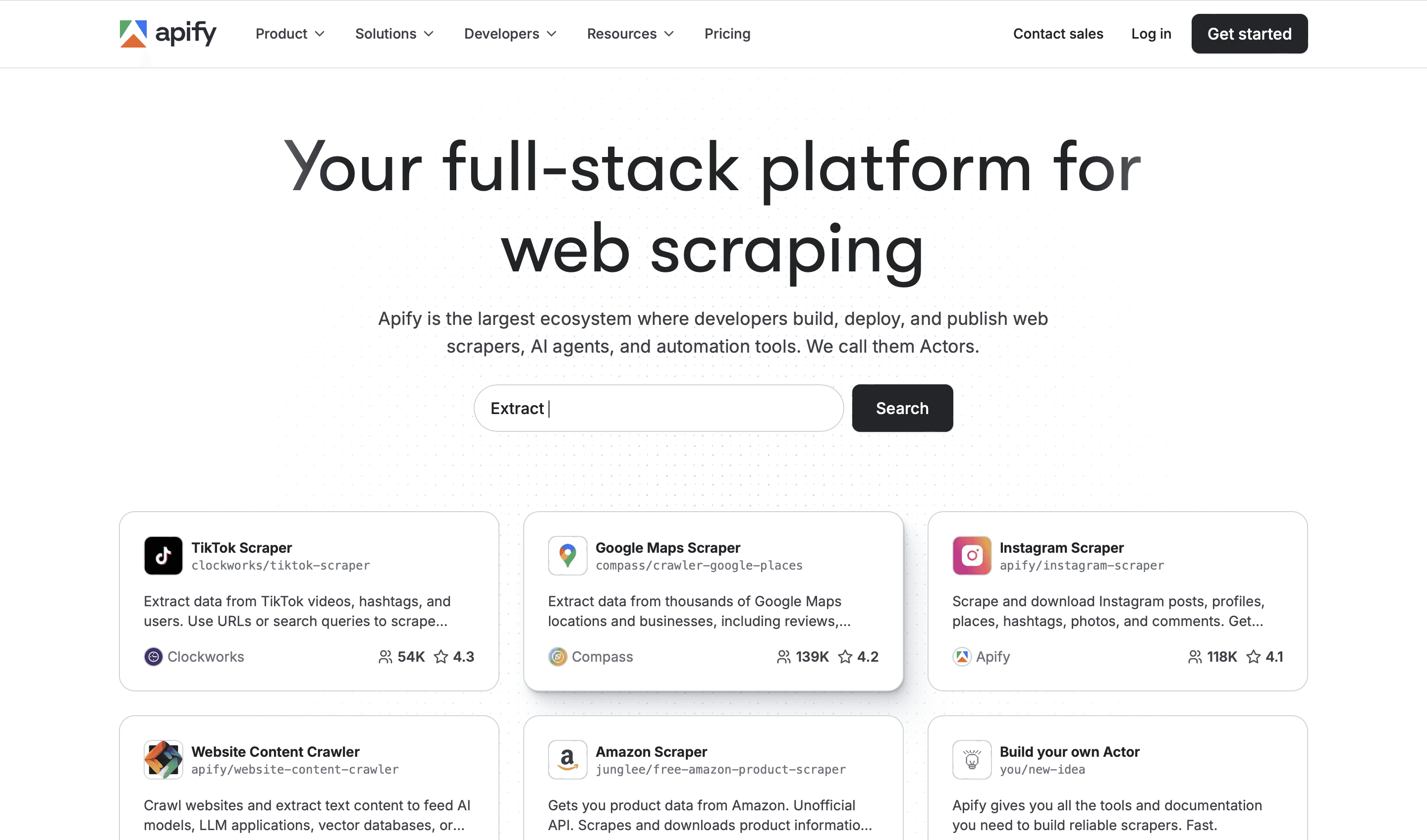
Apify is a cloud platform for running scrapers, called Actors. Its store has thousands of ready-made Actors for sites like Google Maps, Amazon, Instagram and TikTok, so for popular targets you often just enter inputs and run. Developers can also write their own Actors in JavaScript or Python (its open-source Crawlee library is built for this) and get scheduling, storage, proxies and an API for free.
Where it falls short: costs are a mix of subscription and usage, which makes bills hard to predict at first, and quality varies between community Actors.
Best for: teams that want pre-built scrapers for well-known sites, with the option to build custom ones on the same infrastructure. Databar also connects to Apify, so you can run Actors as part of an enrichment table.
Pricing: free tier with $5 of monthly usage; Starter from $19/month, with higher plans and usage on top.
9. ScrapingBee
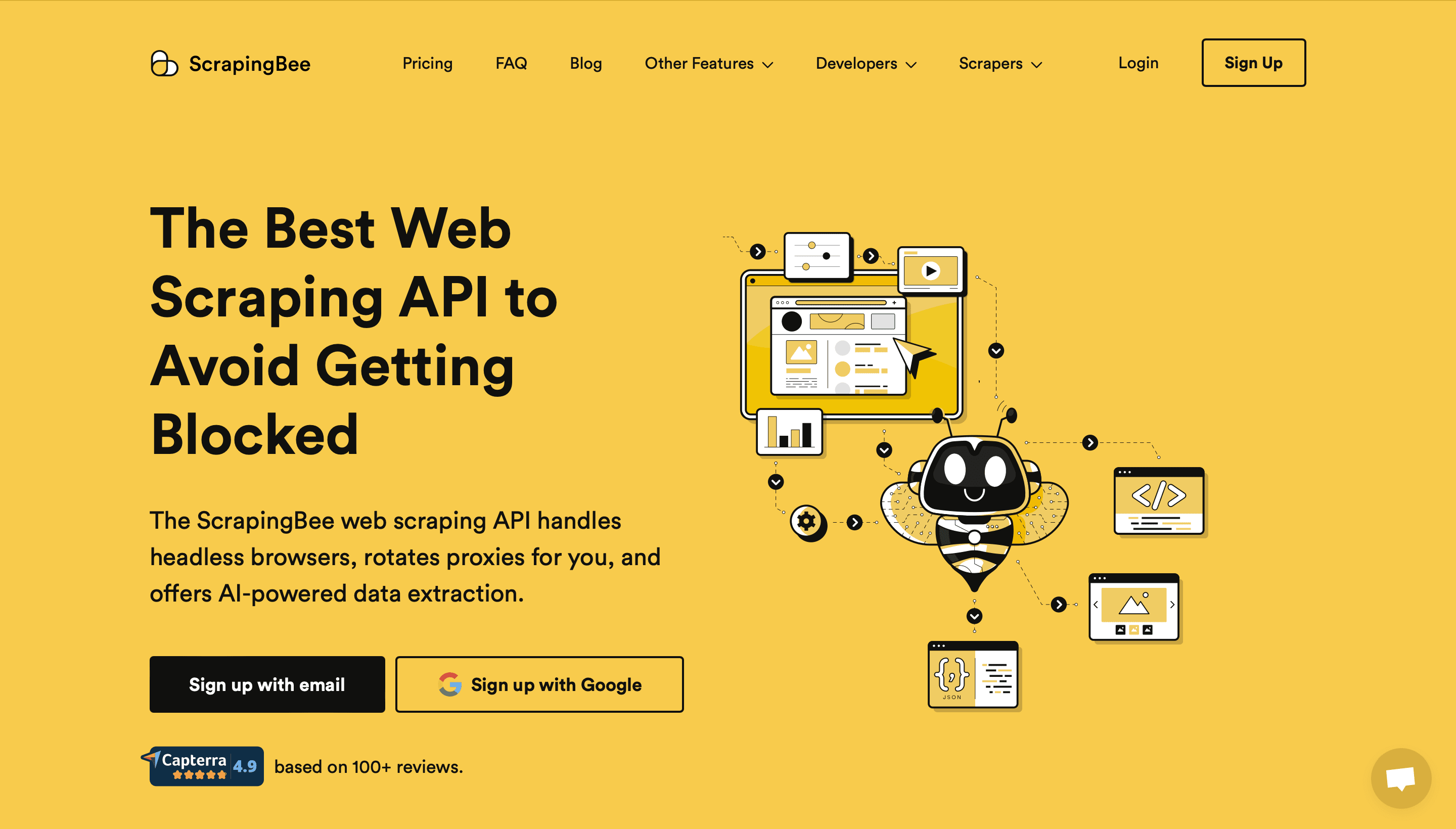
ScrapingBee is an API: you send a URL, it returns the page, having handled headless browser rendering, proxy rotation (including premium and residential proxies), and retries. It also offers screenshots, a Google search API, and an AI extraction option where you describe the data you want instead of writing selectors.
Where it falls short: JavaScript rendering and premium proxies multiply the credit cost per request, so protected sites burn through plans quickly.
Best for: developers who want to write parsing logic but not maintain browsers and proxy pools.
Pricing: 1,000 free API credits to start; paid plans from $19/month, charged only for successful requests.
10. Firecrawl
Firecrawl turns websites into clean markdown, HTML, or structured JSON that language models can use. It can scrape a single page, map all URLs on a domain, crawl a whole site, search the web and scrape the results, and extract fields against a schema you define. The core is open source, with a hosted API for production use.
Where it falls short: it is built for content and AI pipelines, so very large product catalogs or heavily protected sites may need a more specialized proxy and scraping setup.
Best for: AI agents, RAG pipelines, and anyone who wants readable page content without writing parsers. Firecrawl is also one of the providers available inside Databar for scraping pages per row.
Pricing: free tier with 1,000 credits; paid plans from $16/month billed annually.
11. Bright Data
Bright Data is infrastructure at scale: residential, datacenter, ISP and mobile proxy networks, a Web Unlocker for protected sites, a Scraping Browser that works with Puppeteer and Playwright, pre-built scraper APIs for major sites, and ready-made datasets you can buy instead of scraping at all.
Where it falls short: the product range is large and pricing differs by product, so small teams can find it overwhelming and more expensive than they need.
Best for: high-volume collection, global geo-targeting, and targets that block everything else.
Pricing: usage-based per product (per GB, per request, or per record), with pay-as-you-go and committed plans. Check their pricing page for the product you need.
12. Scrapfly
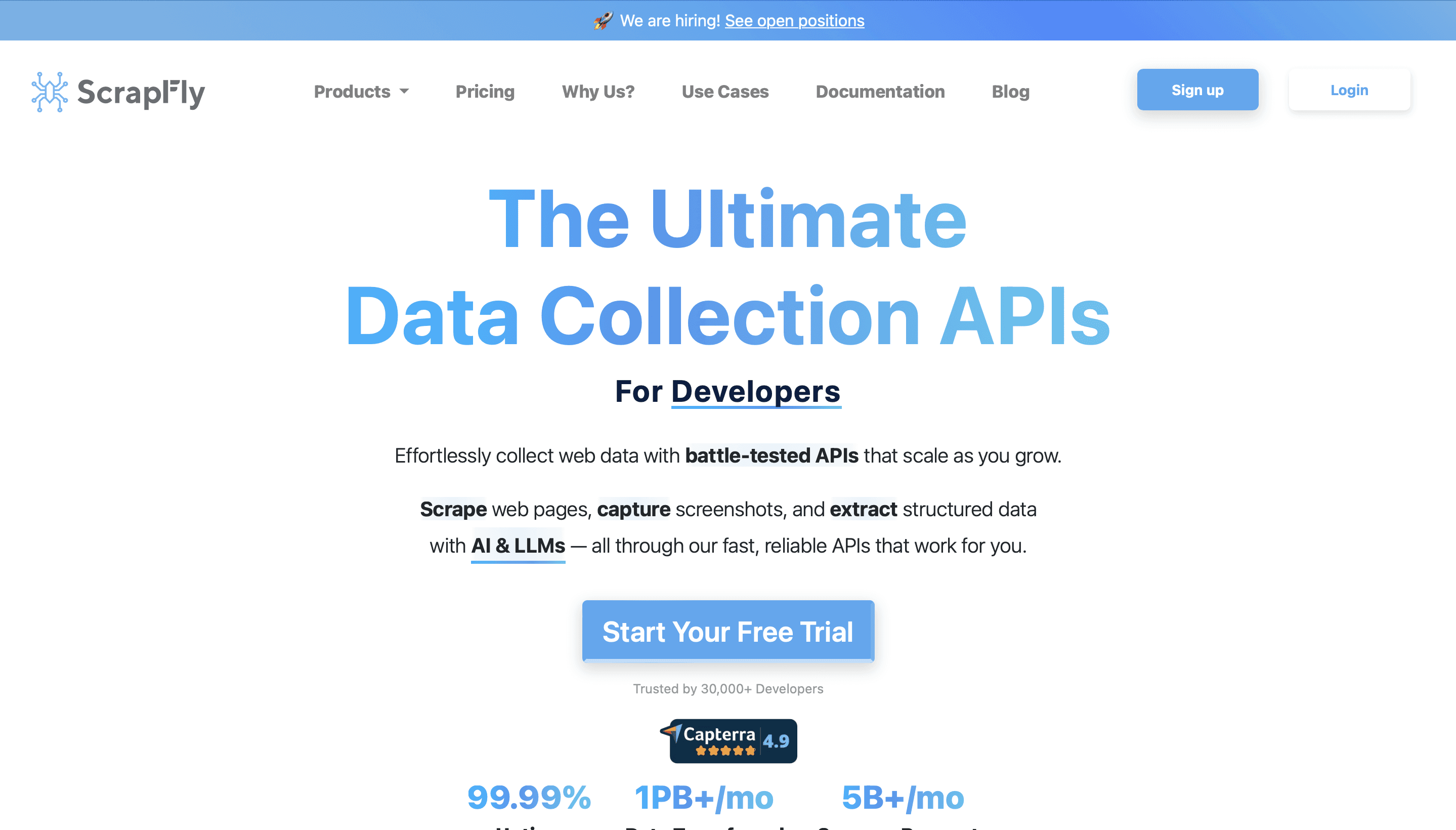
Scrapfly is a scraping API focused on getting through anti-bot protection, with browser fingerprint handling, residential proxies, JavaScript rendering, and session management. It also offers a cloud browser, a screenshot API, and an extraction API.
Where it falls short: costs climb fast on protected targets, since rendering and residential proxies each add credits per request.
Best for: developers who keep getting blocked with simpler APIs.
Pricing: free tier; credit-based monthly plans starting around the price of other entry-level scraping APIs. Check Scrapfly's pricing page for current tiers.
13. Zenscrape
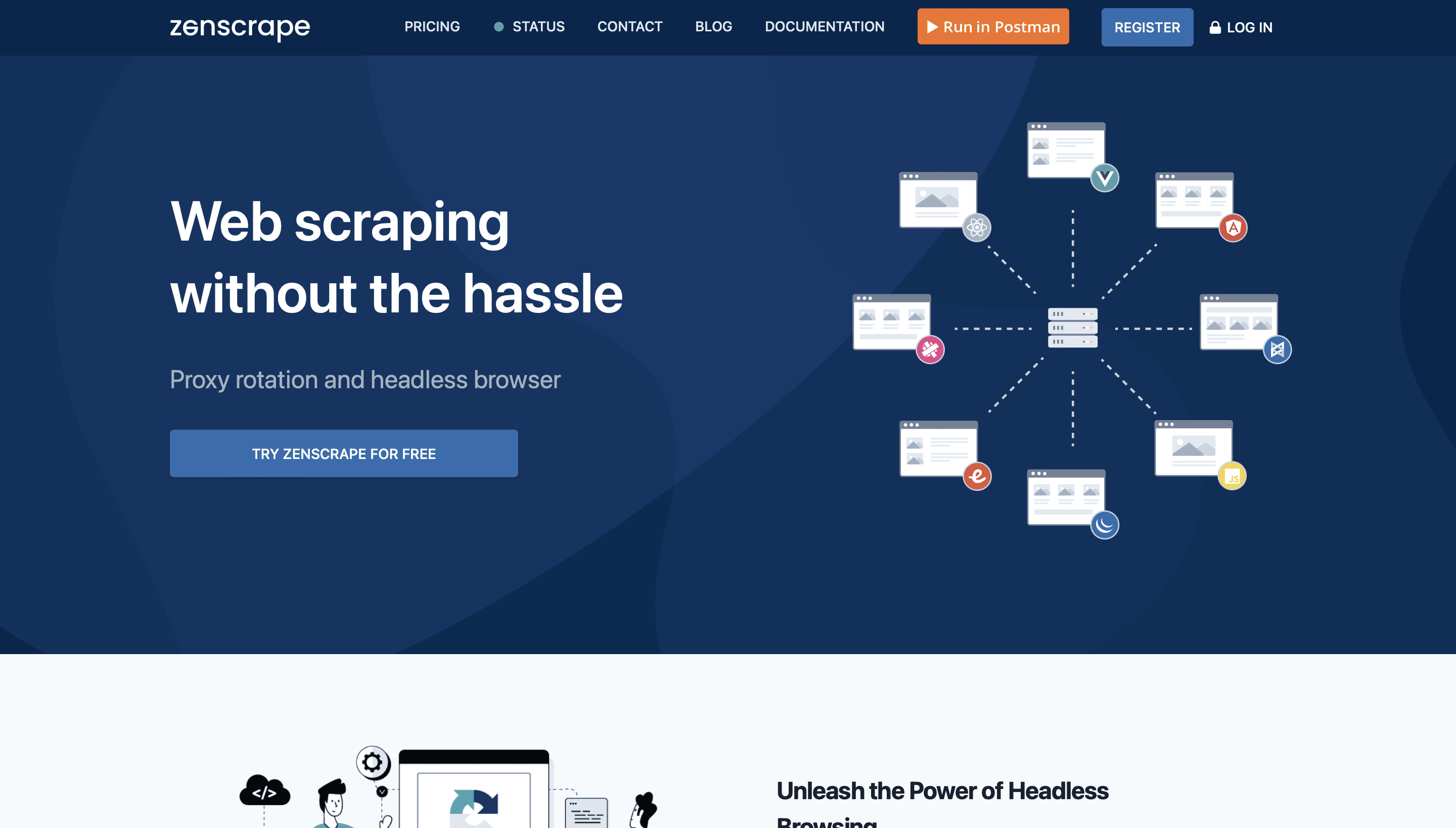
Zenscrape, from APILayer, is a straightforward API that returns the rendered HTML of a URL, handling headless rendering, proxy rotation and geotargeting. It charges only for successful requests.
Where it falls short: it returns HTML, so you still write the parsing, and it has fewer extras than ScrapingBee or Scrapfly.
Best for: simple integrations where you want a page fetched reliably and nothing more.
Pricing: free tier for low volume; paid plans are credit-based. Check current pricing.
14. ScrapeOwl
ScrapeOwl is a budget scraping API with JavaScript rendering, premium proxies, geolocation, and element extraction by CSS selector in the request. All features are available on all plans, and only capacity changes between tiers.
Where it falls short: a smaller company with a less extensive feature set and fewer integrations than the bigger APIs.
Best for: individual developers and small projects watching cost.
Pricing: 1,000 free credits at signup; paid plans from $29/month.
15. Diffbot
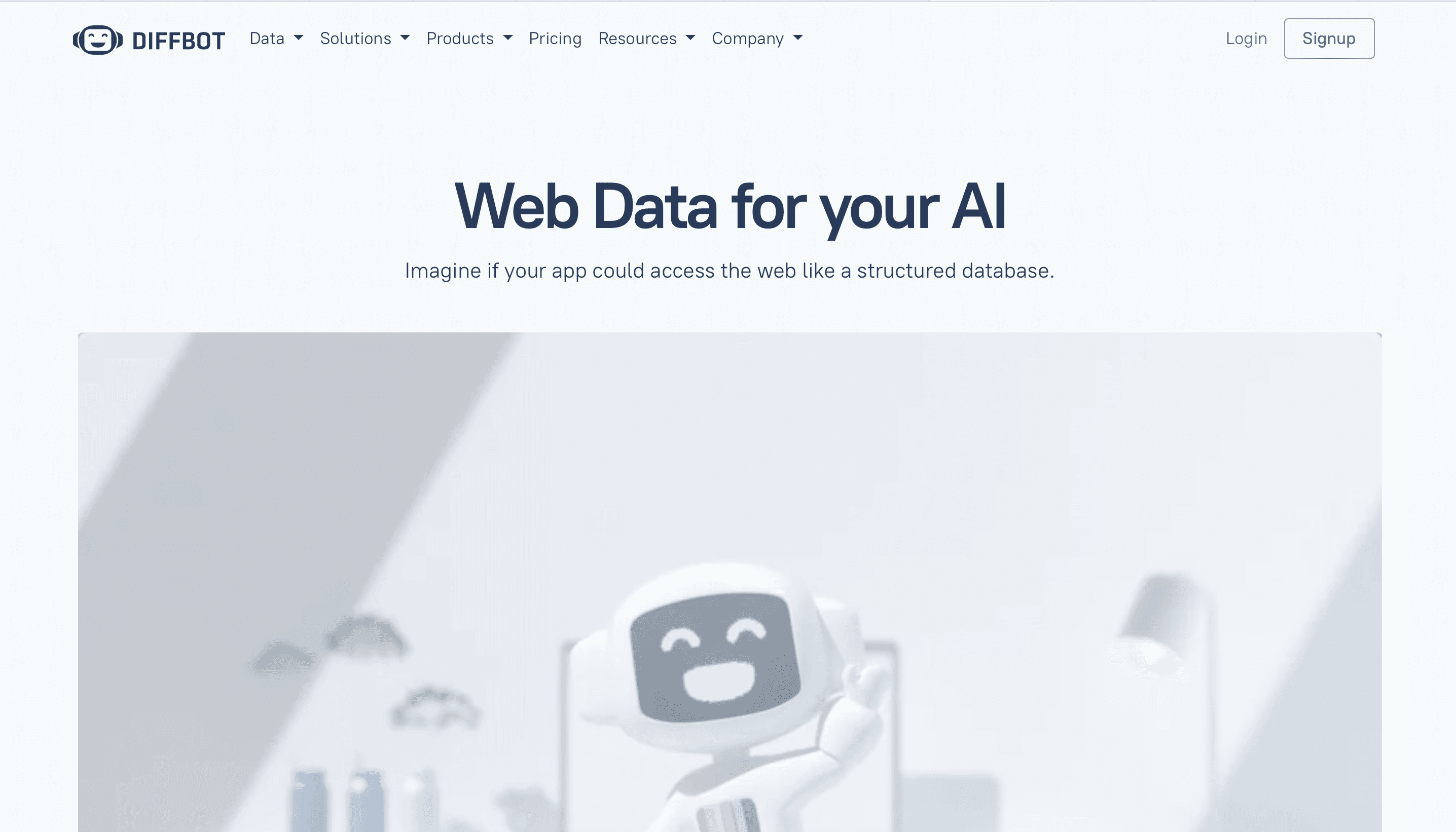
Diffbot takes a different approach: instead of selectors, its extraction APIs use computer vision and machine learning to recognize what kind of page it is looking at (article, product, discussion, event) and return structured fields. It also runs a Knowledge Graph built from crawling the web, with entities for organizations, people, articles and products, and a crawler for whole sites.
Where it falls short: less control when the automatic extraction gets a field wrong, and the paid tiers are a big jump from the free plan.
Best for: extracting articles or products from many differently built sites, and company or people data from the Knowledge Graph. Several Diffbot endpoints are available inside Databar.
Pricing: free plan with 10,000 credits a month; Startup at $299/month; higher tiers and enterprise pricing above that.
16. ScrapeHero Cloud
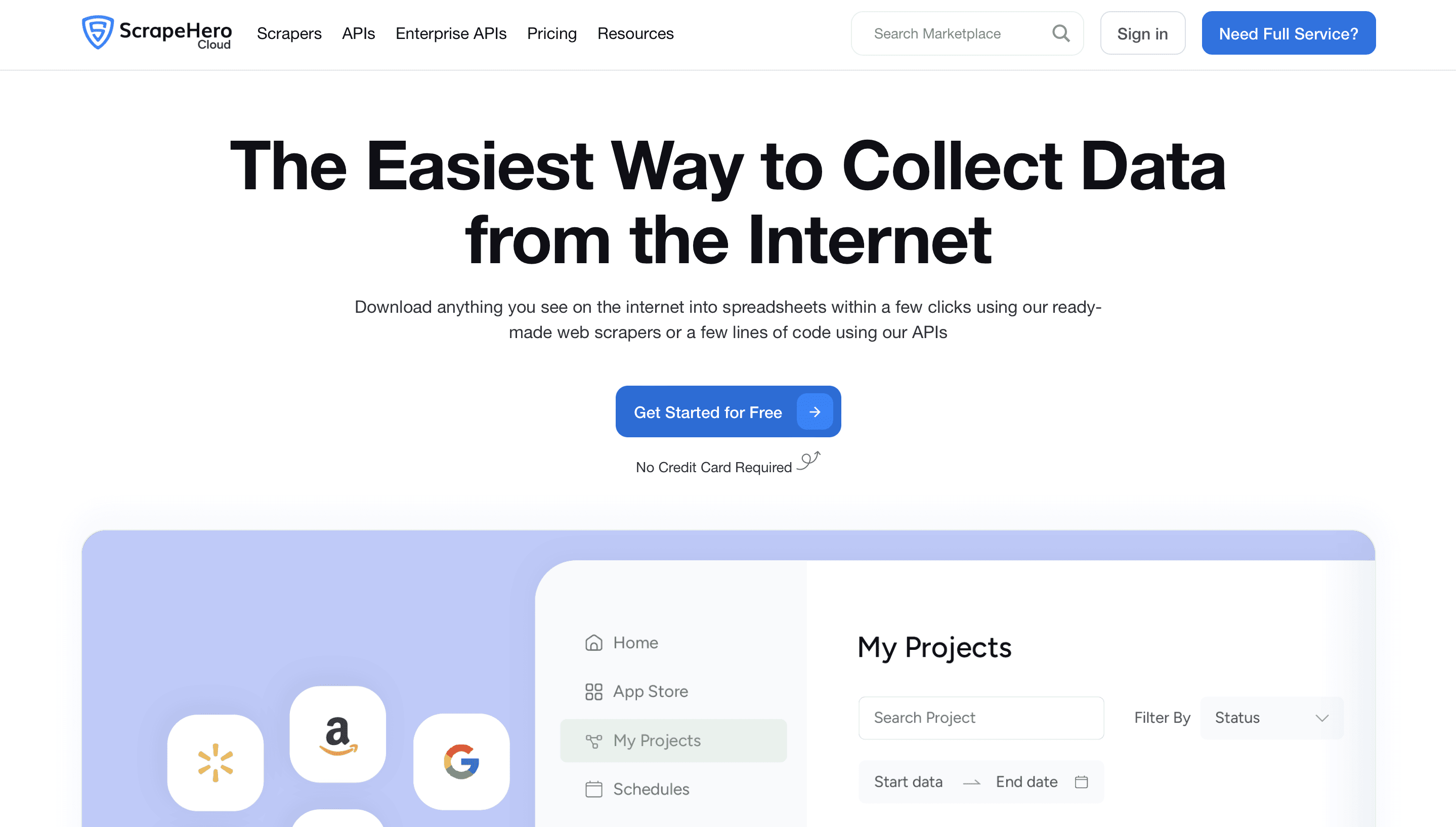
ScrapeHero Cloud offers pre-built scrapers and APIs for popular sites such as Amazon, Walmart and Google Maps. You paste URLs or search terms into a web form and download the results, no configuration needed. The parent company, ScrapeHero, also runs fully managed custom scraping projects.
Where it falls short: if your target site isn't in the catalog, you move to their custom services, which are quoted per project.
Best for: e-commerce and local business data from the major platforms without building anything.
Pricing: free tier to test; paid subscriptions for more credits; custom projects quoted separately.
Open-source frameworks for developers
17. Scrapy
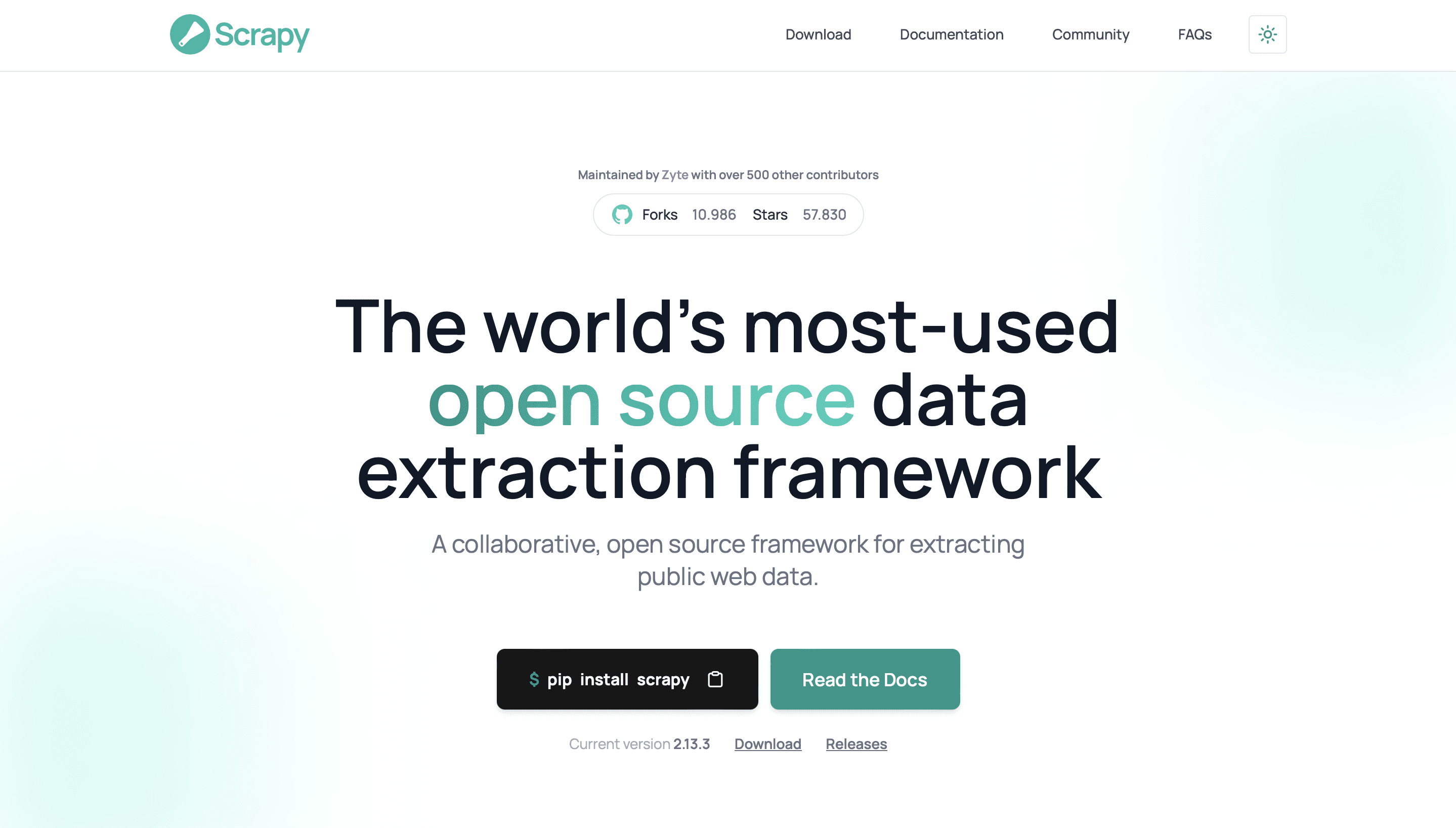
Scrapy is the standard Python framework for building crawlers. It handles concurrent requests, retries, throttling, cookies, and robots.txt, and gives you item pipelines for cleaning, validating and storing data. It doesn't render JavaScript on its own, but plugins like scrapy-playwright add that when needed.
Where it falls short: a real learning curve, and you own hosting, proxies, and maintenance.
Best for: engineering teams running large, custom crawls where per-request API fees would add up.
Pricing: free and open source.
18. Beautiful Soup
Beautiful Soup is a Python library for parsing HTML and XML. It doesn't fetch pages, so it is usually paired with the requests library, or used to parse HTML returned by a scraping API. It is forgiving with messy markup and easy to read, which makes it the default starting point for small scripts.
Where it falls short: no crawling, no JavaScript, no concurrency. It is one piece of a scraper, not the whole thing.
Best for: quick scripts and parsing HTML inside a larger pipeline.
Pricing: free and open source.
19. Selenium
Selenium automates real browsers through WebDriver, with bindings for Python, Java, JavaScript, C# and Ruby. For extraction, that means you can log in, fill forms, click through multi-step flows, and read whatever the page renders. Its long history means answers to almost every problem already exist online.
Where it falls short: slower and more resource-hungry than HTTP scraping, and flaky waits are a common source of broken scripts.
Best for: teams that already use Selenium for testing, or extraction behind logins and complex interactions.
Pricing: free and open source.
20. Playwright
Playwright, maintained by Microsoft, is the newer option for browser automation. It drives Chromium, Firefox and WebKit from one API, in JavaScript/TypeScript, Python, Java, or .NET. Automatic waiting for elements, network request interception, and easy parallel browser contexts make scrapers less flaky than typical Selenium scripts, and many scraping services (Bright Data's Scraping Browser among them) support it directly.
Where it falls short: still a full browser per job, so it costs more to run at scale than plain HTTP requests, and it does nothing about blocking by itself.
Best for: new browser-based scraping projects, especially single-page apps built with React or Vue.
Pricing: free and open source.
How to choose
Start from the job, not the tool list.
If you need to... | Look at |
|---|---|
Get company and contact data from a list of company websites | Databar, Diffbot |
Scrape a listing or directory once, without code | Web Scraper, Octoparse, ParseHub |
Track prices and products across retailers | Import.io, ScrapeHero Cloud, Apify, Octoparse |
Feed web content to an LLM or AI agent | Firecrawl, Diffbot |
Call an API from your own code and skip proxy management | ScrapingBee, Scrapfly, Zenscrape, ScrapeOwl |
Get past heavy bot protection at volume | Bright Data, Scrapfly |
Build and own a large custom crawler | Scrapy, Playwright, Beautiful Soup |
Hand the whole thing to someone else | Mozenda, ScrapeHero, Import.io managed services |
Two questions settle most decisions. First, does anyone on the team write code? If not, the open-source frameworks and raw APIs are out. Second, is this recurring? A one-off job justifies a free extension and some manual cleanup. A weekly job justifies paying for something that runs on a schedule and alerts you when it breaks. For a shorter list focused on scrapers alone, see our top web scraping tools roundup.
Company website data extraction: the logic
Extracting B2B data from company websites is a specific and common job, and most failures come from treating every site as if it had the same structure. They don't. One company puts pricing at /pricing, another at /plans, and a third only shows "Contact sales." A workable approach:
Normalize the input. Strip URLs down to root domains, remove duplicates, and resolve redirects so acme.io and www.acme.com don't get processed twice.
Find the right pages, don't guess them. Check the sitemap (sitemap.xml) or map the site's links, then pick pages by URL keywords and link text: pricing, about, team, careers or jobs, contact, customers, integrations.
Extract with the right method for the field. Consistent fields on one site can use selectors. The same field across thousands of different sites is where schema-based or LLM extraction works better, because no single selector will match.
Use structured data when it exists. Many sites include schema.org JSON-LD (Organization, Product, Offer) in the page source. It is more reliable than scraping visible text.
Return "not found" explicitly. A blank cell is ambiguous. "No pricing page found" is a data point you can filter on.
Validate and spot-check. Check formats (emails, prices, currencies), then manually review 20 to 30 rows against the live sites before you trust the whole run.
A reusable extraction checklist
Data point | Where to look | Method that tends to work |
|---|---|---|
What the company does | Homepage hero, meta description, About page | LLM summary into one sentence |
Pricing model and entry price | /pricing, /plans, footer links | Find page, then extract with a schema (free plan yes/no, lowest price, billing period) |
Tech stack | Page source, scripts, tags | BuiltWith or Wappalyzer lookup instead of parsing yourself |
Hiring activity | /careers, /jobs, linked ATS pages (Greenhouse, Lever, Ashby) | Count open roles by department |
Customers and case studies | /customers, logo walls, case study pages | Extract named customers and industries |
Integrations | /integrations, /partners, marketplace listings | List extraction |
Contact details | /contact, footer, imprint or legal pages | Pattern match for generic emails and phone numbers, then verify |
Locations | Contact page, footer, JSON-LD Organization address | Structured data first, text second |
In Databar, this checklist maps onto columns: a tech stack lookup, an AI Researcher prompt for pricing and positioning, a page scrape where you need raw content, and a work email waterfall once you know who to contact. For tech stack in particular, our guide to checking what tech stack a company uses goes deeper.
E-commerce data extraction
Product and price data has its own traps. Prices change by region, currency, logged-in state and A/B test. Variants (size, color) often load with JavaScript after the page renders. Large retailers invest heavily in bot protection. A few practical rules:
Check the page source for Product and Offer JSON-LD before building selectors. Many stores publish price, currency, availability and SKU there.
Many Shopify stores expose product data as JSON at predictable URLs, which is easier and lighter than scraping HTML. Respect rate limits.
Pin location and currency (geo-targeted proxies or explicit store settings) so this week's prices are comparable with last week's.
For major marketplaces, pre-built scrapers (Apify, ScrapeHero Cloud, Bright Data) are usually cheaper than maintaining your own.
If your goal is finding stores to sell to rather than monitoring their prices, the approach is different: see how to find e-commerce stores by tech stack.
Extracting emails and other personal data
Pulling generic addresses like info@ or sales@ from contact pages is simple pattern matching. Personal work emails are different: they are personal data under GDPR and similar laws, many sites prohibit collecting them in their terms, and scraped addresses are often stale. For outreach lists, a contact data provider with verification is usually more accurate and easier to defend than scraping. Our guide to data enrichment APIs compares the options for developers.
More generally, read a site's terms of service and robots.txt before scraping it, avoid anything behind a login you aren't authorized to automate, keep request rates reasonable, and get legal advice if you plan to collect personal data at scale.
FAQ
What is the best data extraction tool for beginners?
The Web Scraper browser extension is the quickest start for simple listings. Octoparse is better when sites get more complex and you want scheduling. If what you need is company information across many websites, Databar's AI Researcher lets you describe the data in a prompt instead of building a scraper.
How much do website data extraction tools cost?
Open-source frameworks are free but cost engineering time. Browser extensions and scraping APIs have free tiers and entry plans in the $16 to $70 a month range. Enterprise platforms and managed services run from several hundred dollars a month to custom contracts. Protected sites cost more on every credit-based API because rendering and residential proxies multiply the per-request cost.
Is extracting data from websites legal?
It depends on what you collect, how, and where you operate. Publicly available, non-personal data is generally lower risk, while bypassing logins, ignoring terms of service, or collecting personal data raise legal questions. This is not legal advice; check with counsel for your use case.
How do I keep extracted data accurate?
Validate formats automatically, spot-check a sample against live pages after every change to your setup, record when each value was collected, and re-run on a schedule. Set up an alert for sudden drops in the number of fields returned, which usually means a site changed and your extraction broke.
If your extraction job is really about company and contact data, you can try Databar's AI Researcher, website data providers and waterfalls on your own domain list with a 14-day trial.
Recent articles
See all






