
Most lead gen roundups list fifteen tools, give each one a paragraph of praise, and leave you exactly where you started. This one takes a position: most B2B teams need three or four of these platforms working together, one per job, not fifteen running side by side. Below is what each of the 15 does well, where it falls short, what it costs, and which job in the stack it belongs to.
One thing has changed underneath all of them. Contact data is easy to get now. What separates a list from a campaign is context: who is hiring, who just raised, who uses which tools, who visited your pricing page. Keep that in mind as you read, because it's the main reason teams outgrow single-purpose email finders.
The 15 platforms at a glance
Platform | Main job | Best for | Pricing model |
|---|---|---|---|
Databar | Data and enrichment | Mixed ICPs, coverage across many providers | Credits, from $99/month |
ZoomInfo | Data | Enterprise teams selling into North America | Annual contract, quote-based |
LinkedIn Sales Navigator | Discovery | Finding the right people and accounts | Per seat, monthly or annual |
Apollo.io | All-in-one | Early-stage teams wanting one tool | Free plan, then per seat |
Hunter.io | Data (email) | Domain-based email lookups | Free plan, then credit tiers |
Outreach | Execution | Large sales orgs with ops support | Quote-based, annual |
HubSpot | CRM and inbound capture | Inbound-led SMB and mid-market teams | Free tools, then per seat |
Leadfeeder | Discovery (website visitors) | Sites with steady B2B traffic | Free Lite plan, then tiers |
Cognism | Data | Selling into Europe, mobile numbers | Platform fee plus seats, quote-based |
Clearbit (Breeze Intelligence) | Enrichment inside HubSpot | HubSpot customers enriching inbound leads | HubSpot subscription plus credits |
Reply.io | Execution | Multichannel sequences | Per user, monthly or annual |
lemlist | Execution | Personalized, multichannel outreach | Per plan, monthly or annual |
GetProspect | Data (email) | Solo operators on a tight budget | Free plan, then volume tiers |
Instantly | Execution (cold email) | High-volume cold email | Flat monthly tiers |
Kaspr | Data (LinkedIn contacts) | European reps prospecting on LinkedIn | Free plan, then per user |
Prices below were checked against each vendor's pricing page or recent pricing breakdowns. Vendors change plans often, so confirm before you buy.
The four layers of a lead gen stack
Every platform here does one of four jobs:
Data: contact and company information (ZoomInfo, Apollo, Hunter, Cognism, Clearbit, Kaspr, GetProspect, Databar).
Discovery: finding which people and accounts to go after (LinkedIn Sales Navigator, Leadfeeder).
Execution: running the outreach (Outreach, Reply.io, lemlist, Instantly).
CRM and inbound capture: forms, lead records and nurture (HubSpot).
The most common waste is buying two or three tools for the same layer. Pick one per layer, make it work, and only add a second when you can name the gap it fills.
The top 15 lead generation platforms
1. Databar
Databar sits in the data layer, but it isn't one more database. It connects to 160+ data providers in a spreadsheet-style table and runs them as a waterfall: if the first provider doesn't return a work email, the next one tries, and it stops at the first valid result. You're charged for results, not for lookups that come back empty.
That matters because every provider has blind spots. One is strong in US tech, another in European mid-market, another in small local businesses. Instead of subscribing to three databases to cover a mixed ICP, you put them in one waterfall and order them by hit rate and cost. The same table handles company data, tech stack, funding and hiring signals, AI research per row, and syncs results to HubSpot or Salesforce. There's also an API, Python SDK and MCP server if you'd rather run lookups from code or an AI agent. For a closer look at how ordering affects coverage and cost, see how waterfall enrichment works.
Best fit: teams with mixed geographies or niche industries where no single provider covers the whole list, and teams that want enrichment and signals in the same place.
Skip it if: your ICP is narrow and one provider already covers it well. Then going direct to that provider is simpler.
Pricing: paid plans start at $99/month, credit-based, with a 14-day trial of the full product.
2. ZoomInfo
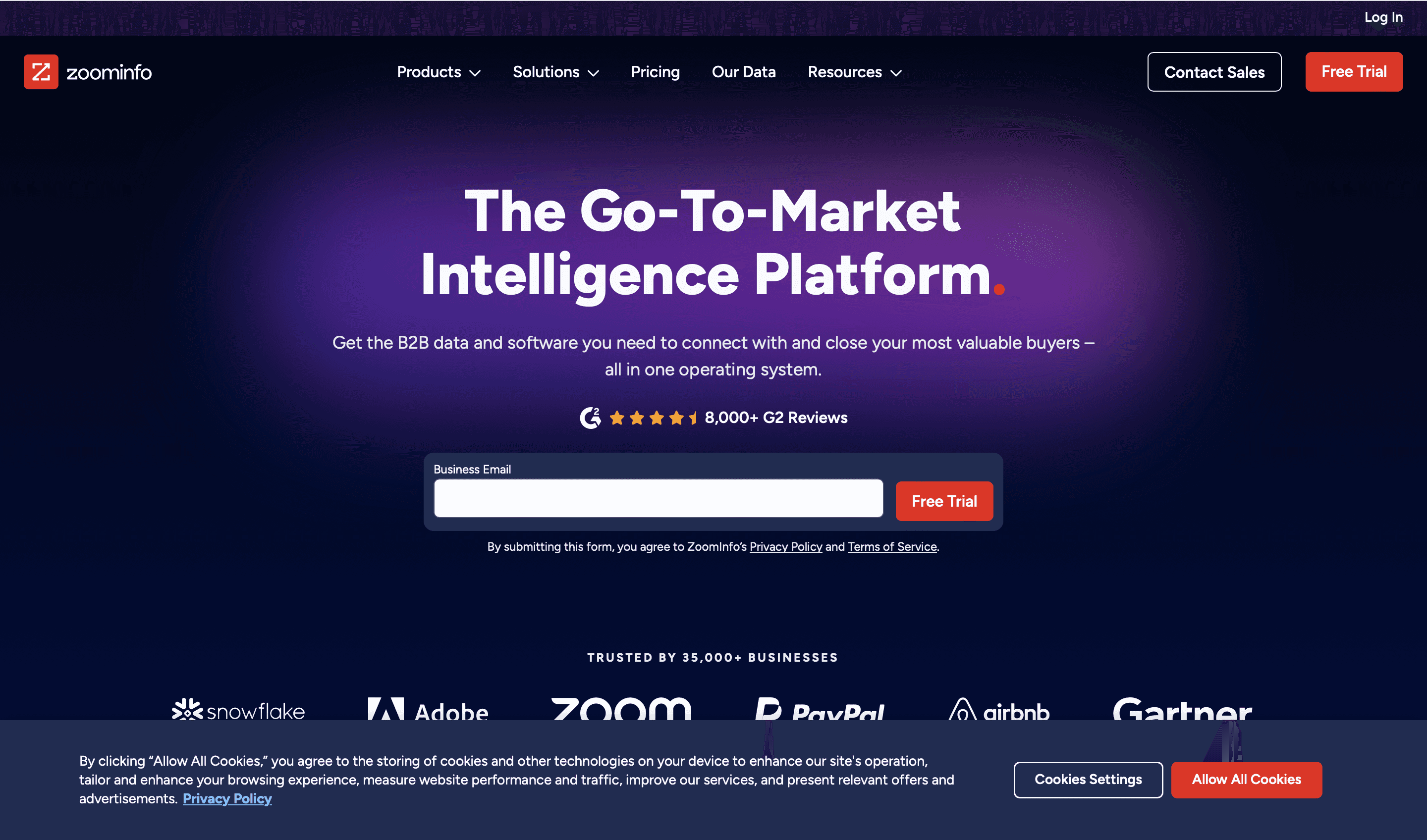
ZoomInfo is the enterprise default. The database is deep, especially in North America, and it adds org charts, technographics, intent data and a growing set of AI and workflow features. If you sell into mid-market and enterprise companies, the people you want are very likely in it.
What you pay for is depth and confidence. What you pay with is the contract: annual terms, seat minimums and credit allocations you use or lose. For a 50-rep sales org, the math can work. For a three-person team still testing its ICP, it usually doesn't. Buyers also report that renewals are where costs rise, and that shrinking seats mid-contract isn't an option.
Best fit: enterprise sales orgs with predictable volume and budget.
Skip it if: you're early-stage, mostly sell into Europe, or can't commit to a year.
Pricing: quote-based annual contracts. Third-party purchasing data such as Vendr's typically puts contracts in the tens of thousands of dollars a year. If you're weighing options, our ZoomInfo competitors analysis compares the main alternatives.
3. LinkedIn Sales Navigator
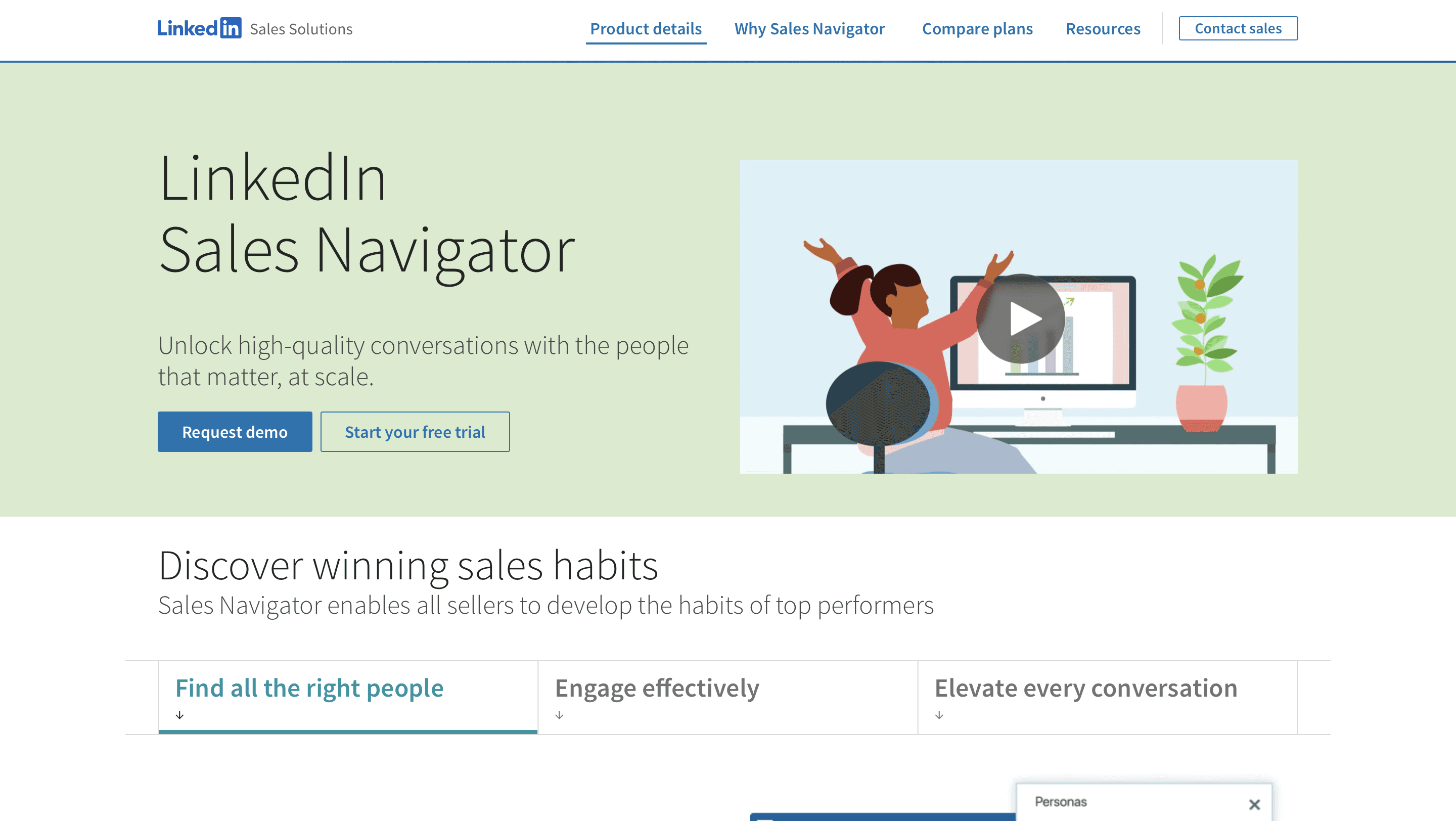
Sales Navigator isn't a contact database. It's where you find the person. Teams that buy it expecting a list of emails are disappointed; teams that use it to decide who belongs on the list get a lot out of it.
Its filters are the value: job changes, company headcount growth, seniority, function, recent posts, and saved lists that alert you when something changes. Pair it with an enrichment tool to get verified emails and phone numbers, and you have a full prospecting loop. If you build lists this way, our Sales Navigator list building guide walks through the filters and export workflow.
Best fit: account and persona discovery, relationship-driven selling, any ICP that's active on LinkedIn.
Skip it if: you need contact data by itself. It doesn't provide emails or phone numbers at scale.
Pricing: Core is $119.99/month or $1,079.88/year, Advanced is $159.99/month or $1,799.88/year, and Advanced Plus is quoted (LinkedIn's compare-plans page, US prices).
4. Apollo.io
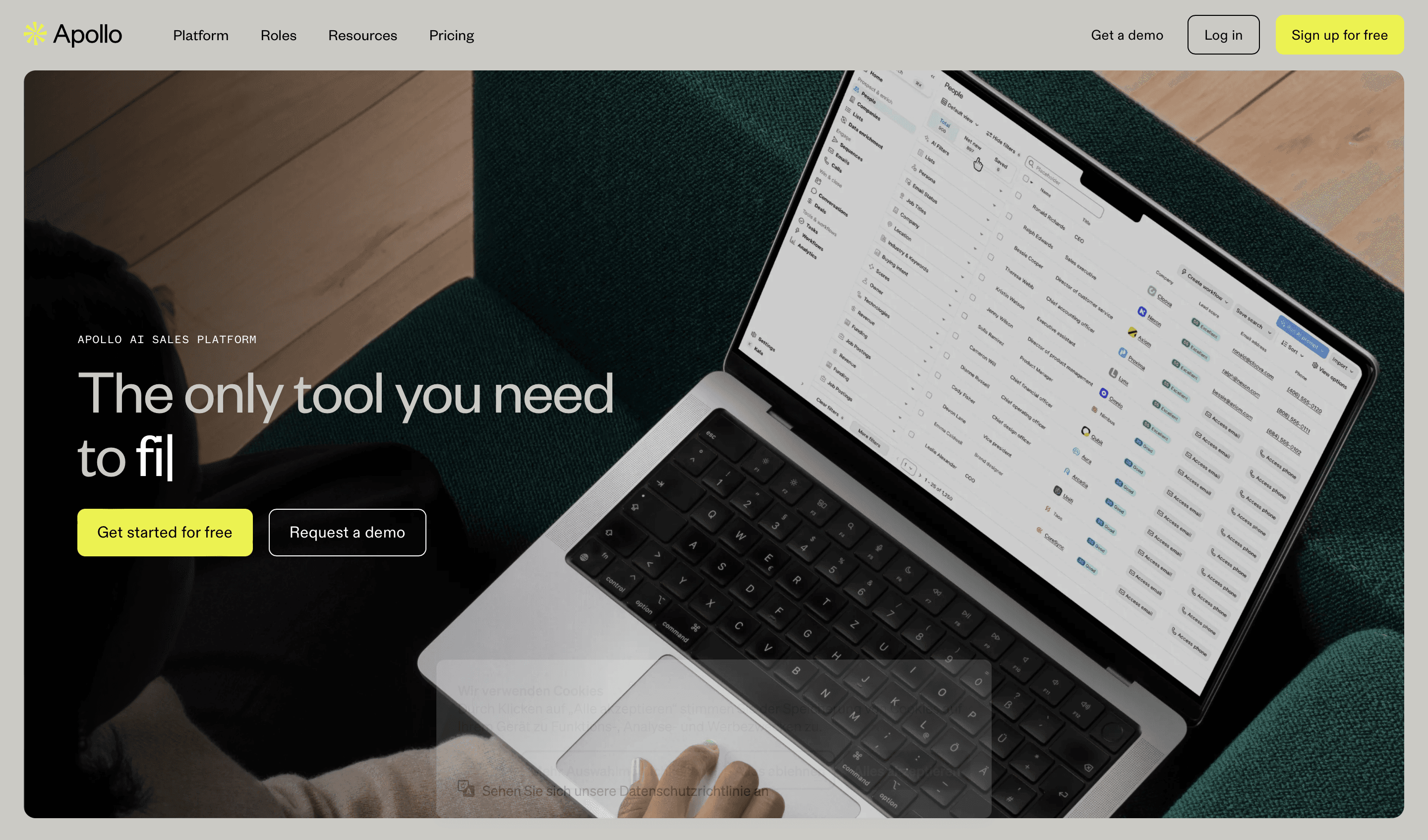
Apollo is the all-in-one for teams that don't want to assemble a stack. It combines a contact database, email sequences, a dialer, basic deal tracking and AI features at one per-seat price. For an early-stage team that needs to go from nothing to booked meetings quickly, it's often the fastest route.
The trade-off is that nothing is the best in its class. The data is broad but not the deepest in every region, and the sequencer works but isn't as deliverability-focused as dedicated cold email tools. As teams grow, they tend to replace Apollo one layer at a time.
Best fit: early and mid-stage teams that want one tool and one bill.
Skip it if: you already have a CRM and sequencer you like and only need better data.
Pricing: free plan with limited credits. Paid plans are per user; recent breakdowns put Basic at $49/user/month billed annually, with Professional and Organization above that. Monthly billing costs more.
5. Hunter.io
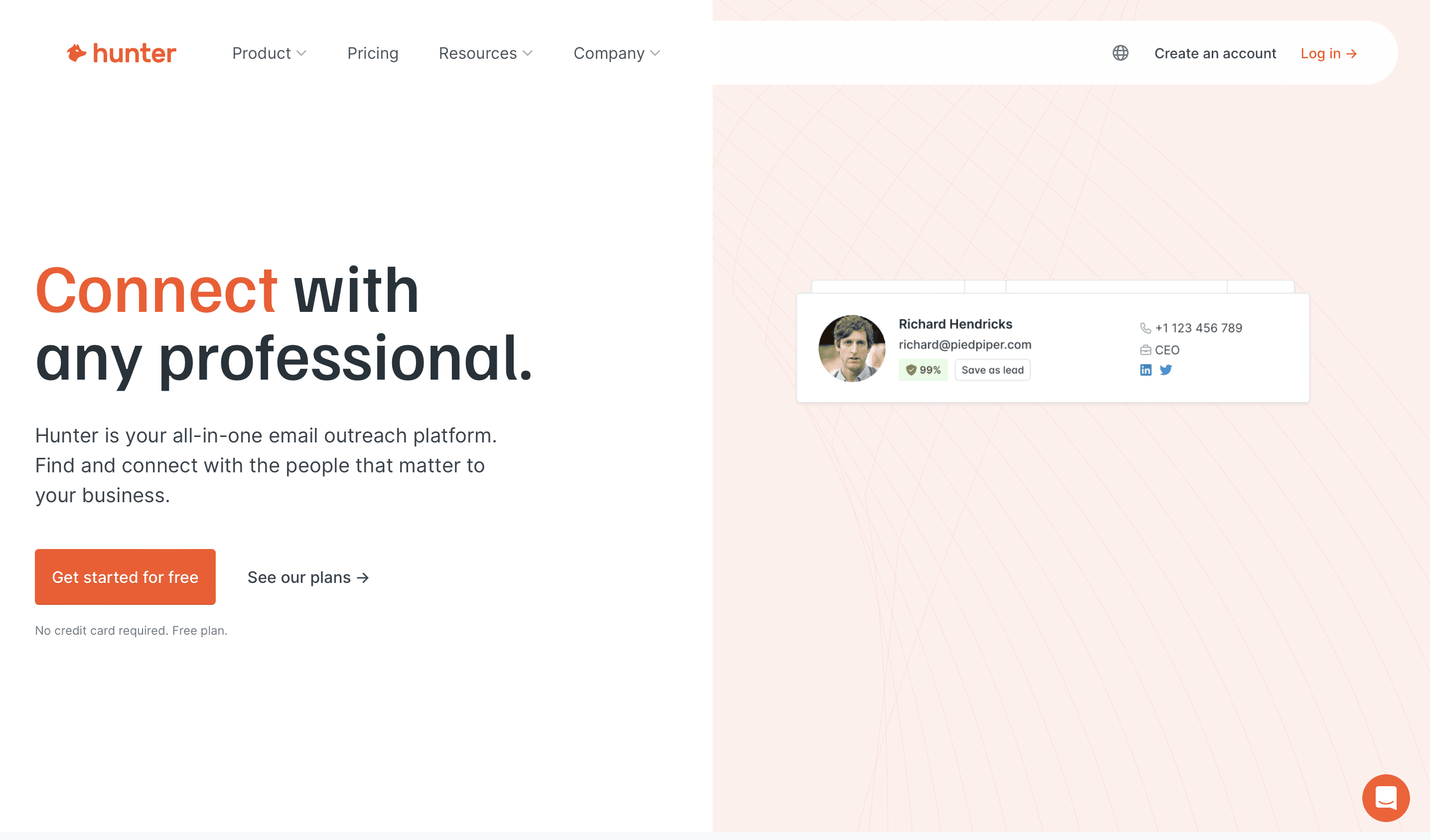
Hunter is best known for one thing: give it a company domain and it returns the email pattern and the addresses it has found, with a verification status. It's quick, cheap and easy to use, and the browser extension pulls emails while you're on a company site. It has added lead lists, a Discover search and simple campaigns over the years.
It isn't a full prospecting platform. Company context, intent and deep firmographics are limited, so it works best either for individual reps doing quick lookups or as one provider inside a larger enrichment setup. You can also run Hunter inside Databar as a step in a waterfall.
Best fit: fast domain-based email lookups and verification.
Skip it if: you need phone numbers, account research or timing signals.
Pricing: free plan with 50 credits a month. Paid plans start with Starter at €49/month, or €34/month billed annually, and go up through Growth and Scale.
6. Outreach
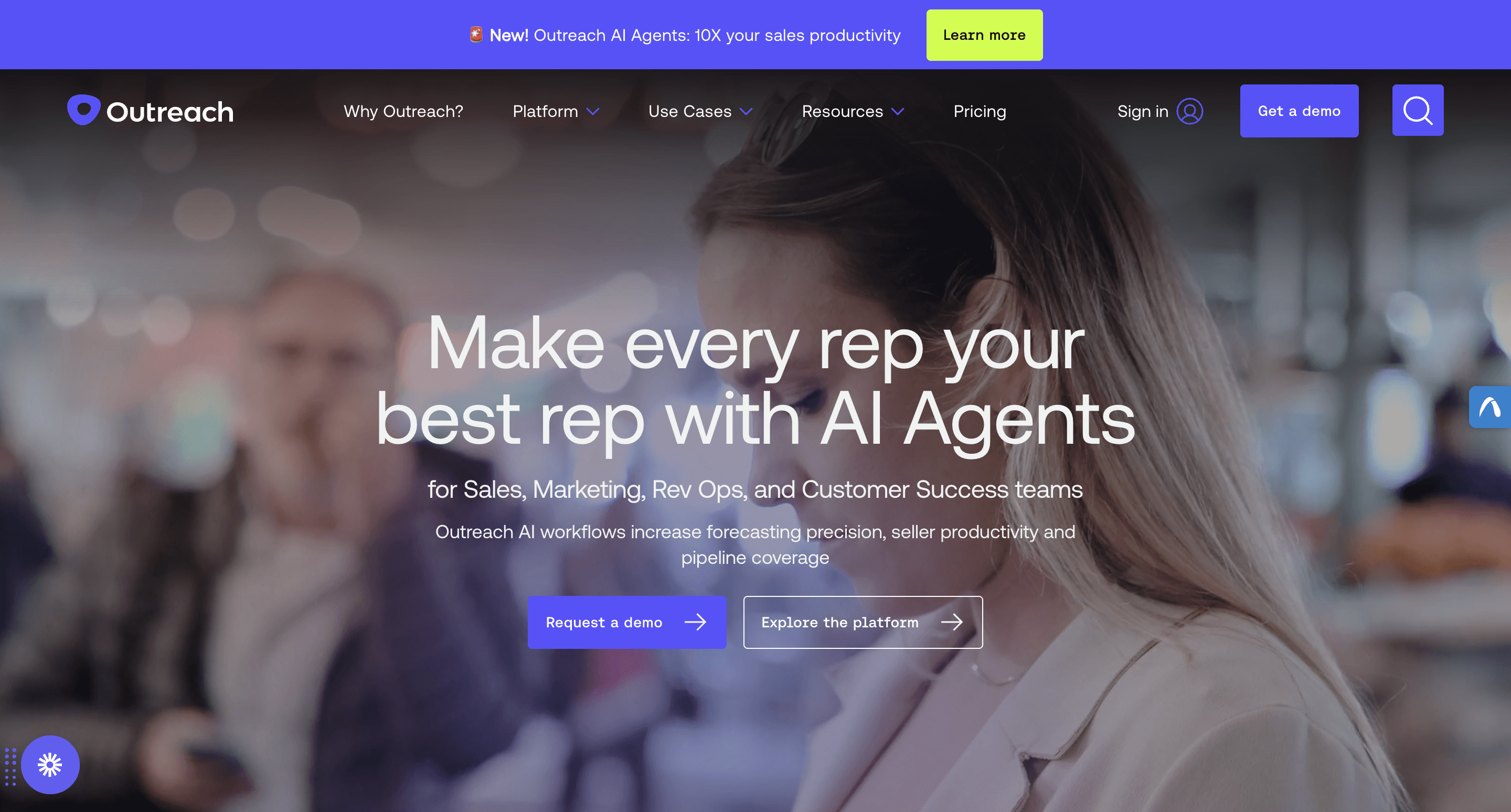
Outreach is the enterprise standard for sales execution: sequences, call and meeting recording, deal management, forecasting and, more recently, AI agents for research, meeting prep and account work. It now brands itself as an agentic AI platform for revenue teams. If you run a large outbound org where consistent execution and manager visibility matter more than individual creativity, it's built for that.
For small teams it's a lot of platform. Most of the configuration depth goes unused under a dozen or so reps, and it needs someone in sales ops to set it up and own it.
Best fit: larger sales organizations with a RevOps or sales ops function.
Skip it if: you have a handful of reps and no one to administer it.
Pricing: no public prices. Quote-based annual contracts priced per user, with platform and implementation fees reported by buyers.
7. HubSpot
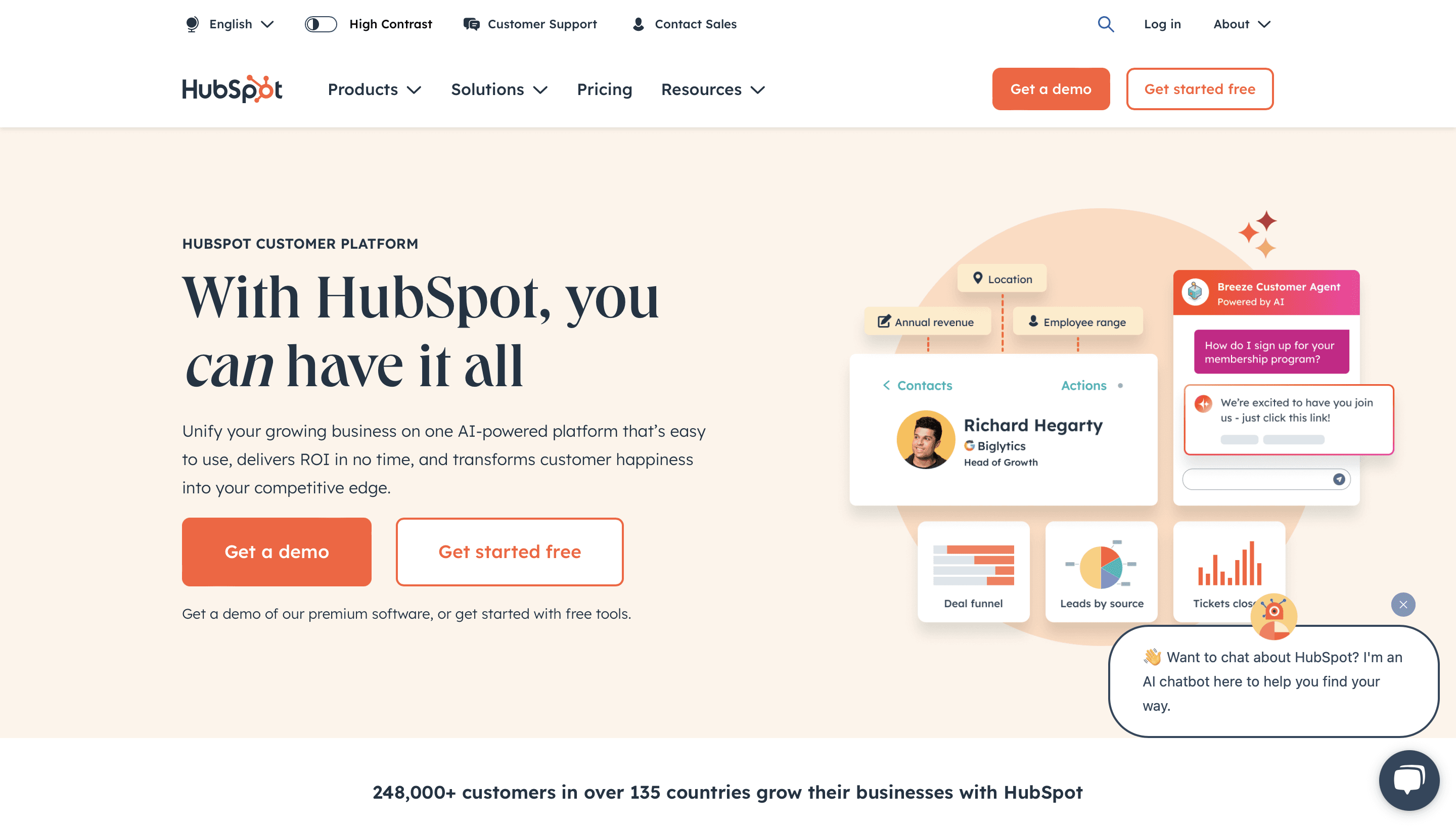
HubSpot's lead gen strength is inbound. Forms, landing pages, chat, email marketing and nurture workflows all feed a CRM you can start for free. If people searching for "lead capture for B2B websites" are your buyers, this is the platform most of them end up comparing first.
As an outbound tool it's lighter. Sequences exist on paid Sales Hub seats, but most teams running serious outbound pair HubSpot's CRM with a separate data tool and sequencer. That's a perfectly good setup: HubSpot as the system of record, specialized tools feeding it.
Best fit: inbound-led SMB and mid-market teams, and anyone wanting a CRM that's free to start.
Skip it if: you want it to be your outbound prospecting database. It isn't one.
Pricing: free tools for up to two users. Sales Hub Starter is a low per-seat monthly price, Professional is about $90/seat/month billed annually plus a one-time onboarding fee, and Enterprise is quoted (HubSpot's Sales Hub pricing page).
8. Leadfeeder
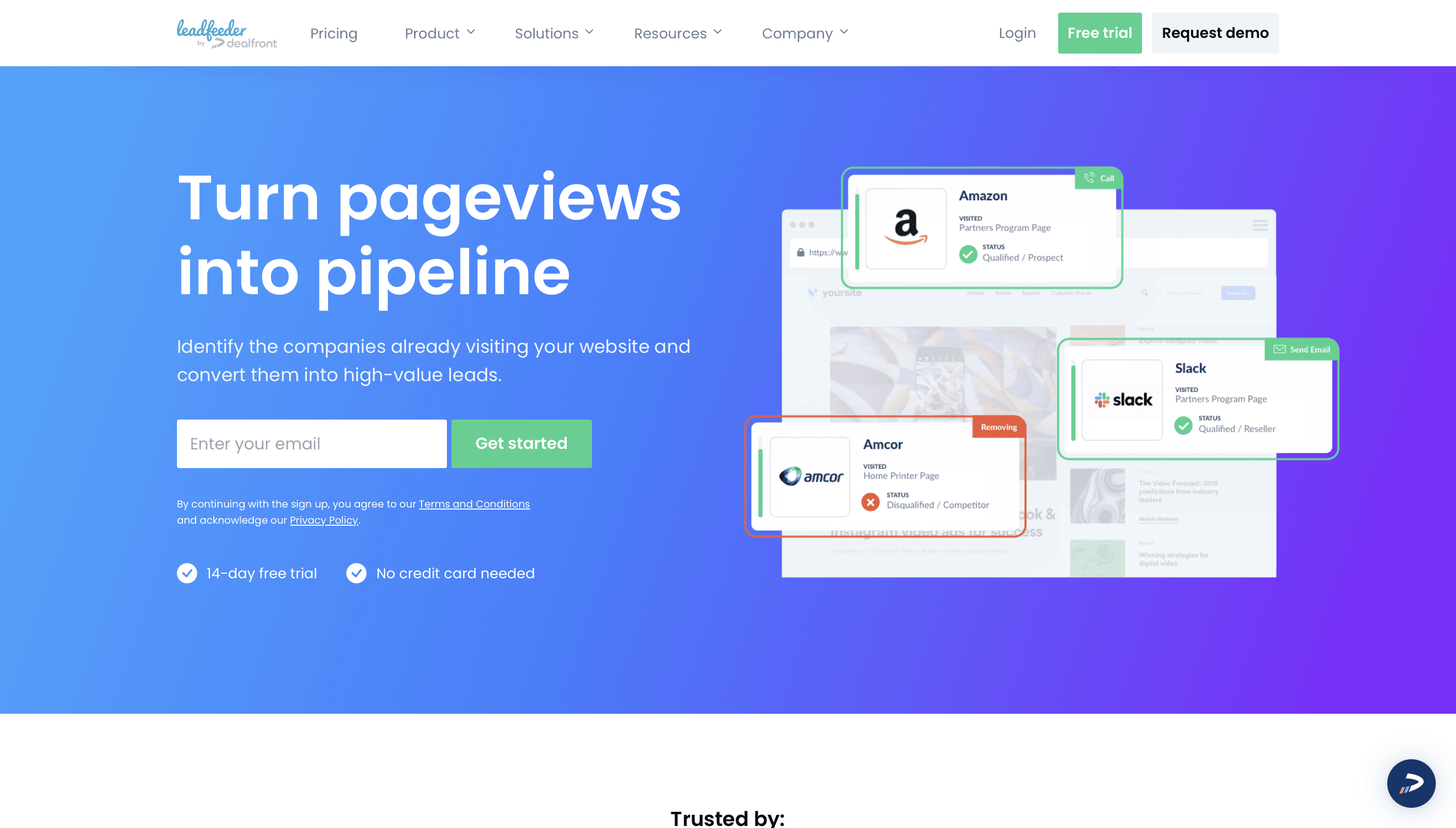
Leadfeeder identifies companies that visit your website. Add the tracking script and it shows which organizations came, which pages they viewed and how often, then pushes interesting accounts to your CRM or to Slack. Some history: Leadfeeder merged with Echobot and operated as Dealfront for a few years, and in March 2026 the product went back to the Leadfeeder name.
The honest caveat is that identification is at company level, not person level. You'll learn that a logistics company in Rotterdam looked at your pricing page three times, not who did. Higher tiers add contact data so you can find likely buyers at those accounts. We cover turning those visits into contacts in how to enrich website visitors.
Best fit: B2B sites with steady traffic, account-based plays, warm outbound.
Skip it if: your site gets little traffic. With few visits there's too little signal to act on.
Pricing: free Lite plan (up to 100 identified companies a month, 7-day history). Paid tiers start at €79/month billed annually for Discover, with Activate, Scale and Enterprise above.
9. Cognism
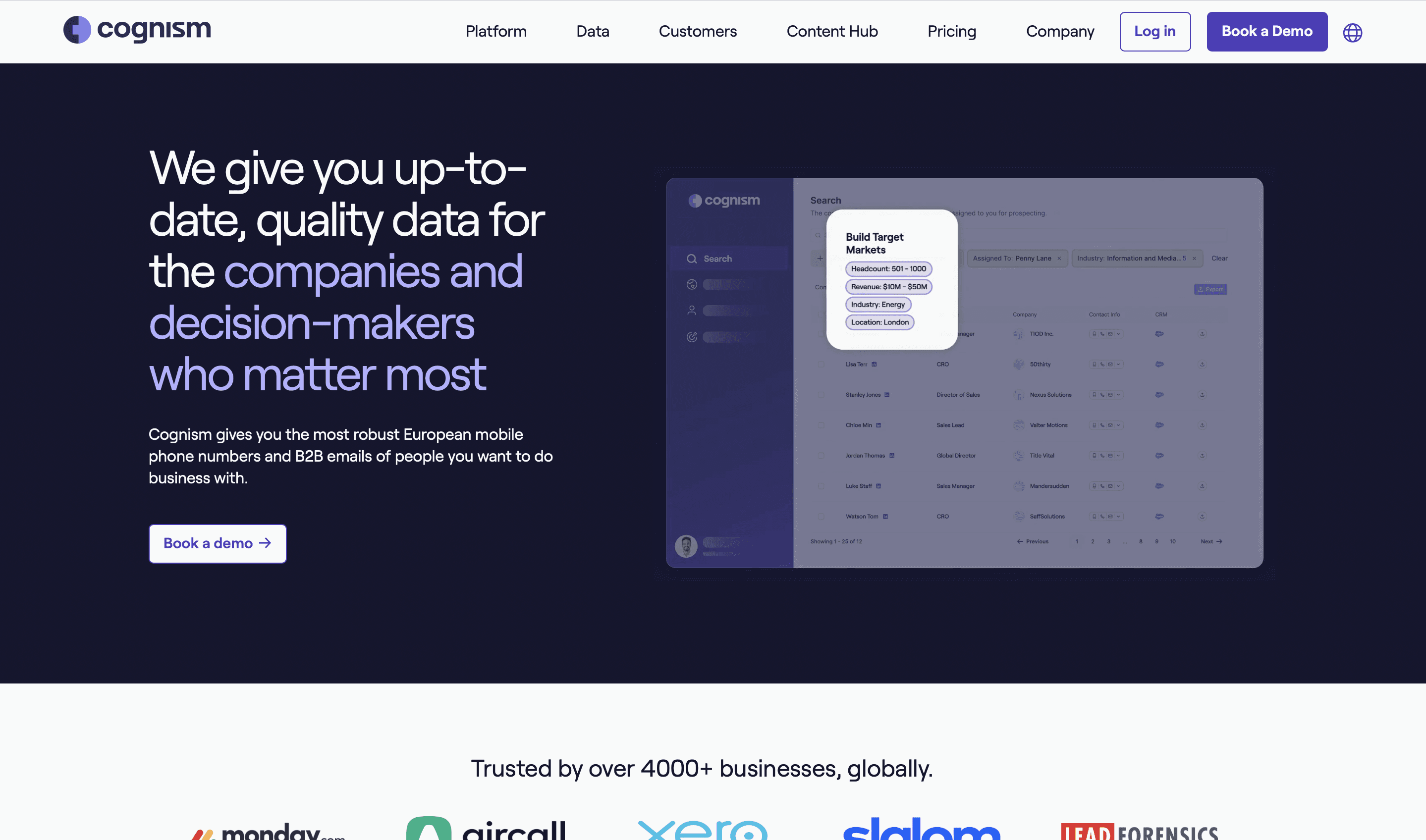
Cognism is the usual pick for teams selling into Europe. Its data is sourced with GDPR in mind, its EMEA coverage is strong, and its phone-verified mobile numbers are the main reason many teams buy it. If your territory is the UK, DACH, France or the Nordics, it's worth a trial against the US-first databases.
Outside Europe the advantage narrows. For US-only targeting, ZoomInfo or Apollo often matches or beats it on depth.
Best fit: European-focused outbound, teams that rely on cold calling, compliance-sensitive organizations.
Skip it if: you only sell in the US.
Pricing: quote-based. Buyers report an annual platform fee plus per-seat licenses, with plan level (Grow or Elevate) deciding which data is included.
10. Clearbit (now Breeze Intelligence in HubSpot)
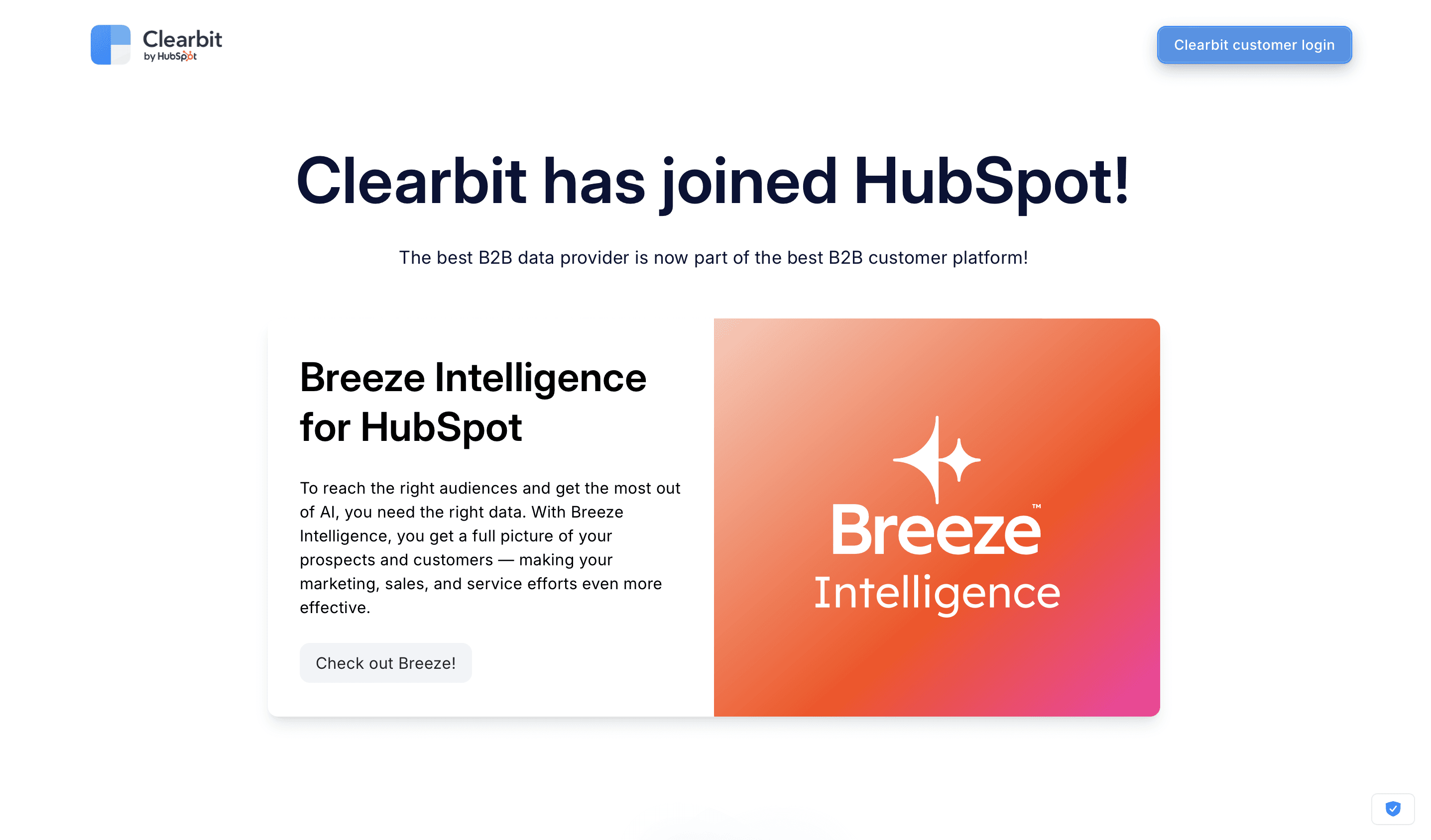
Clearbit is no longer a standalone product. HubSpot acquired it and folded its data into HubSpot as Breeze Intelligence. It enriches contact and company records inside HubSpot, shortens forms by filling in known fields, and flags companies visiting your site that show buying intent.
So it's an inbound and CRM enrichment tool, not a list-building one. If you need a searchable database to start outbound from, look elsewhere. If you're a HubSpot customer who wants inbound leads enriched automatically, it's the path of least resistance.
Best fit: HubSpot customers enriching form fills and CRM records.
Skip it if: you don't use HubSpot, or you need outbound lists.
Pricing: requires a paid HubSpot subscription, and enrichment uses HubSpot Credits. Check HubSpot's current pricing for credit amounts per plan.
11. Reply.io
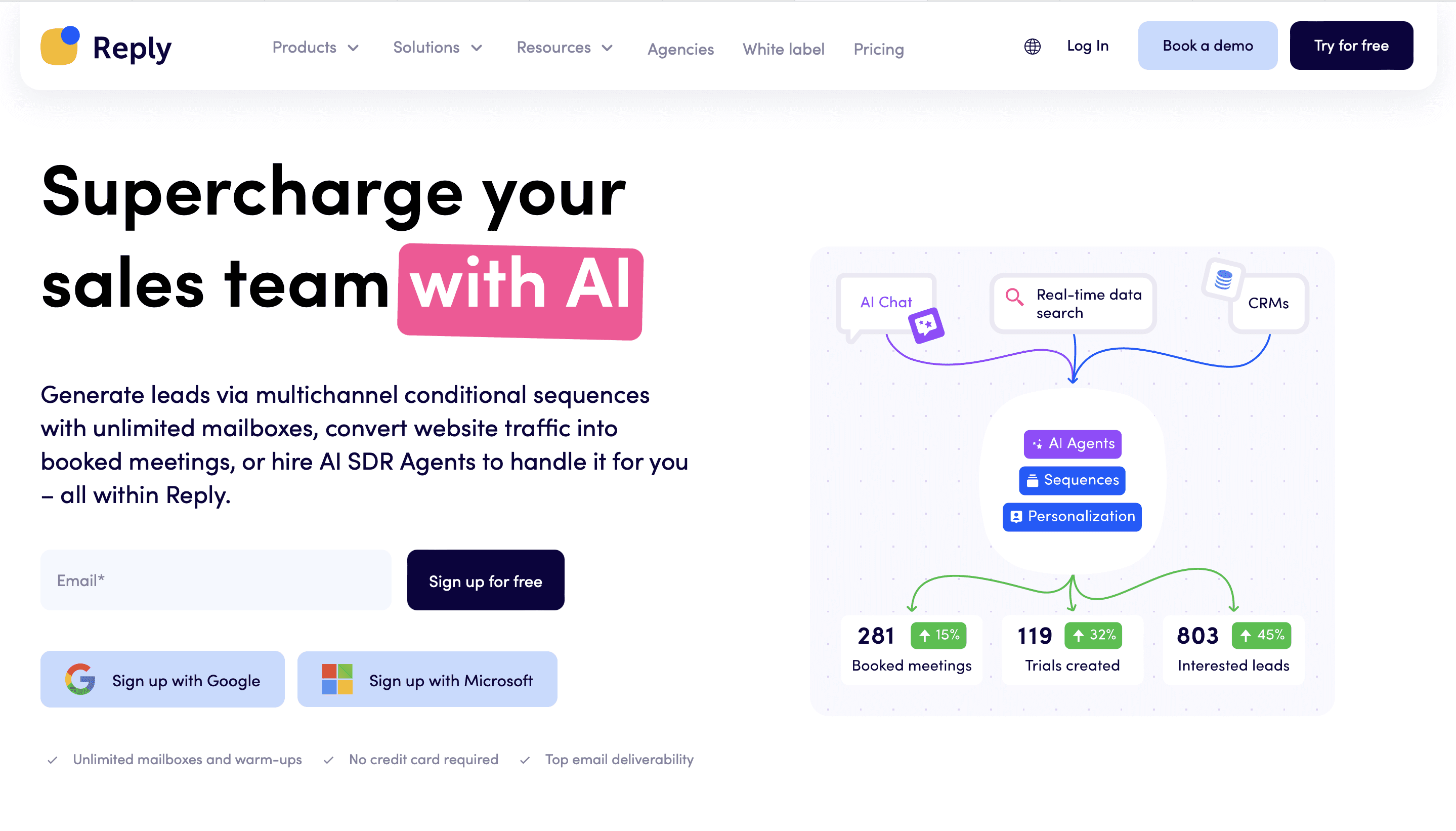
Reply is a sequencing platform that leans harder into multichannel than most: email, LinkedIn steps, calls and SMS in the same sequence, plus a built-in contact database and an AI SDR agent (Jason AI) that can run outreach and handle replies. If your motion genuinely uses several channels per prospect, having them in one sequence keeps timing straight.
The interface can feel busy, and the database is a convenience rather than the reason to buy. You buy Reply for the sequencer.
Best fit: teams running real multichannel sequences who want something between Apollo's simplicity and Outreach's enterprise scope.
Skip it if: you only send email. A simpler email tool is cheaper.
Pricing: per-user plans for email and multichannel, with AI SDR and agency plans priced separately. Check Reply's pricing page for current numbers.
12. lemlist
lemlist made its name on personalization: custom variables, personalized images and landing pages, and careful attention to deliverability. It has since grown into a multichannel platform with LinkedIn, calls, WhatsApp and SMS steps, plus a built-in lead database with email and phone finding.
Personalization only helps if the list and timing are right, though. A beautifully personalized sequence to the wrong accounts still gets ignored, so lemlist works best fed by a strong data and signals layer.
Best fit: small and mid-sized teams running personalization-first, multichannel outbound.
Skip it if: you mainly need raw sending volume across many inboxes at the lowest cost.
Pricing: Email plan at $69/month ($55 billed annually), Multichannel at $109/month ($87 billed annually), Enterprise quoted. There's a 14-day free trial.
13. GetProspect
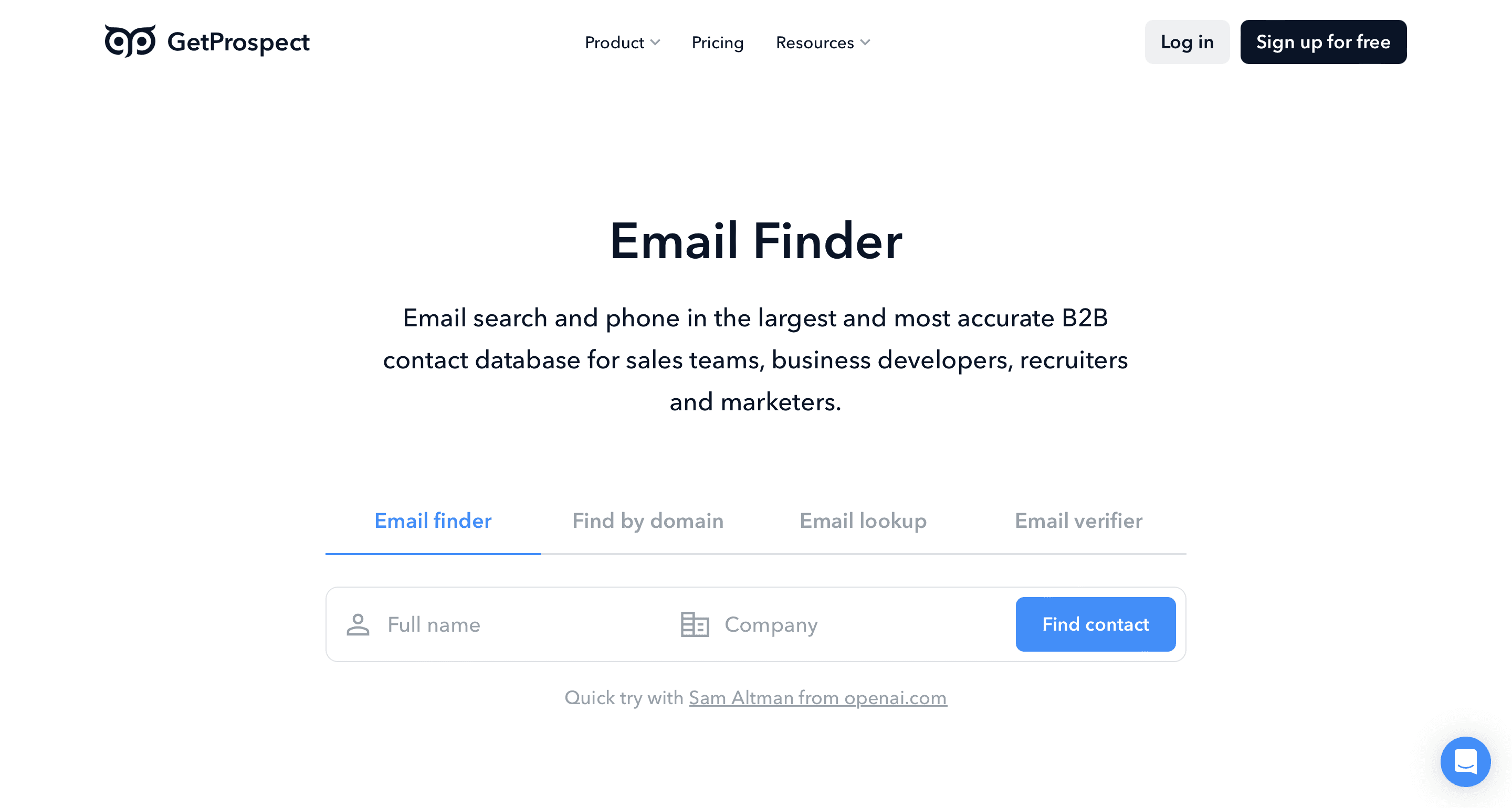
GetProspect is a budget option in the data layer. Its Chrome extension finds emails from LinkedIn profiles, and it adds a B2B database, verification and simple campaigns. For solo founders and small teams who need a few hundred verified emails a month, it's a reasonable place to start.
Depth and accuracy won't match ZoomInfo, Cognism or a multi-provider waterfall, and reviewers note that extensions which scrape LinkedIn can put your LinkedIn account at risk of restrictions. You're trading coverage and some risk for price.
Best fit: solo operators, very early teams, tight budgets.
Skip it if: you need scale, phone numbers, or coverage in niche segments.
Pricing: free plan with 50 valid emails a month, then paid tiers by email volume, with discounts for annual billing.
14. Instantly
Instantly is built for high-volume cold email. Every plan includes unlimited sending accounts and warmup, which is the main draw for teams and agencies running campaigns across many domains. It has also added a lead database, a light CRM and AI reply handling, sold as separate credits or bundles.
The tool is very good at its job. Whether you should send high-volume cold email is a separate question about your ICP, relevance and sender reputation. Senior enterprise buyers rarely respond to volume, and Gmail's sender rules punish senders whose recipients mark mail as spam.
Best fit: cold email at scale, agencies, teams managing many sending domains.
Skip it if: you need phone and LinkedIn steps in the same sequence, or you sell to a small list of enterprise accounts.
Pricing: outreach plans are Growth at $47/month, Hypergrowth at $97/month and Light Speed at $358/month, about 20% less billed annually. The lead database is sold as credits or in bundles.
15. Kaspr
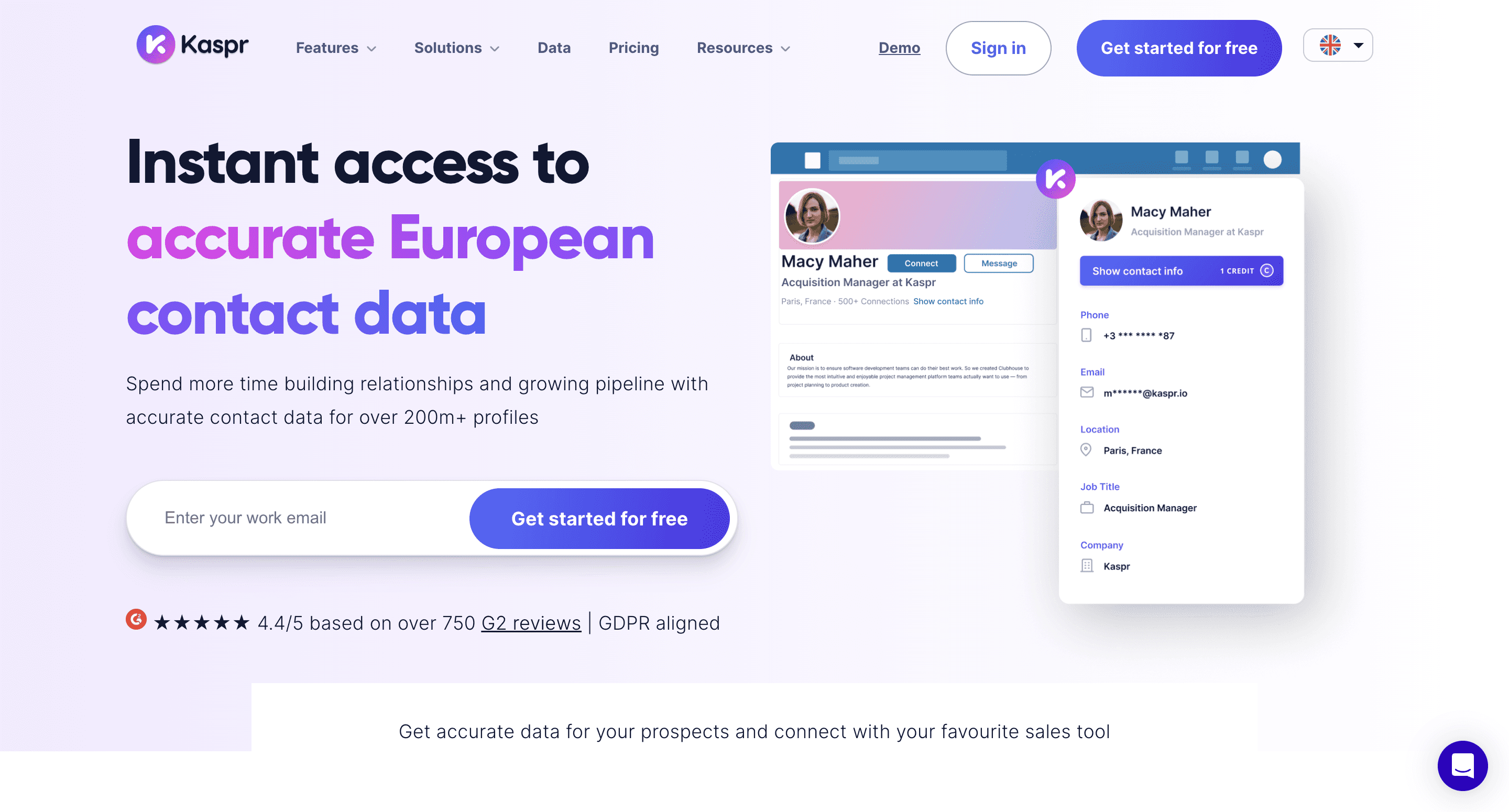
Kaspr is a Chrome extension that shows emails and phone numbers while you browse LinkedIn, including Sales Navigator and Recruiter Lite on higher plans. It's owned by Cognism and focuses on European contact data, so it's a practical daily tool for reps whose prospecting runs through LinkedIn.
Outside Europe the coverage advantage fades, and US-focused reps have stronger options.
Best fit: European reps and recruiters working from LinkedIn.
Skip it if: your prospecting doesn't start on LinkedIn, or you mostly target the US.
Pricing: free plan with a small number of monthly credits, then per-user Starter, Business and Enterprise plans.
How to build the right stack
If you're starting from scratch, work through the layers in this order:
Pick one data tool. Databar if your ICP is mixed or you want several providers in one place, ZoomInfo for enterprise US, Cognism for Europe, Apollo if you want the all-in-one. One, not two.
Add Sales Navigator if your buyers are active on LinkedIn, which is true for most B2B ICPs.
Pick one execution tool. Instantly for volume email, Reply.io or lemlist for multichannel, Outreach for large teams with ops support.
Use a CRM from day one. HubSpot's free tools are fine at the start. Which CRM matters much more once you scale.
Add Leadfeeder only if you have traffic. Otherwise skip it for now.
That's four tools, maybe five. Everything else is for a specific gap you can name. For the list-building process itself, see our step-by-step guide to building B2B lead lists.
FAQ
What's the most common mistake when choosing lead gen platforms?
Buying several tools for the same job: two email finders, three databases. The overlap rarely improves results and multiplies spend. If you need more coverage than one provider gives you, a waterfall across providers is cheaper than stacking separate subscriptions.
How much should a small B2B team spend on lead gen tools?
It depends on seats and volume, but here's a worked example for one rep using list prices quoted above: Sales Navigator Core ($119.99/month), Instantly Growth ($47/month), HubSpot free CRM ($0) and a Databar plan ($99/month) comes to roughly $266 a month. Adding seats, credits or a second channel moves it up from there.
Do I need ZoomInfo, or is Apollo enough?
If you have fewer than 20 reps and sell into SMB or mid-market, Apollo or a multi-provider waterfall usually covers the data need for much less. ZoomInfo earns its price at enterprise scale, selling to enterprise buyers, with budget for an annual contract.
Which platforms are most reliable for B2B lead generation?
Reliability depends on your market. ZoomInfo is strongest for North American enterprise, Cognism for European contacts and mobiles, Sales Navigator for current job titles (people update their own profiles). Whatever you choose, verify emails before sending and spot-check a sample of records against LinkedIn.
How do I know if my stack is working?
Measure meetings, not contacts found. A stack that finds 10,000 contacts and books no meetings is broken. One that finds 500 and books 20 is working. Track qualified meetings per dollar spent on tools and data.
Try Databar with your own list
If coverage is your bottleneck, upload a sample of contacts and run them through a waterfall across 160+ providers to see how many more emails, phones and company details you get. You pay only for results, plans start at $99/month, and the 14-day trial includes the full product.
Recent articles
See all






